Abstract wallpapers
Gradients, marbled paint, glossy shapes, soft landscapes and dreamy scenes — colour first, subject second.
-
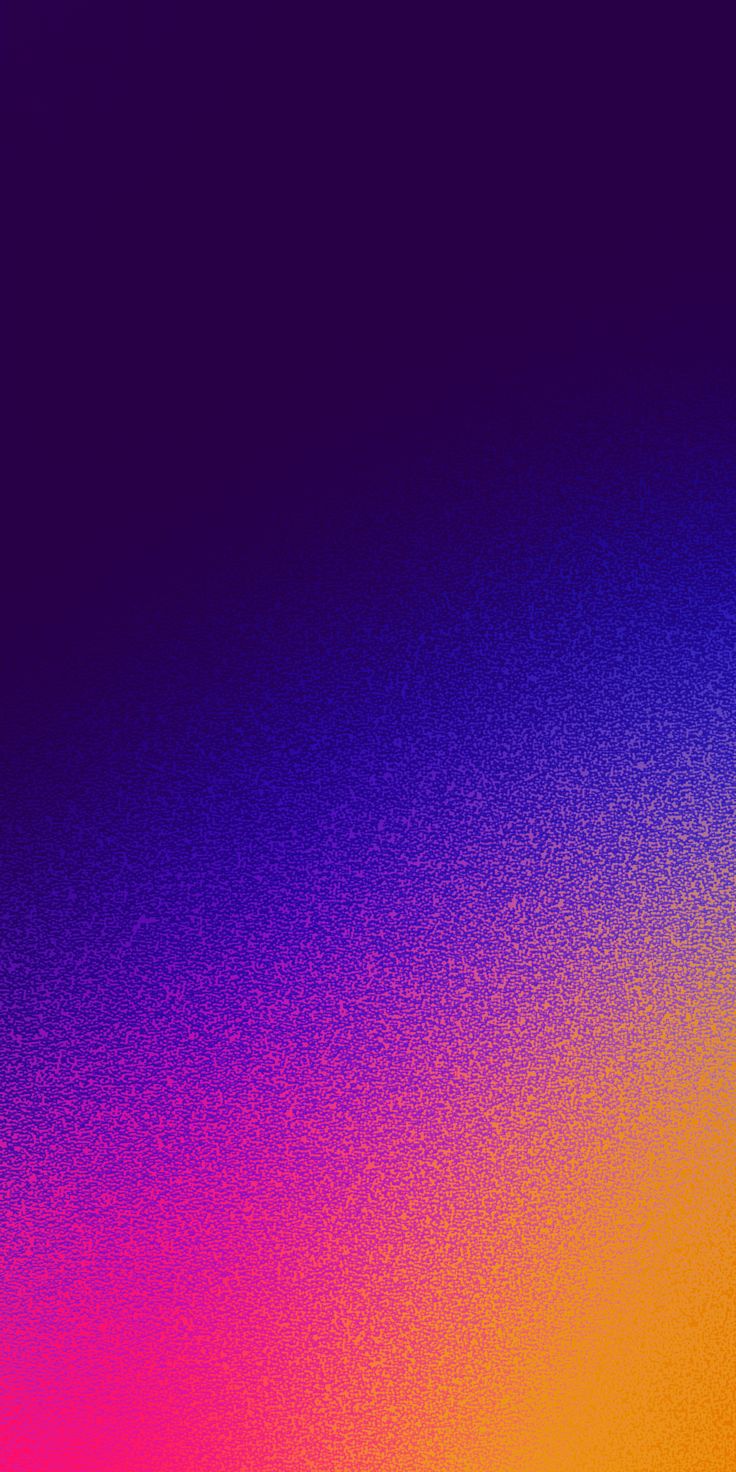 Purple to Orange Glow
-
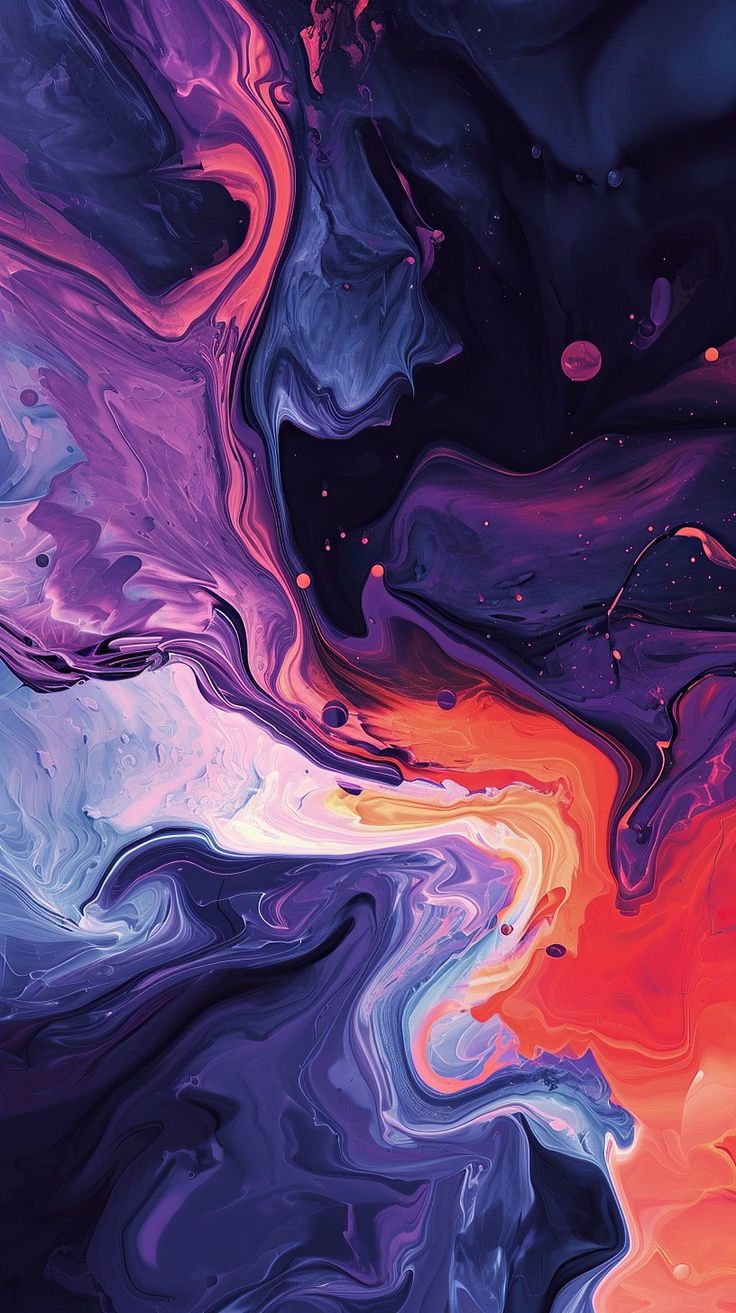 Marbled Blue and Orange
-
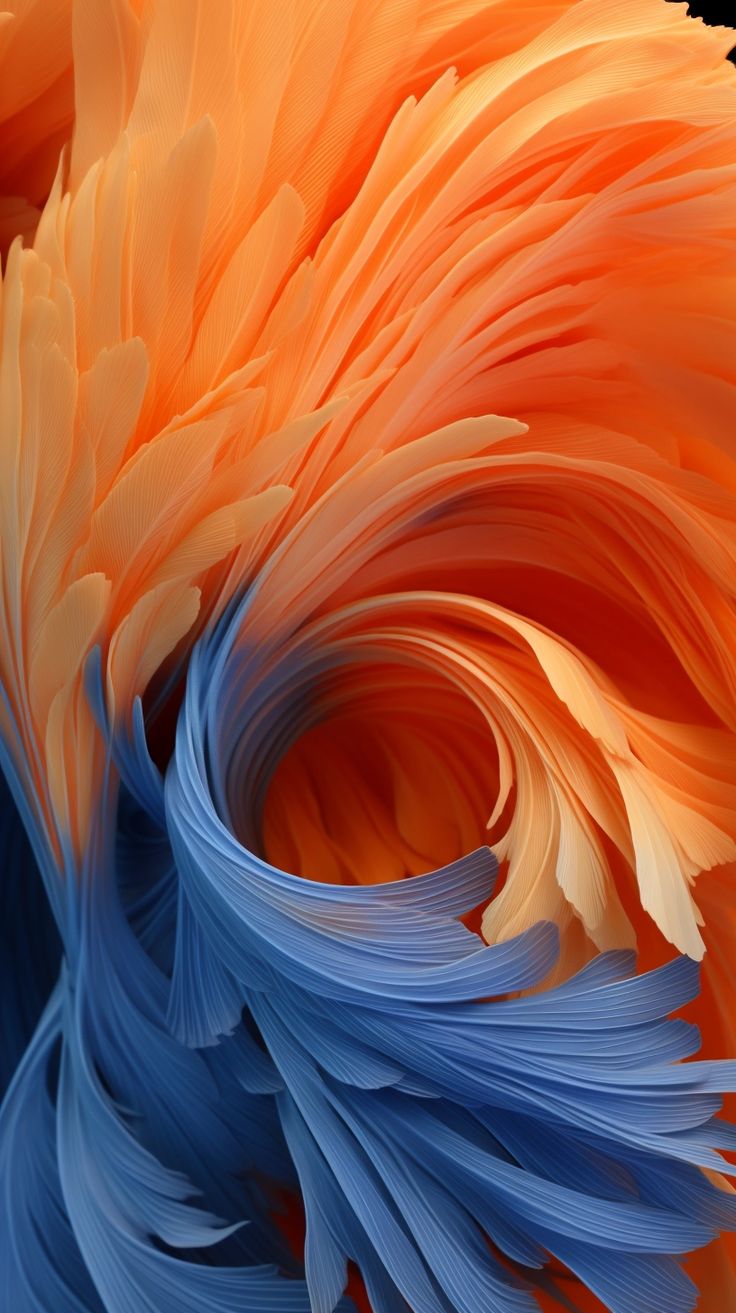 Orange and Blue Plumage
-
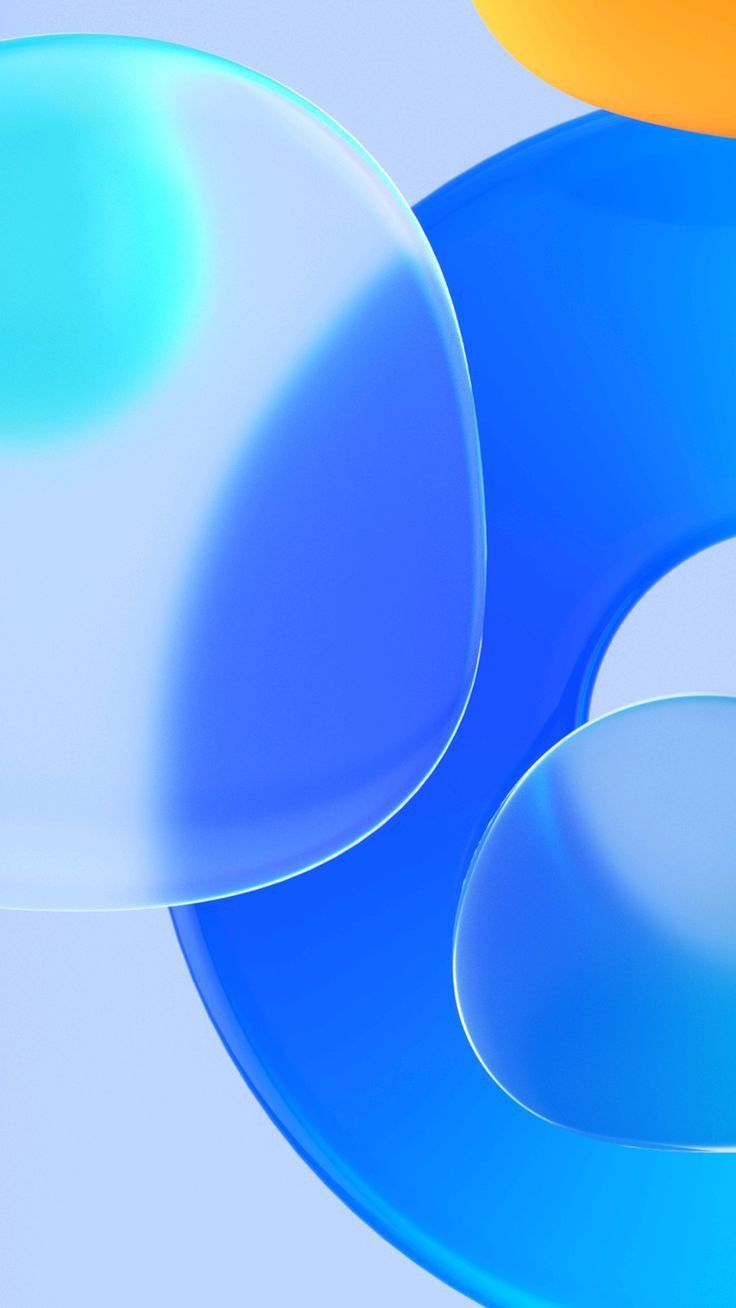 Glossy Blue Bubbles
-
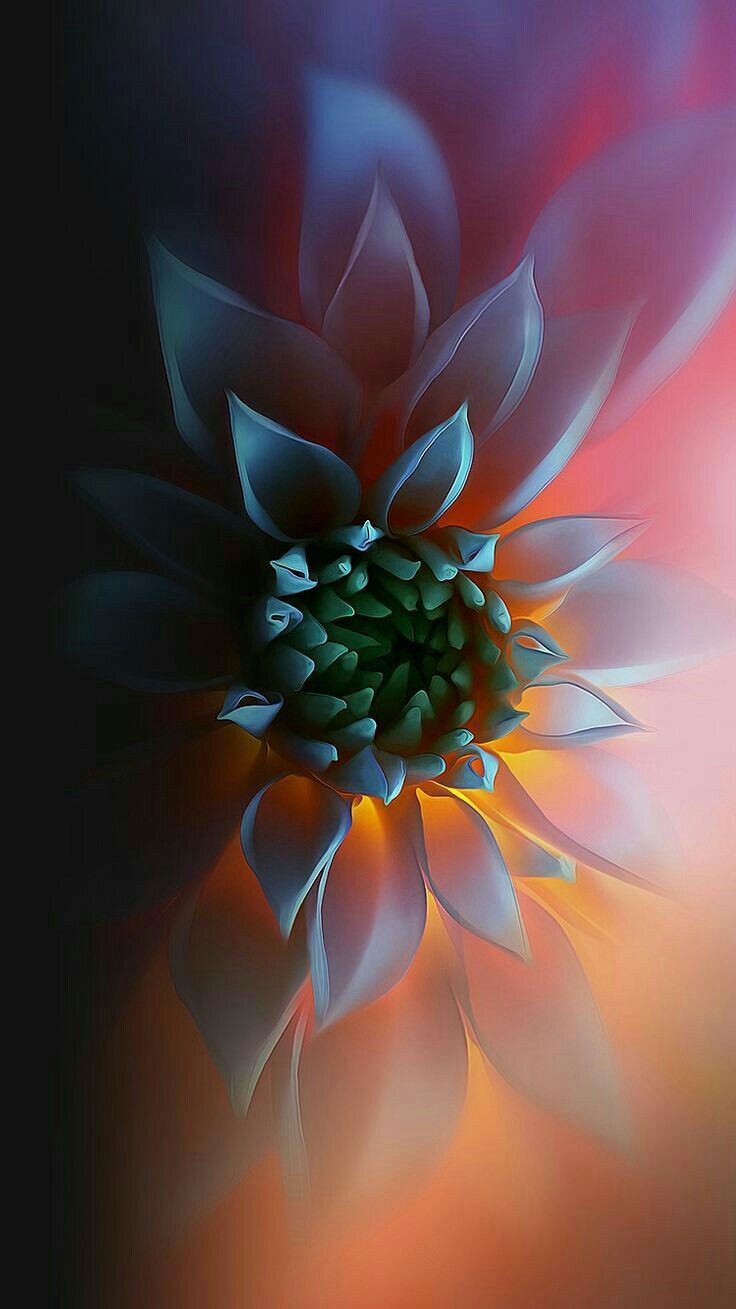 Glowing Dark Flower
-
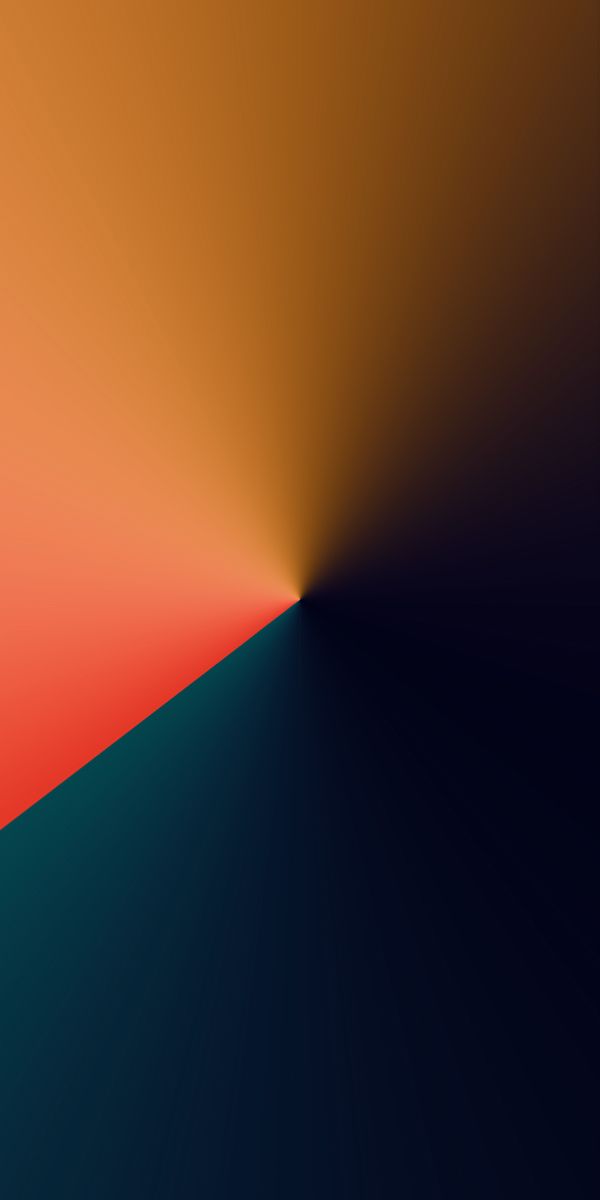 Copper and Teal Cone
-
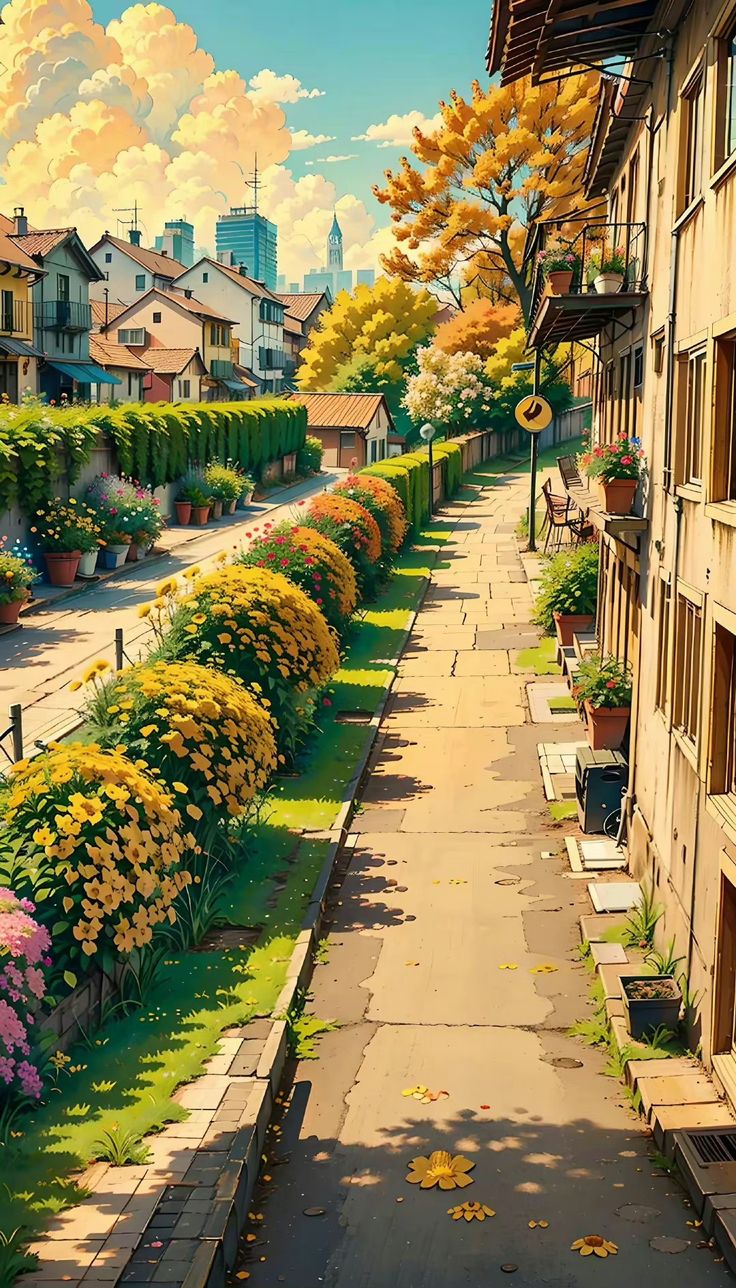 Anime Flower Street
-
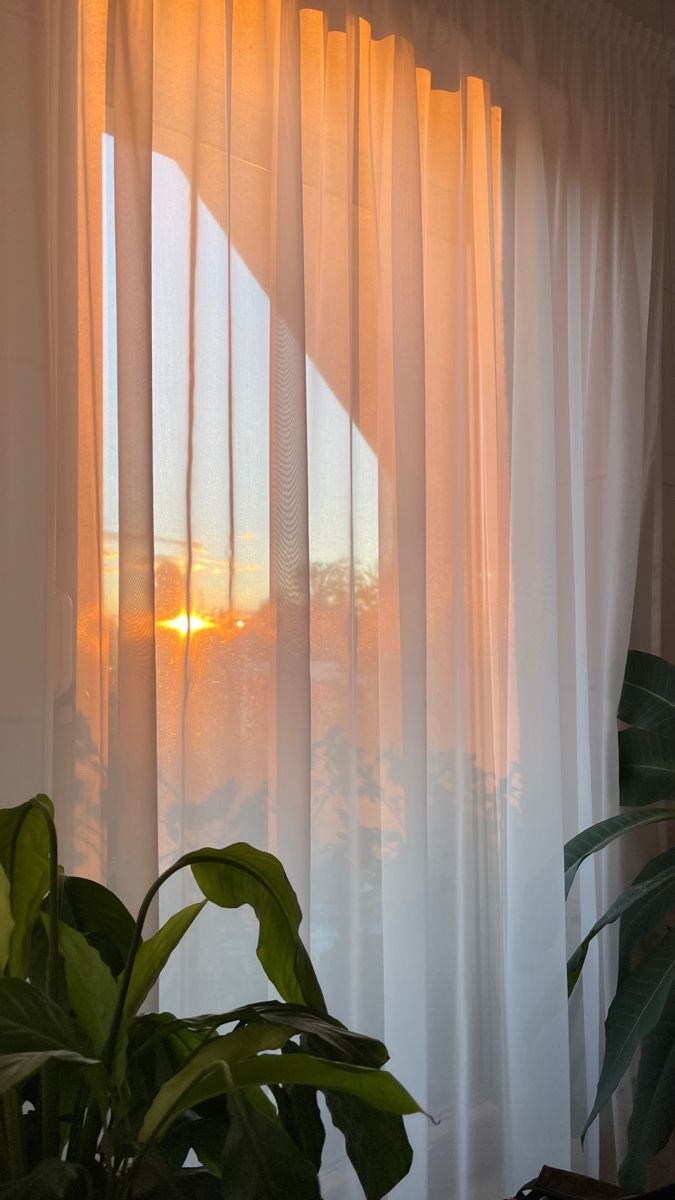 Sunset Through Curtains
-
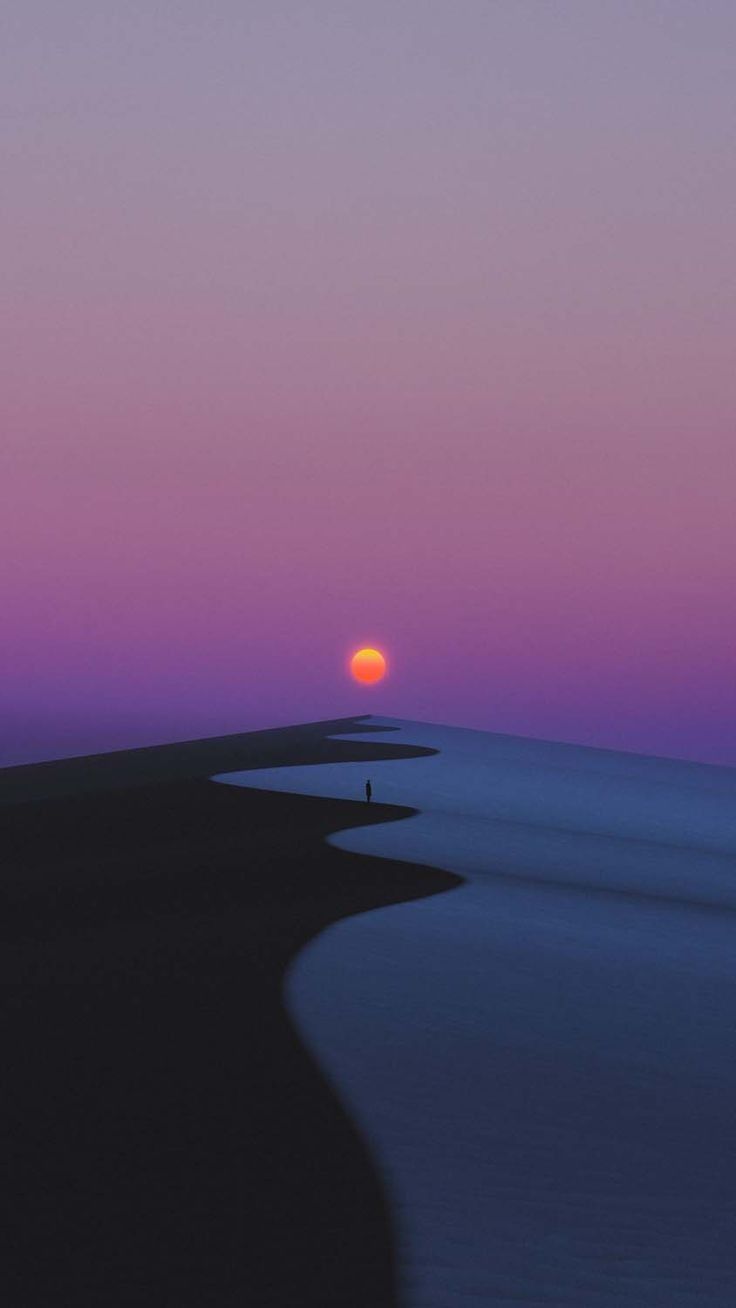 Red Sun over the Shore
-
 Pink Cloud and Plane Trail
-
 Palm Tree Basketball Hoop
-
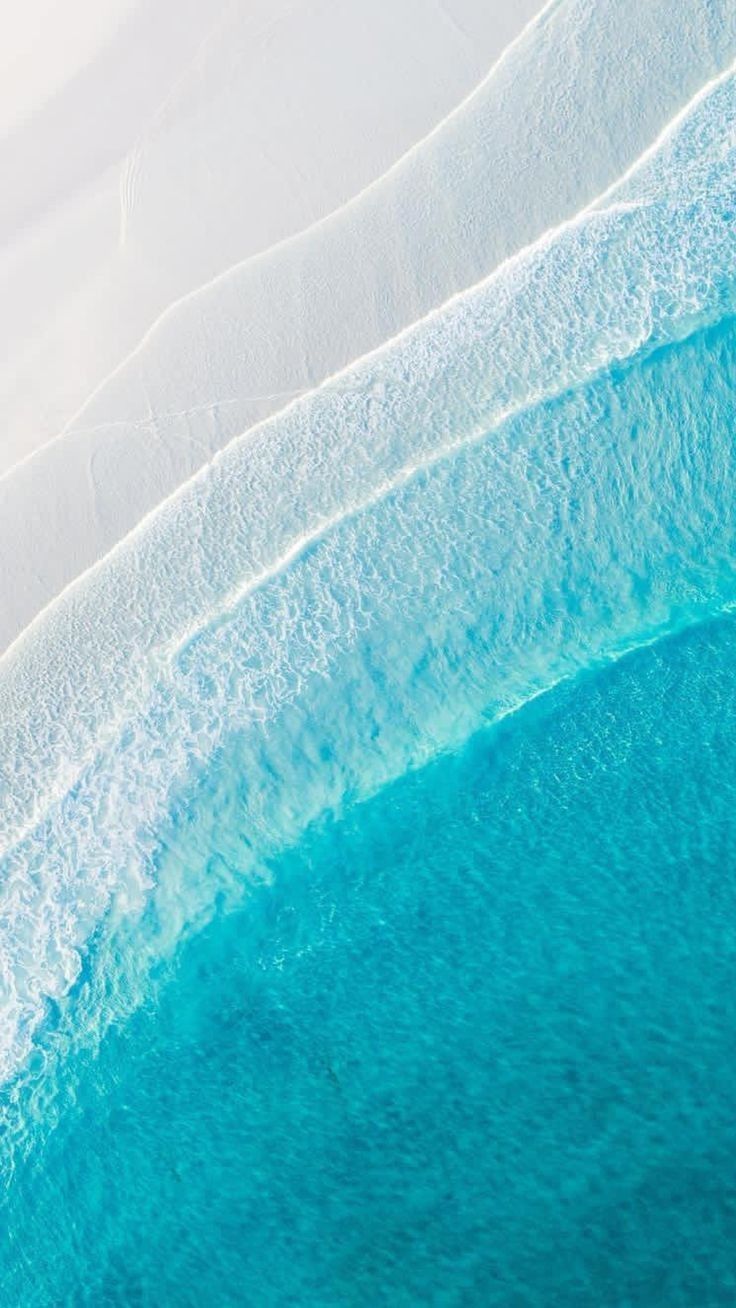 Turquoise Waves from Above
-
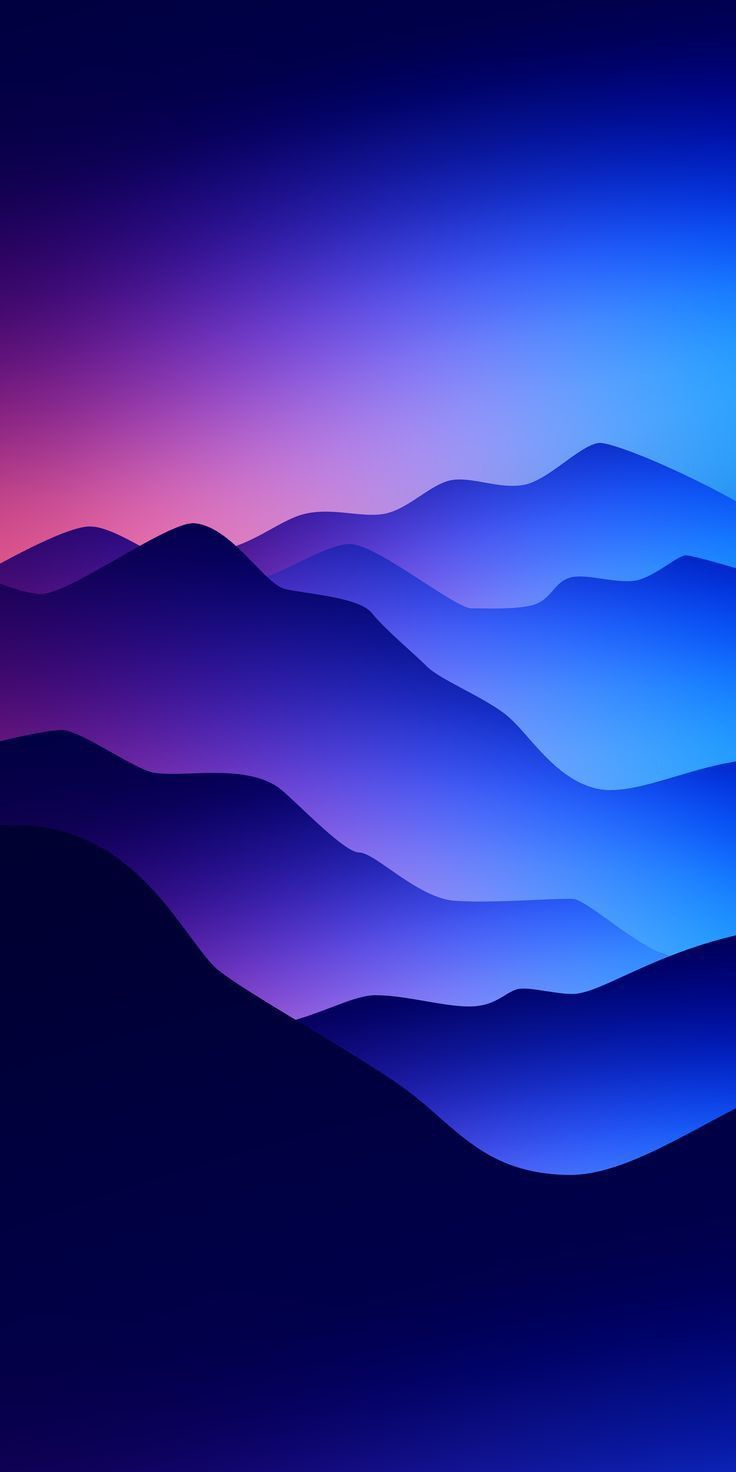 Violet Mountain Ridges
-
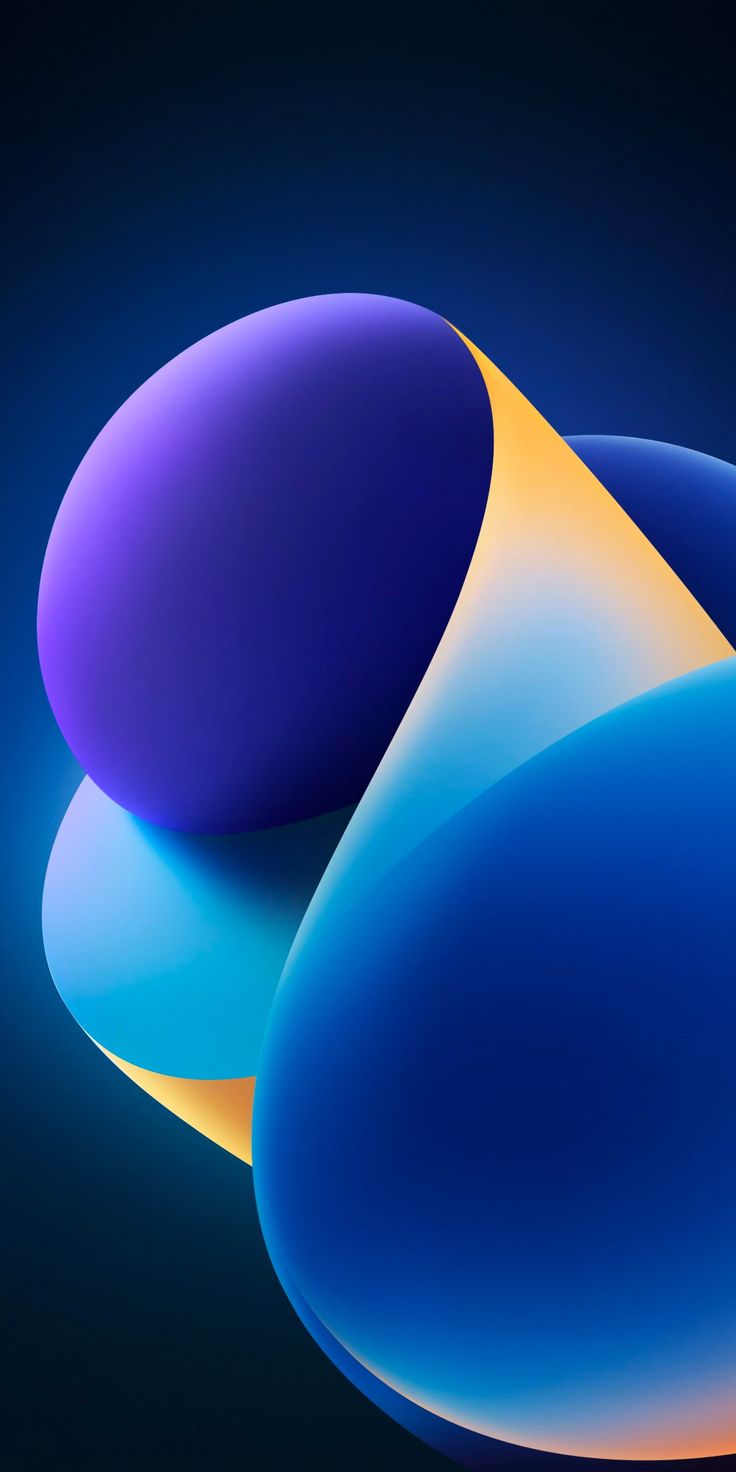 Blue and Gold Ribbons
-
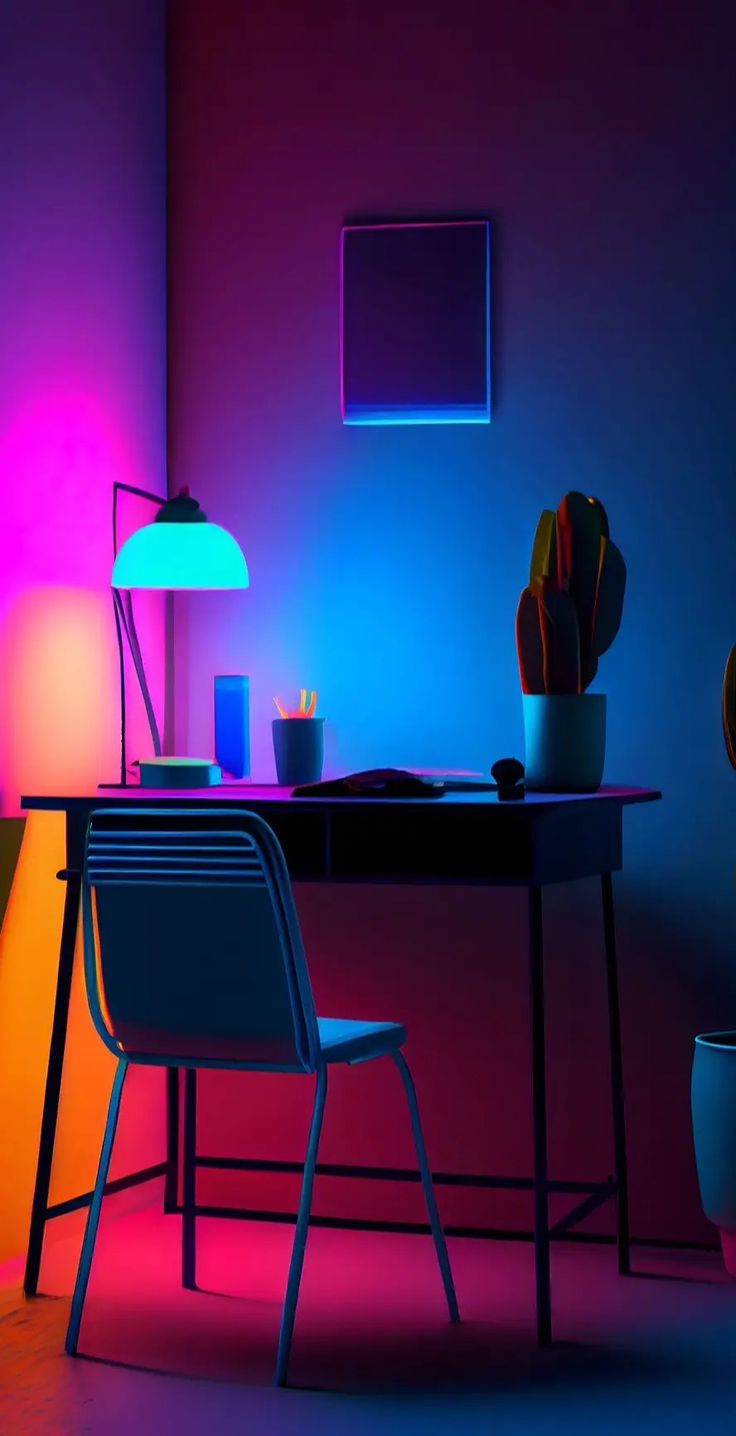 Neon Desk
-
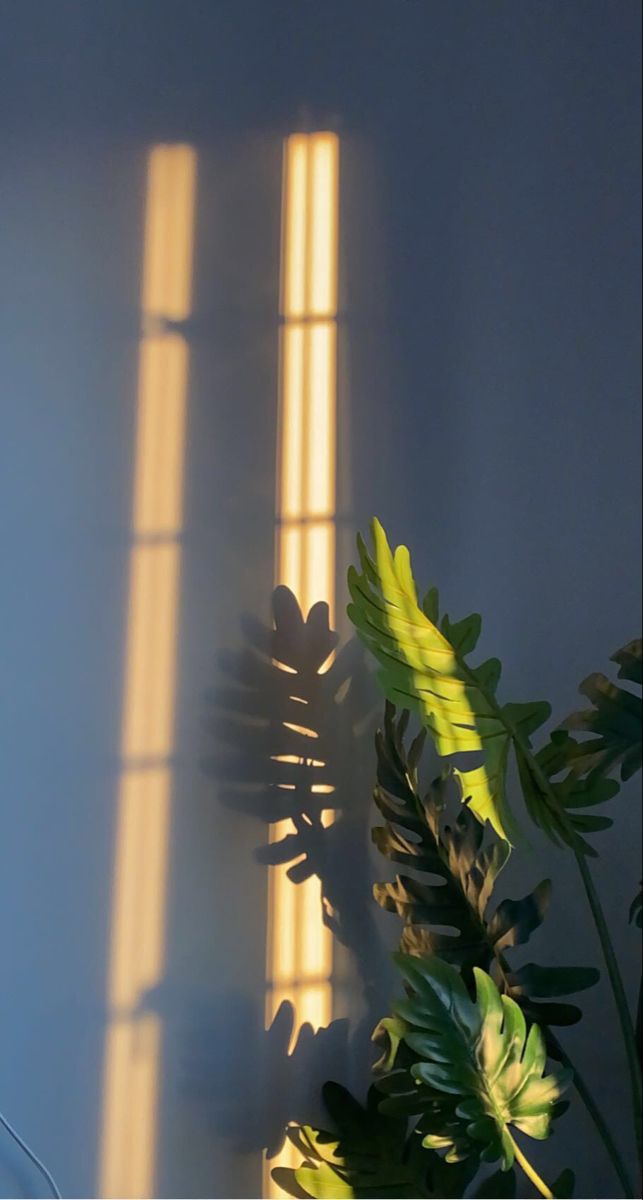 Sunlight Stripes and Leaves
-
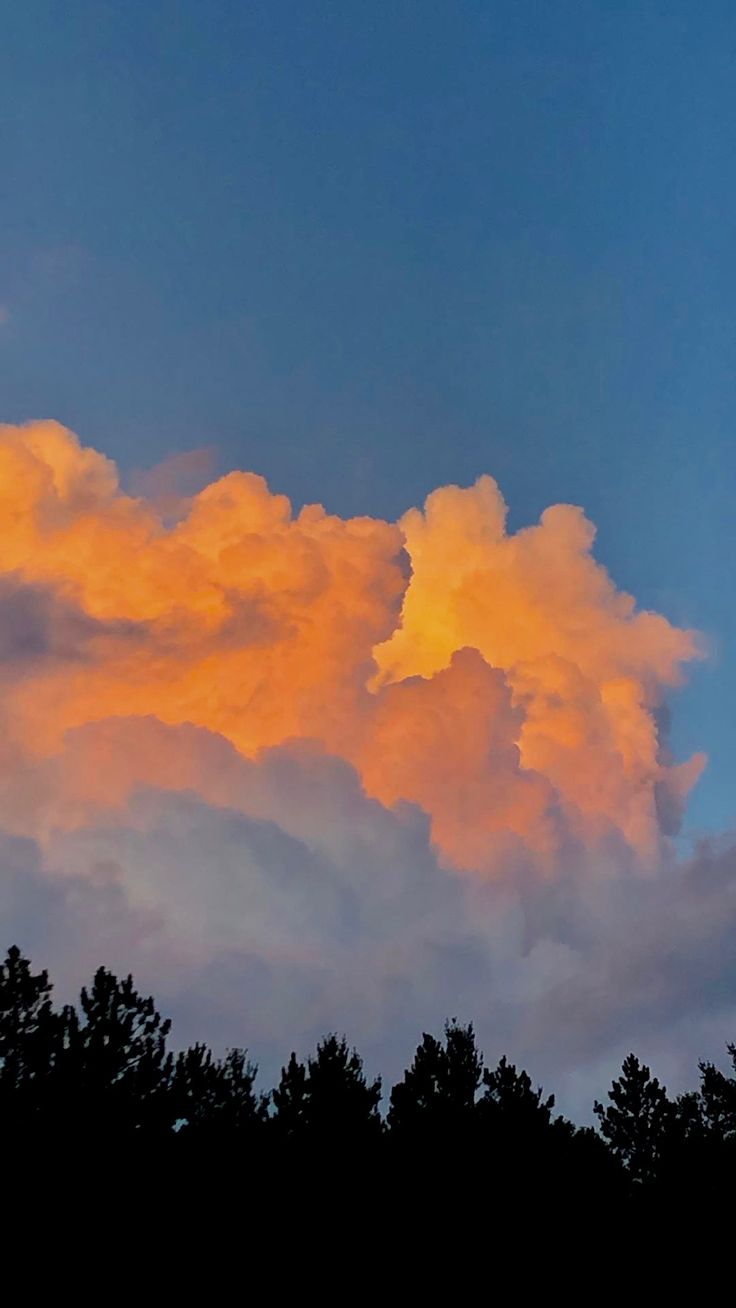 Orange Cloud over the Trees
-
 Straw Hat by the Sea
-
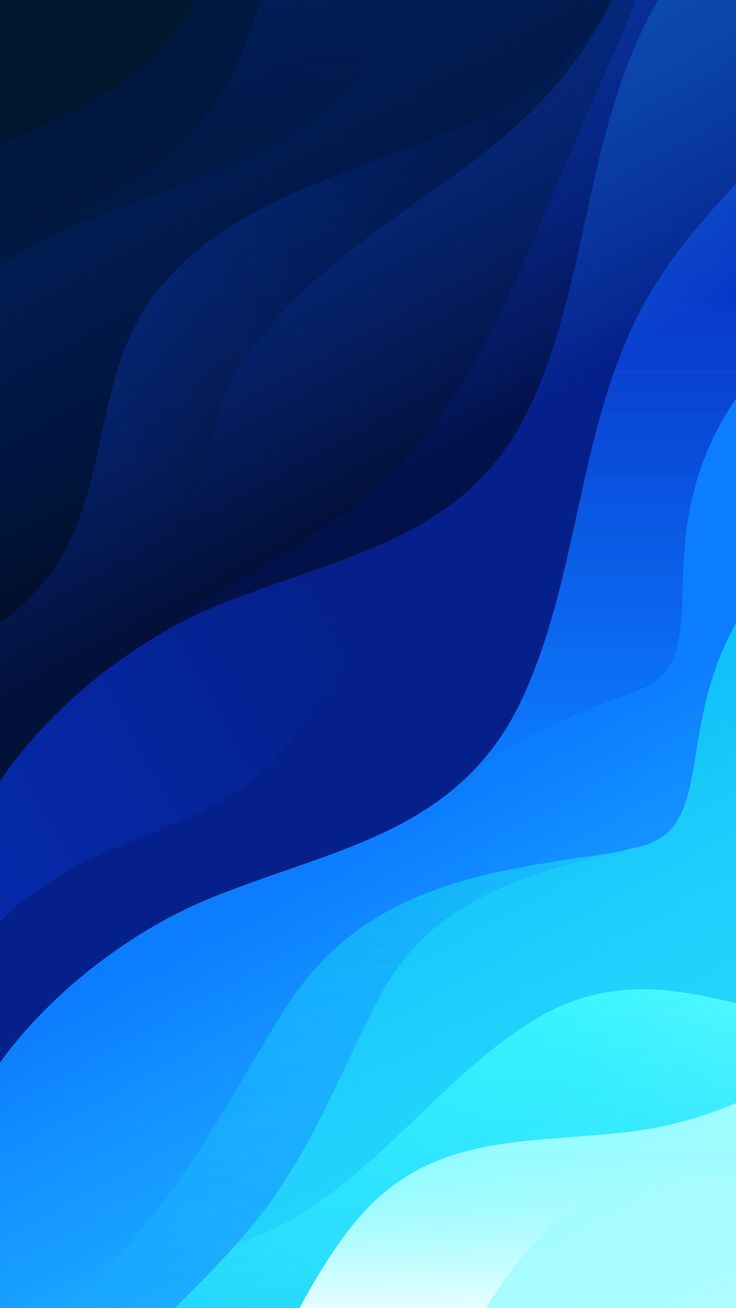 Blue Layered Waves
-
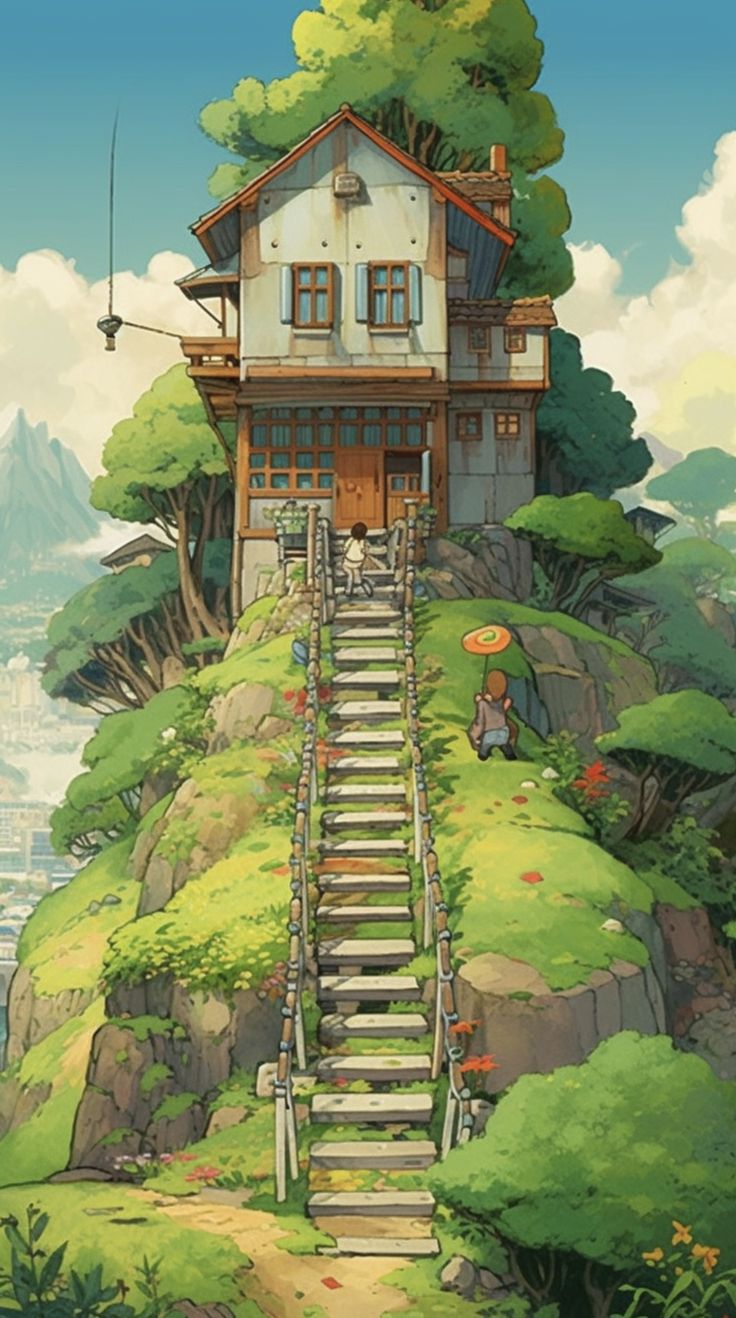 Storybook Hill House
-
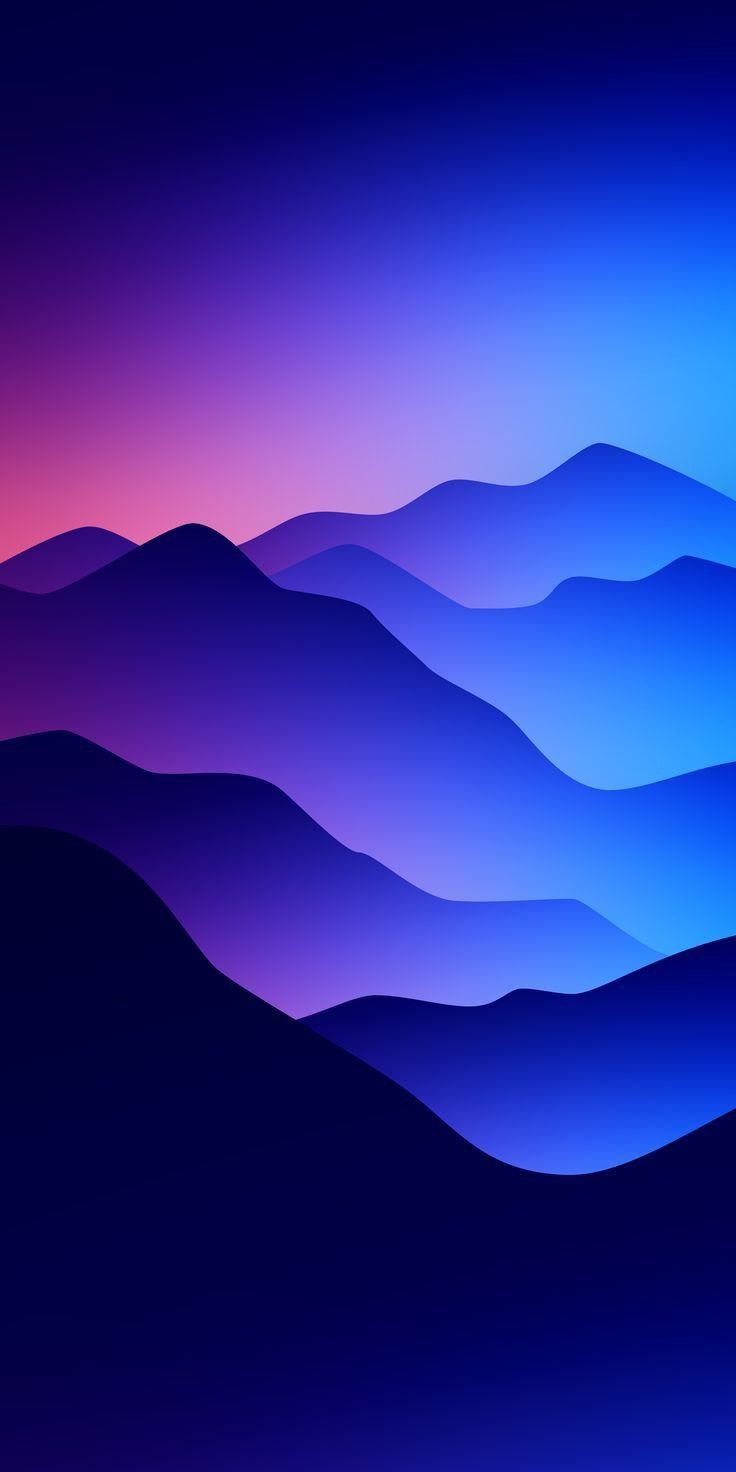 Indigo Mountain Ridges
-
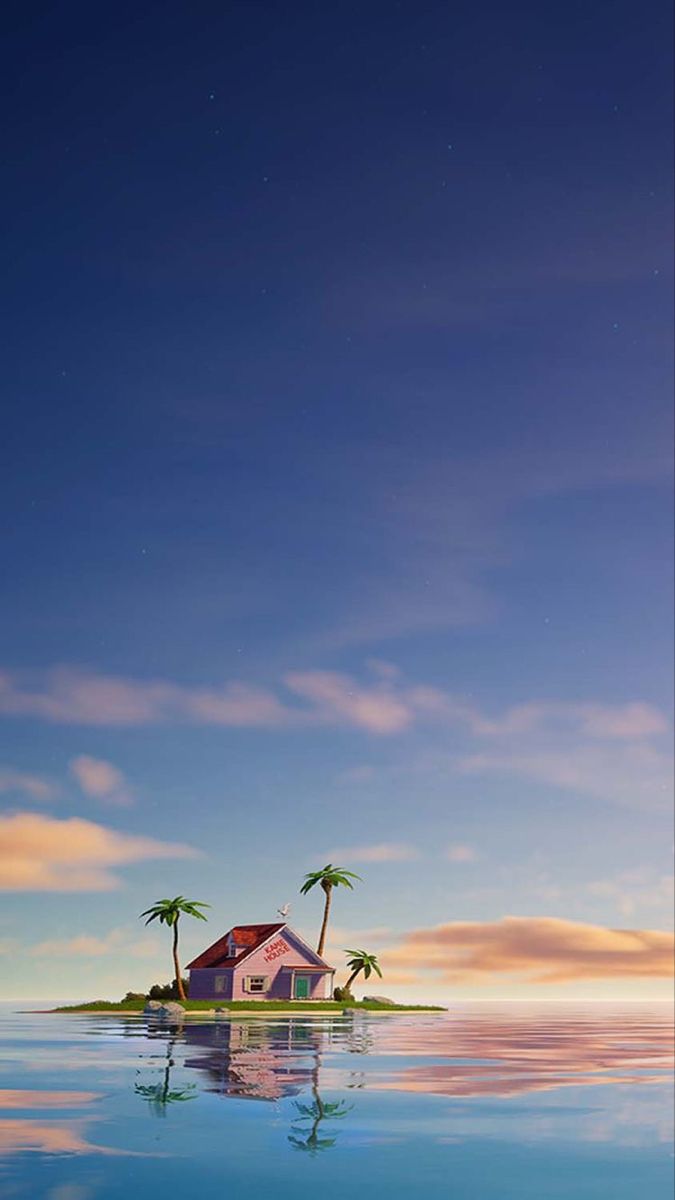 Tiny Island Hut
-
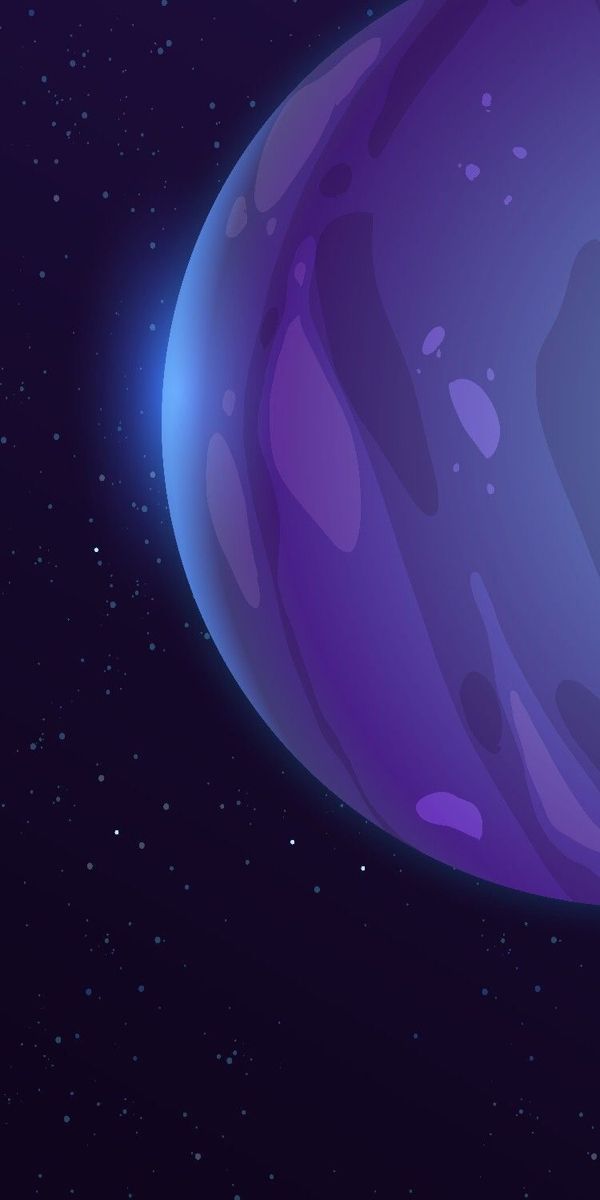 Purple Planet
-
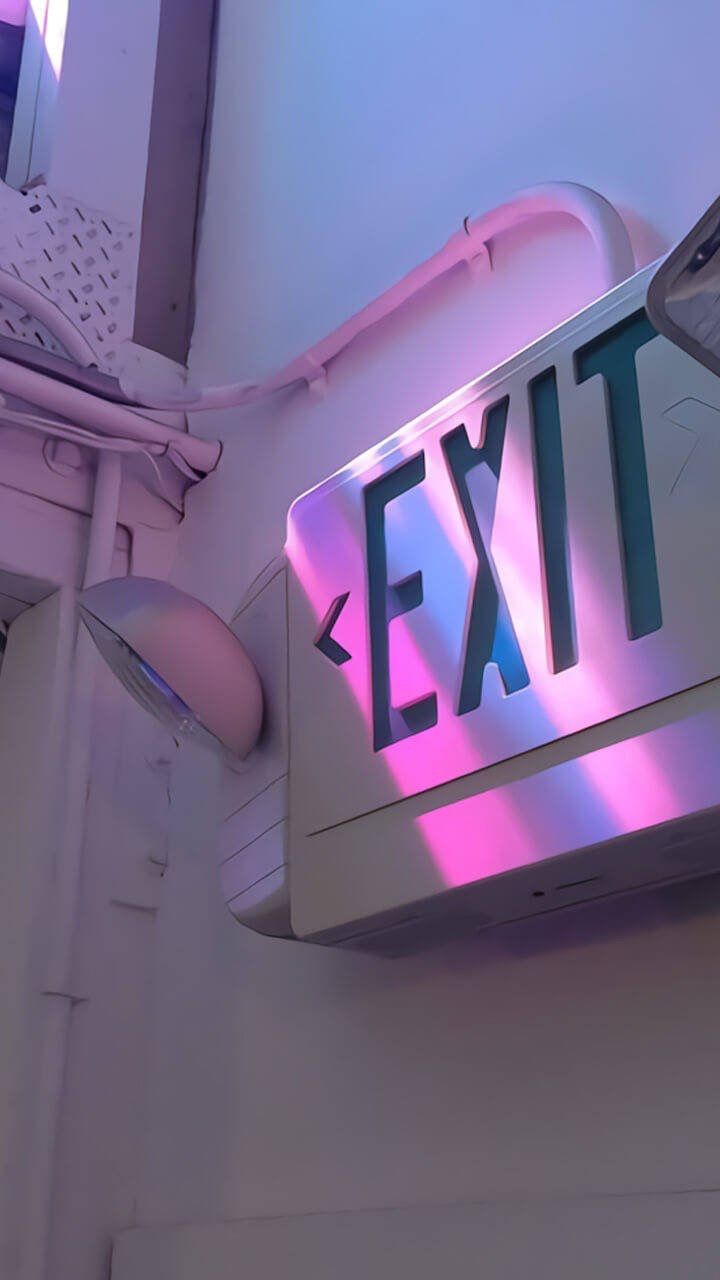 Neon Exit Sign
-
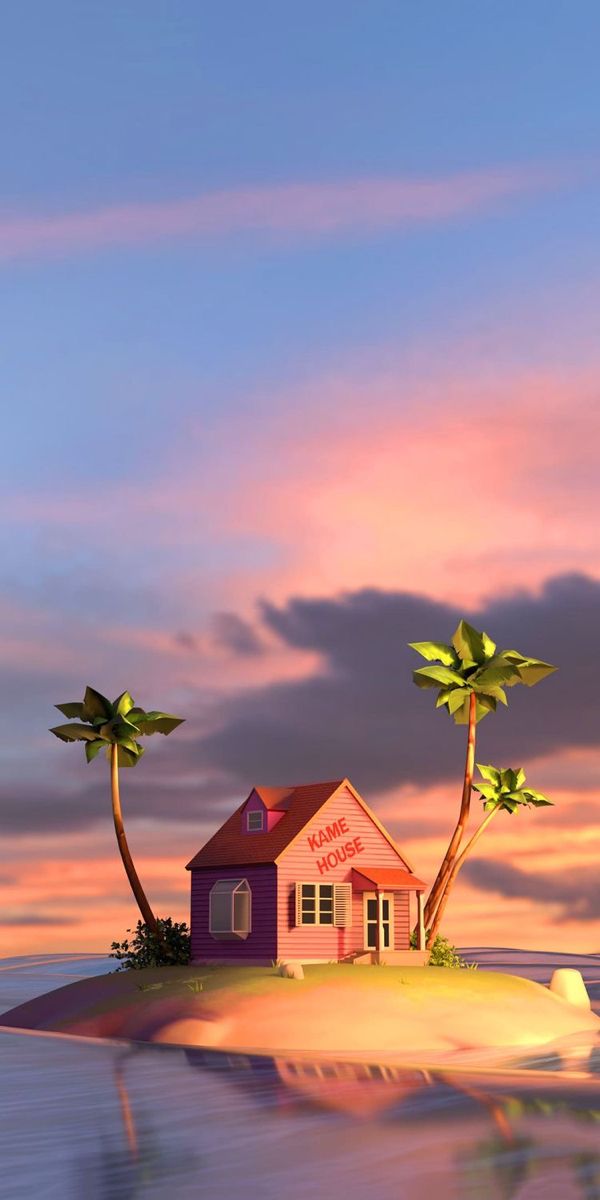 Island Cottage Sunset
-
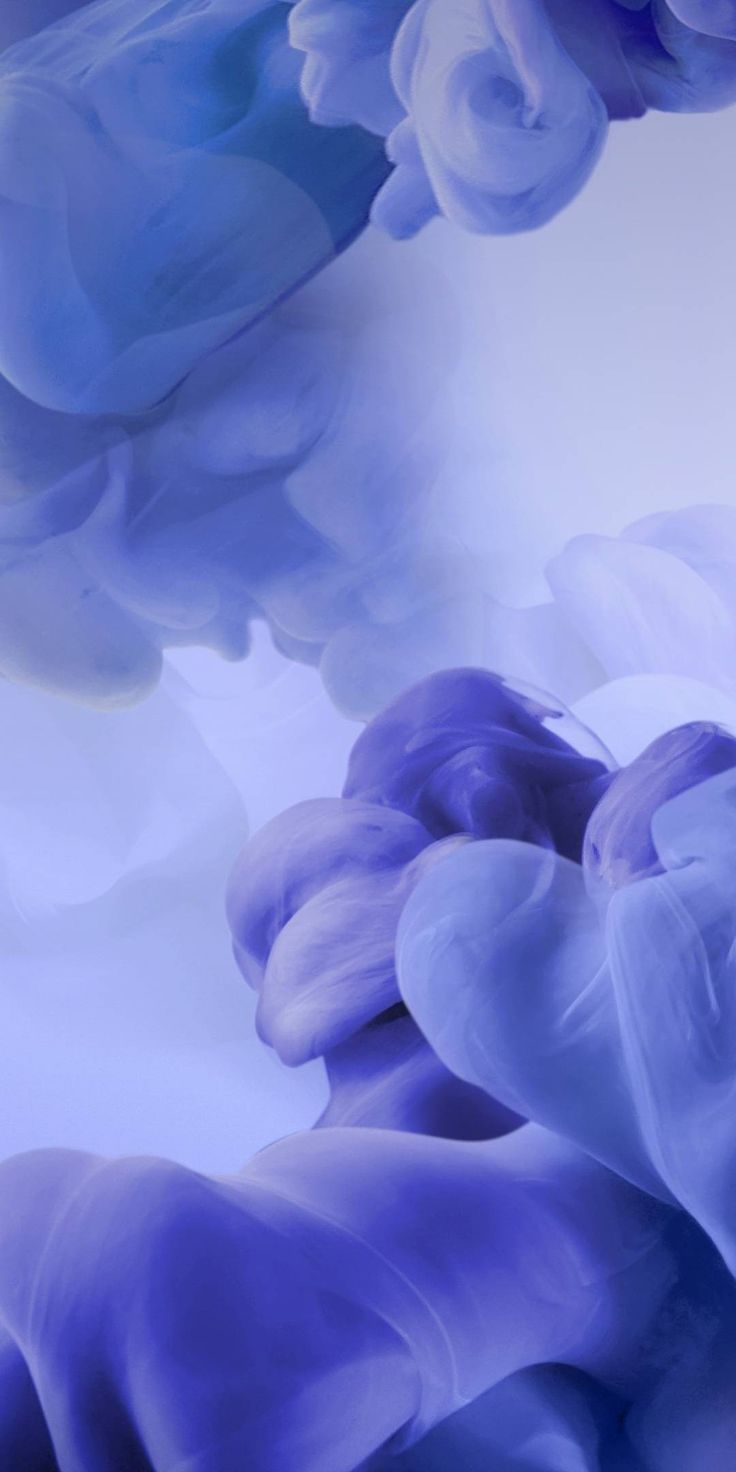 Violet Ink Clouds
-
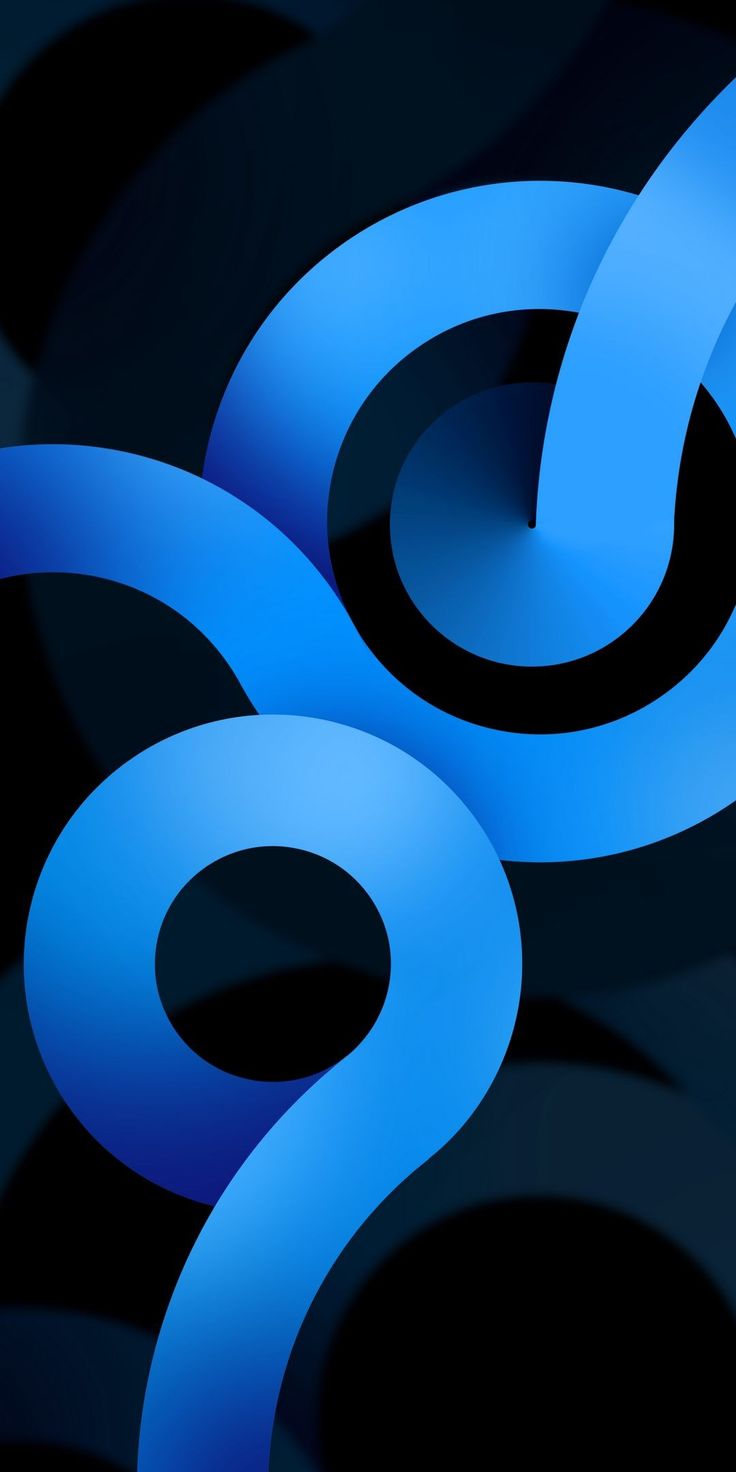 Blue Ribbon Curls
-
 Retro Wave Bands
-
 Blue Magenta Streaks
-
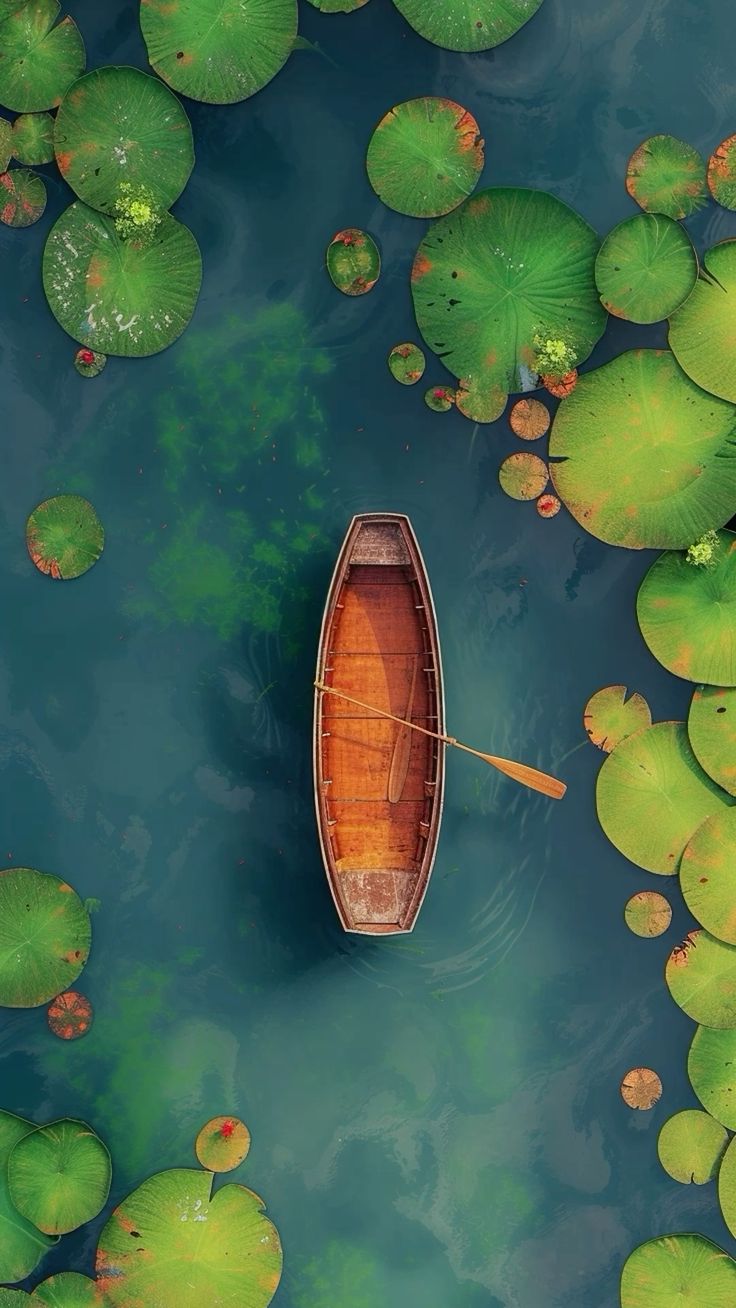 Rowing Boat Among Lily Pads
-
 Glossy Hexagons
-
 Violet to Pink Gradient
-
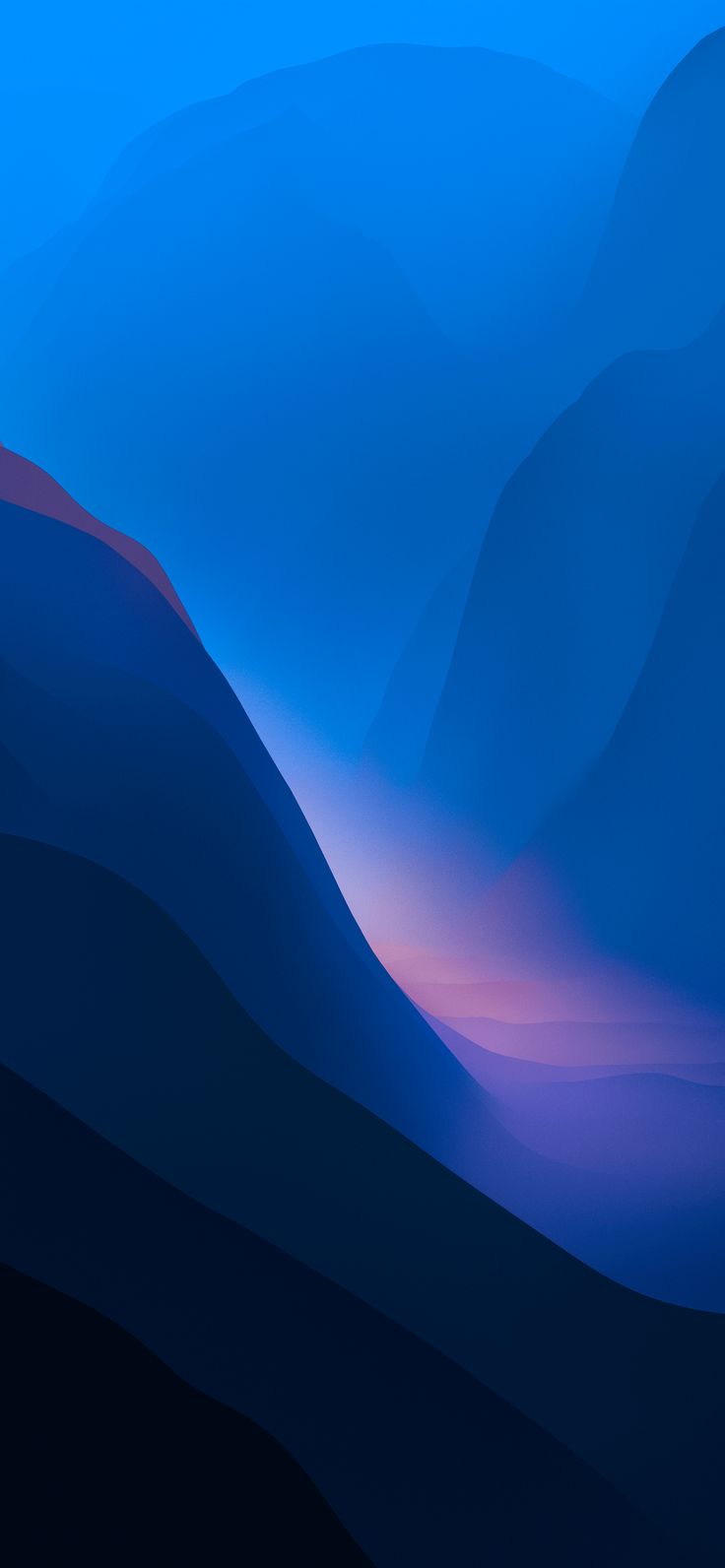 Deep Blue Folds
-
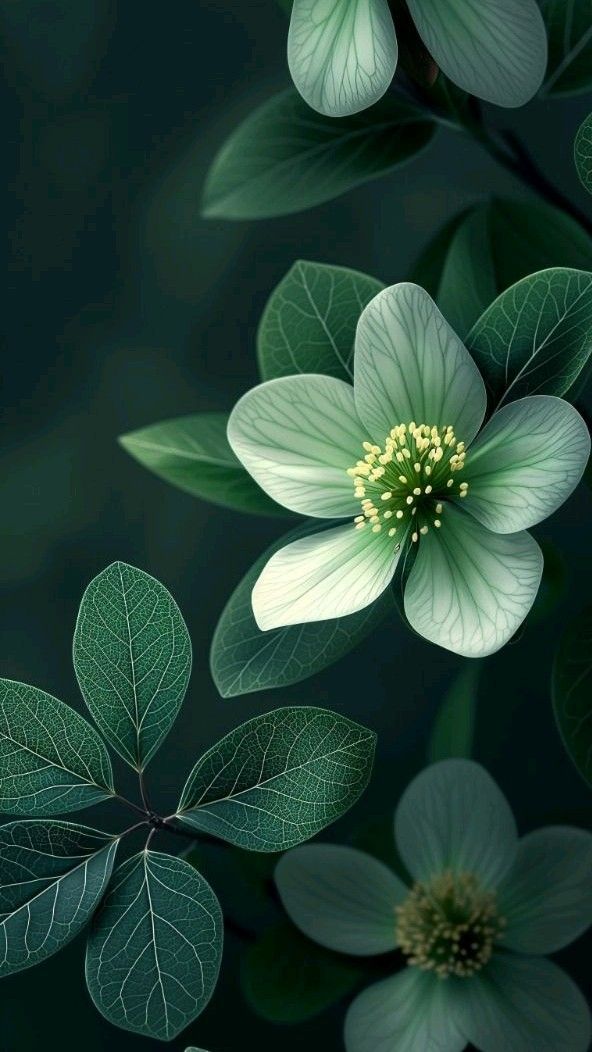 Pale Green Flower
-
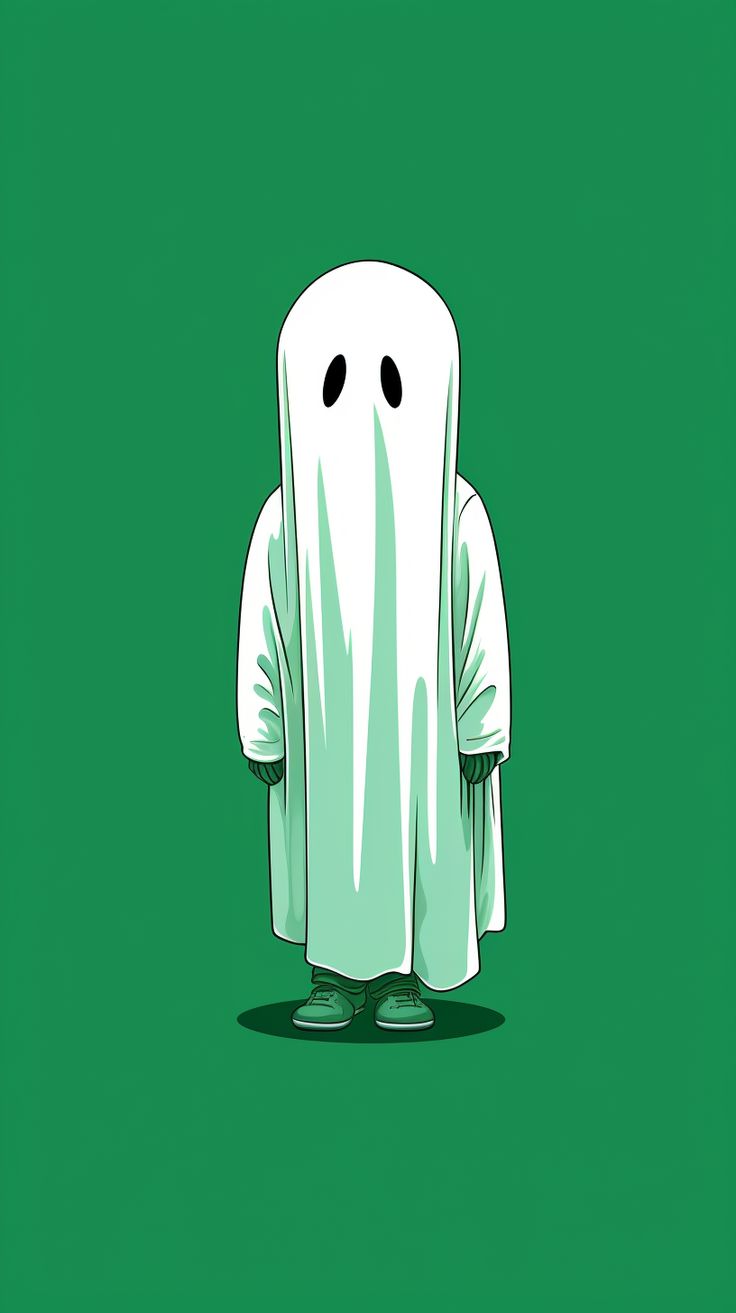 Little Ghost
-
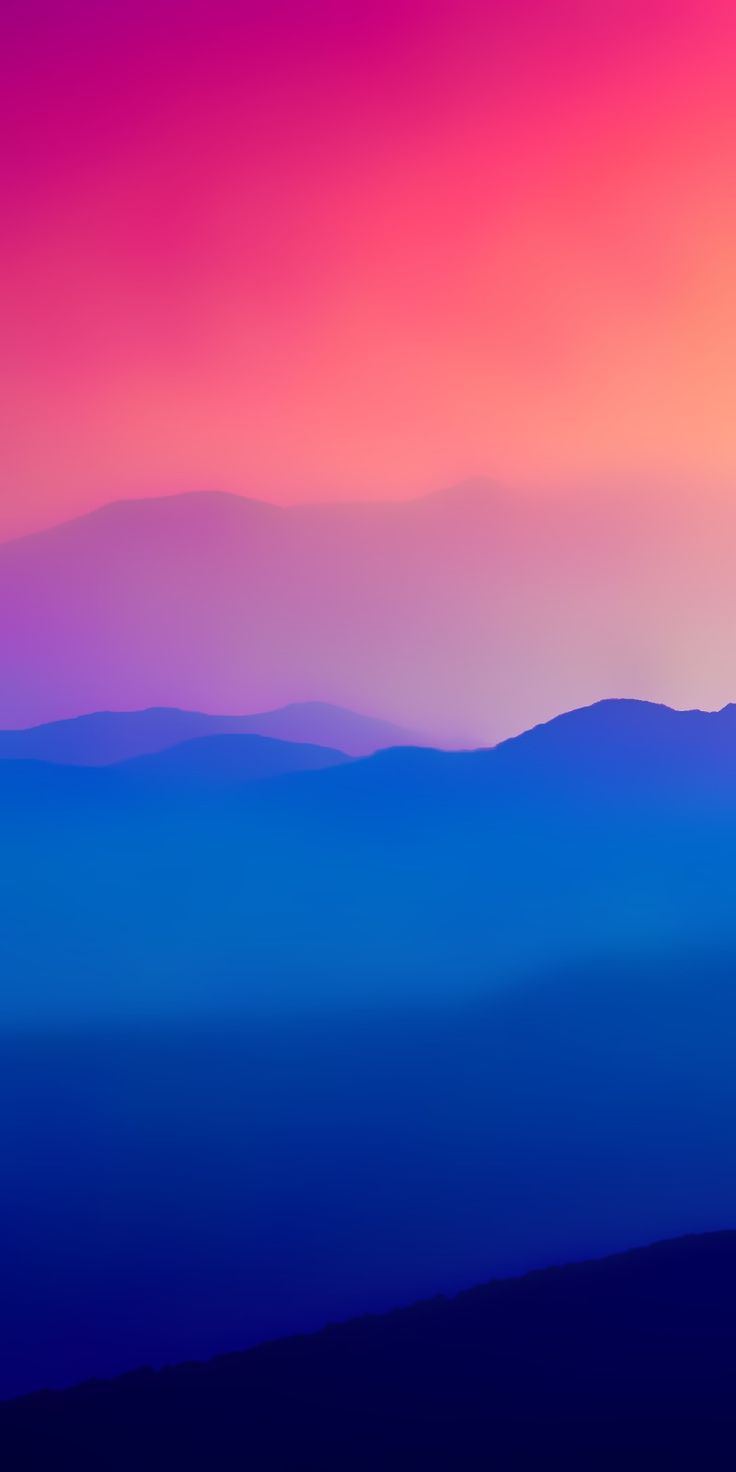 Pink Sky, Blue Mountains
-
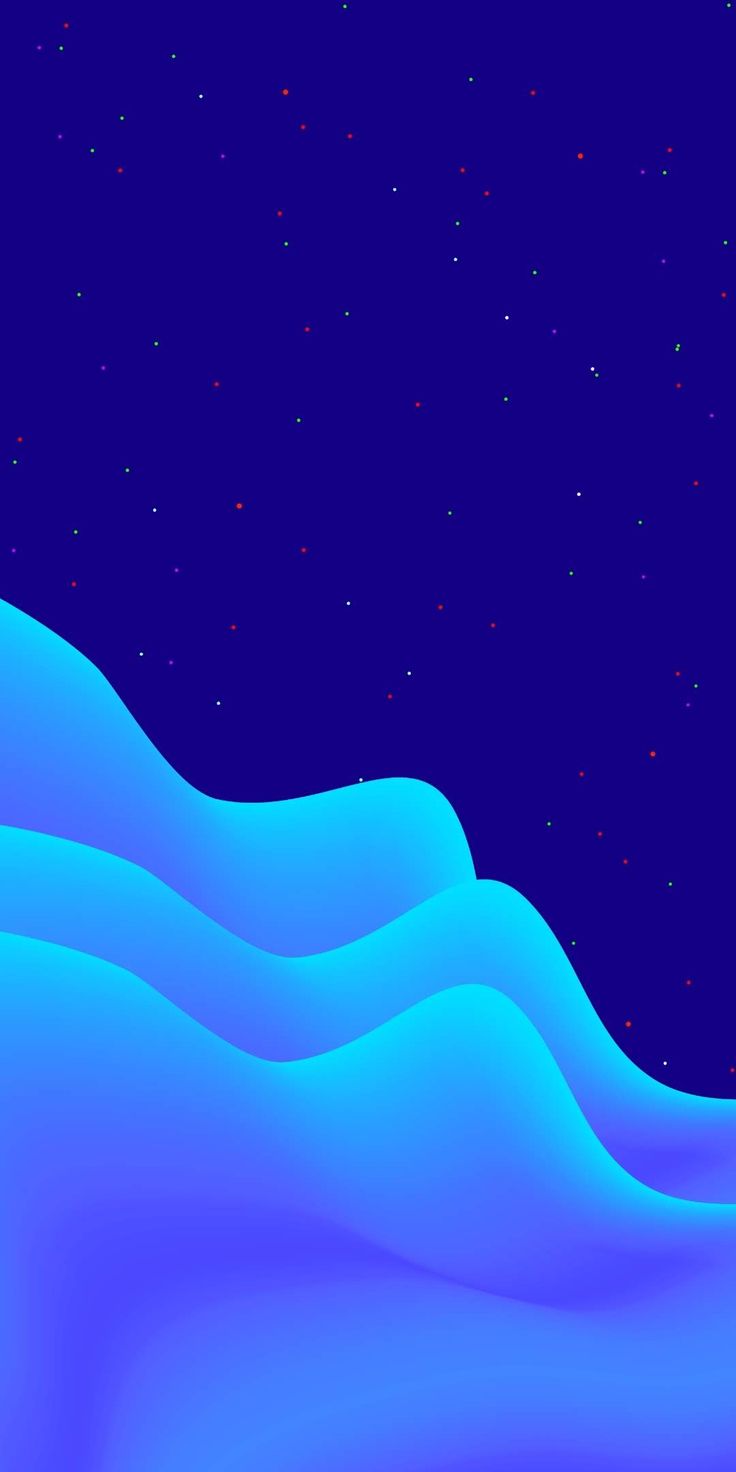 Blue Wave Night
-
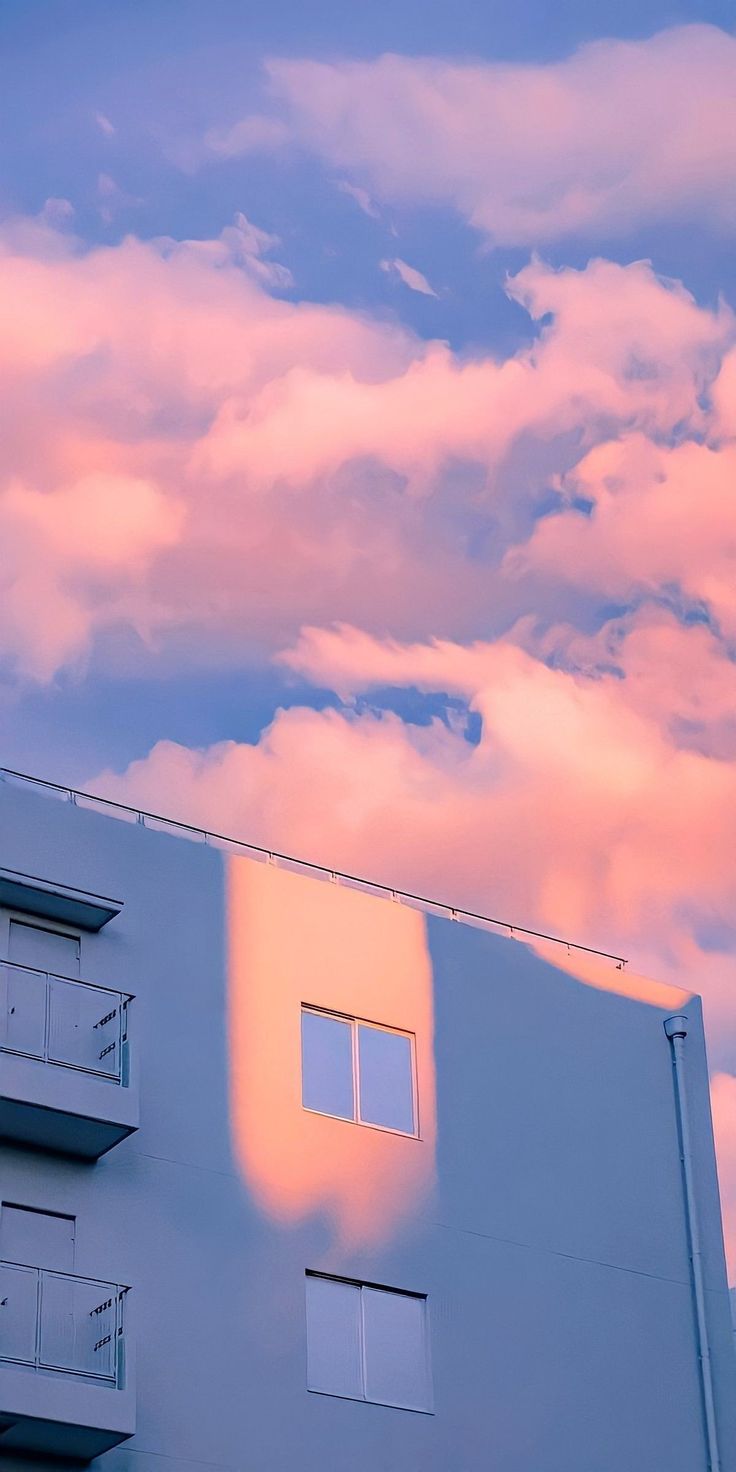 Pink Clouds over the Building
-
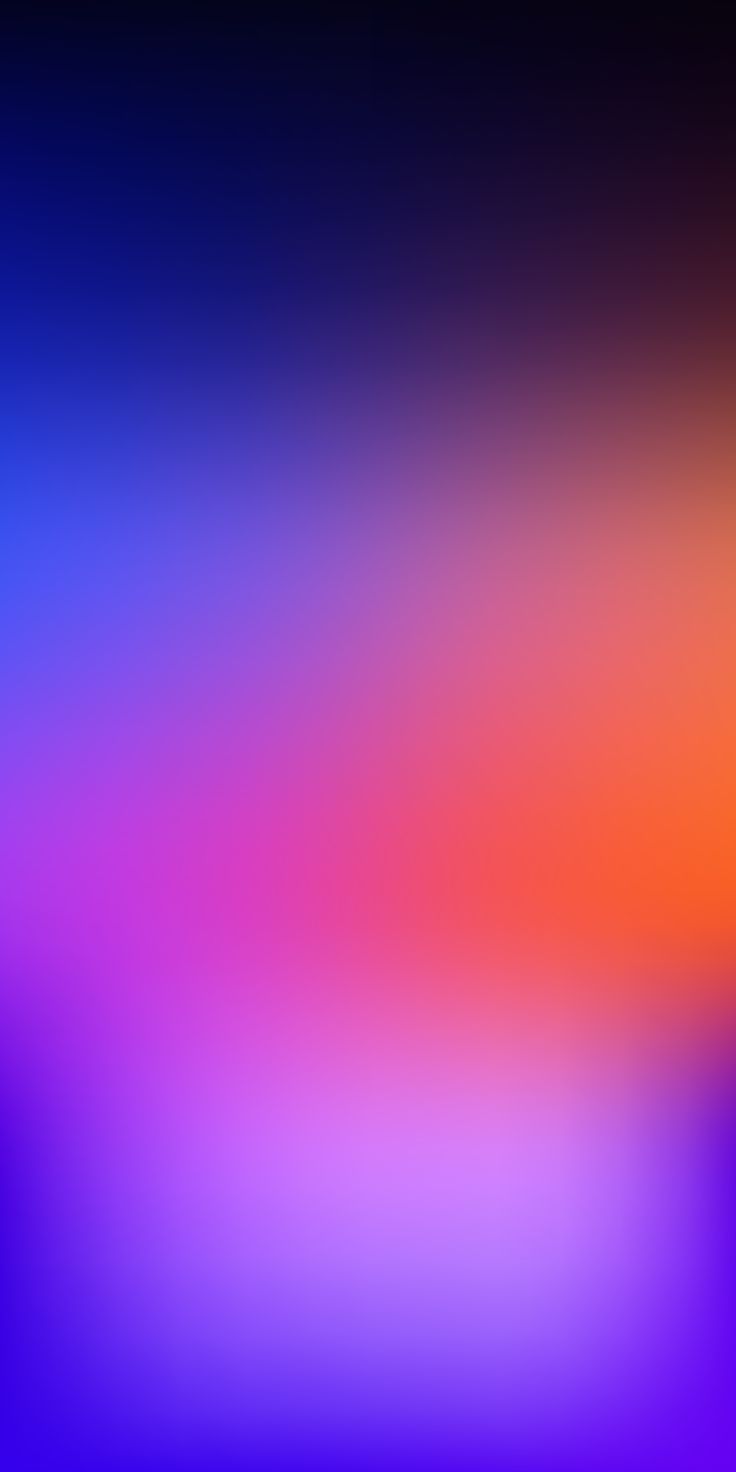 Orange Glow on Violet
-
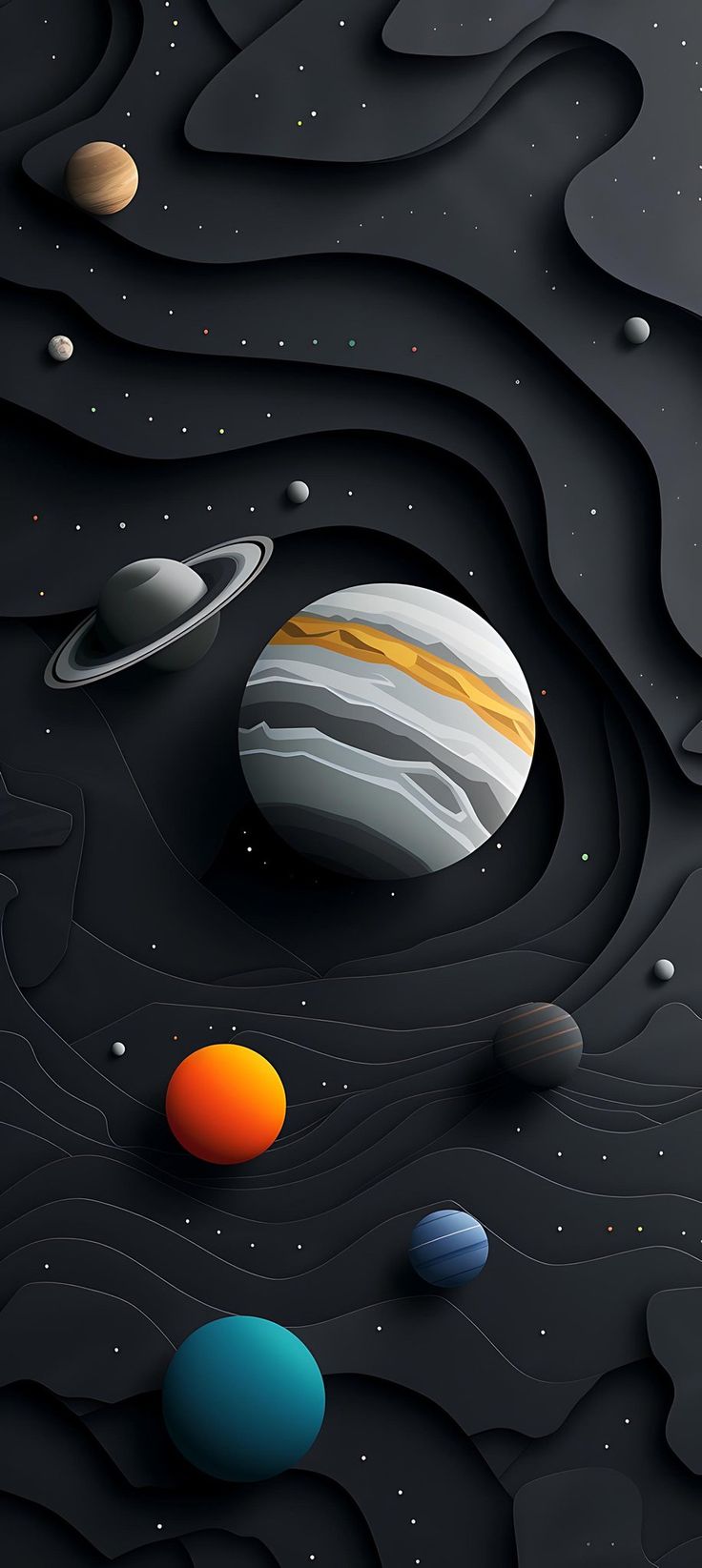 Paper-Cut Planets
-
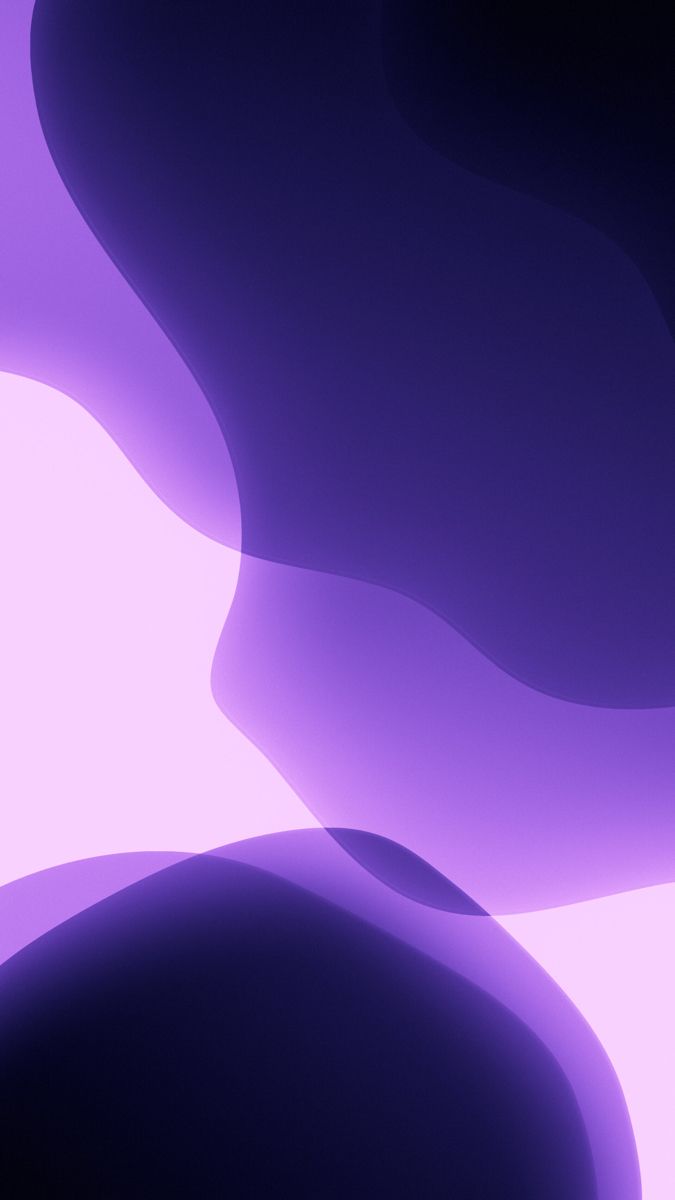 Lilac Blobs
-
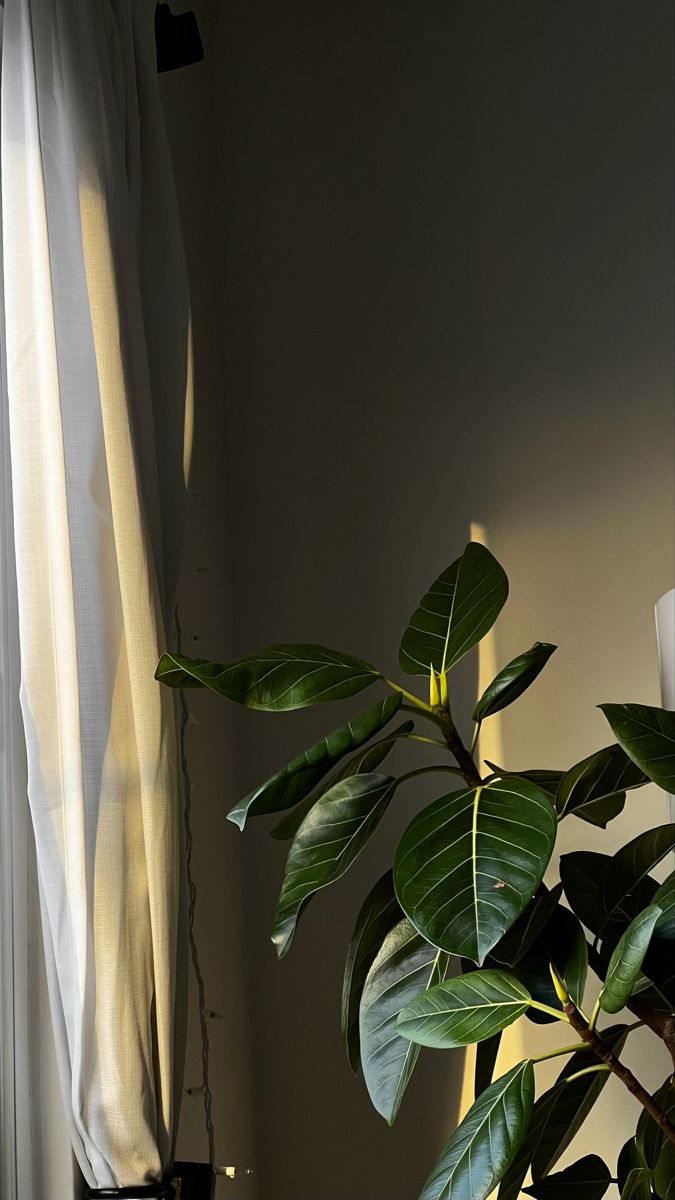 Rubber Plant by the Curtain
-
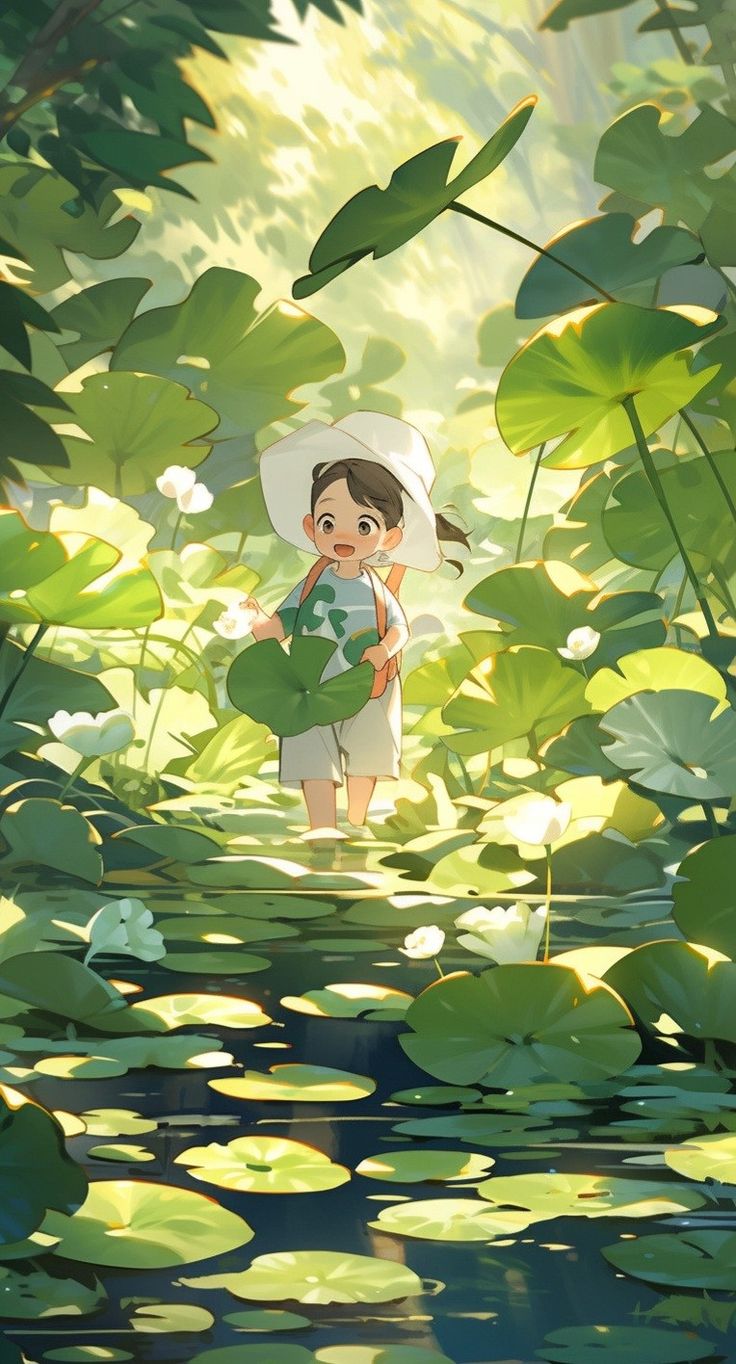 Anime Lily Pad Pond
-
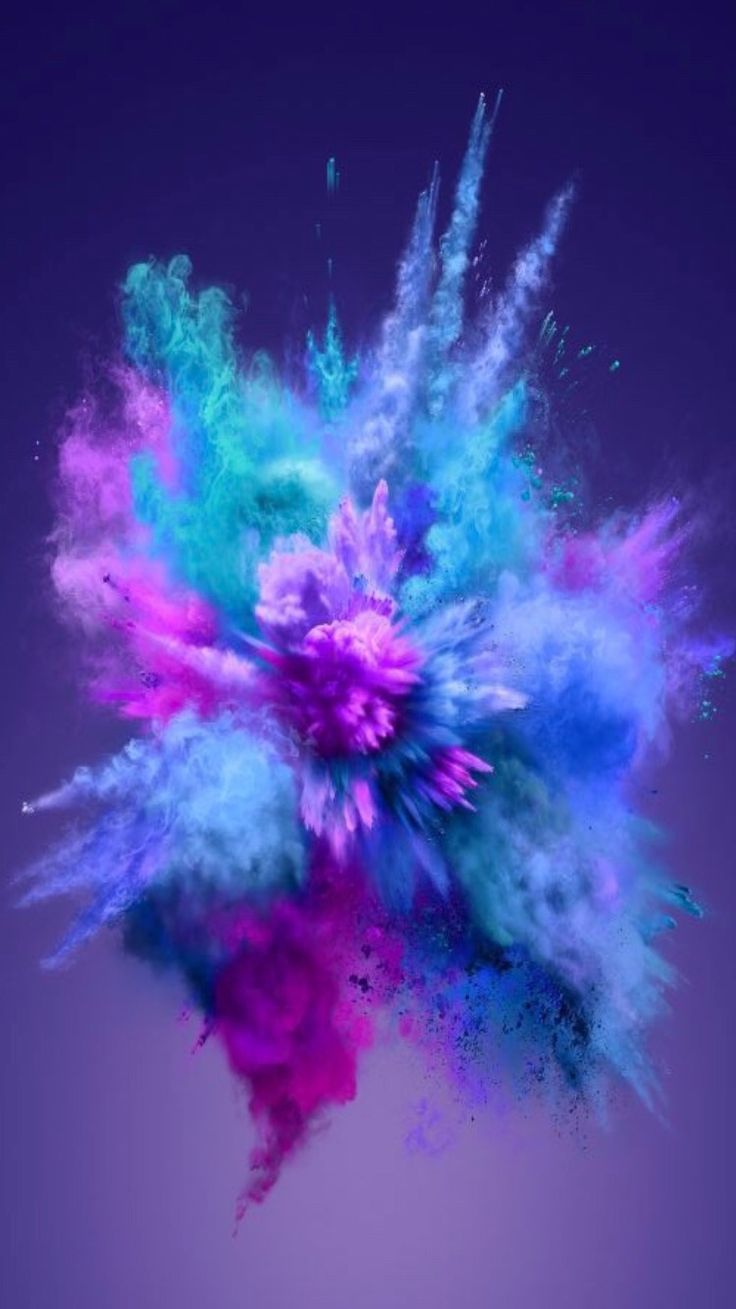 Colour Powder Explosion
-
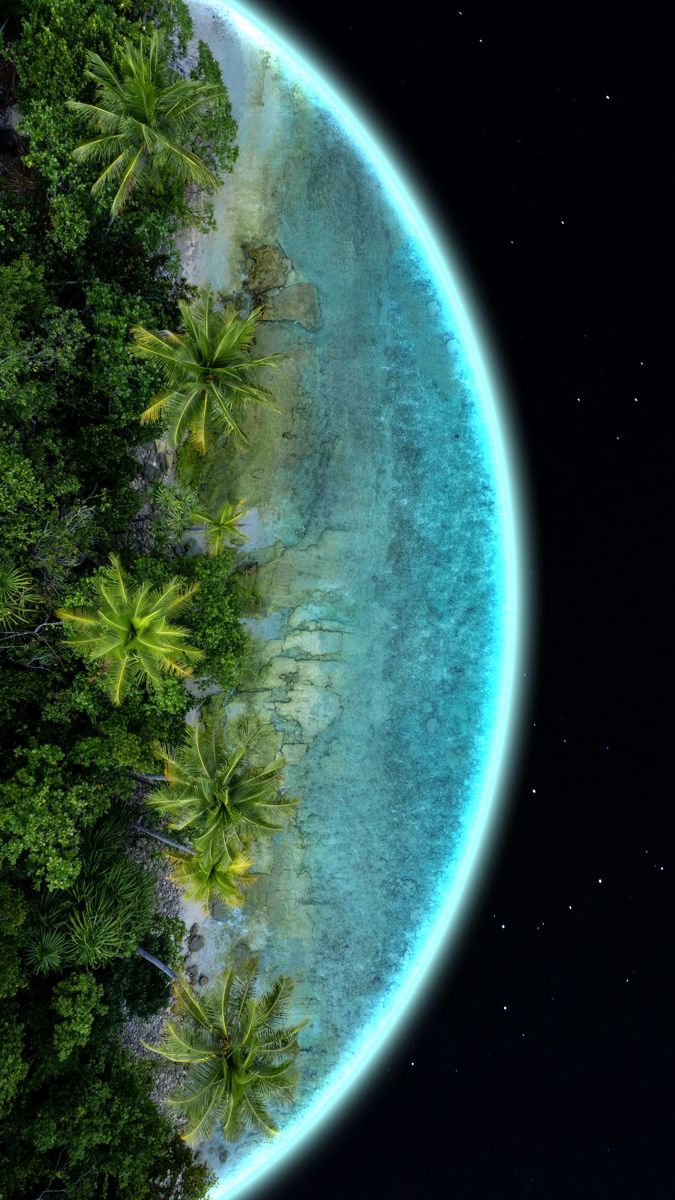 Island Planet
-
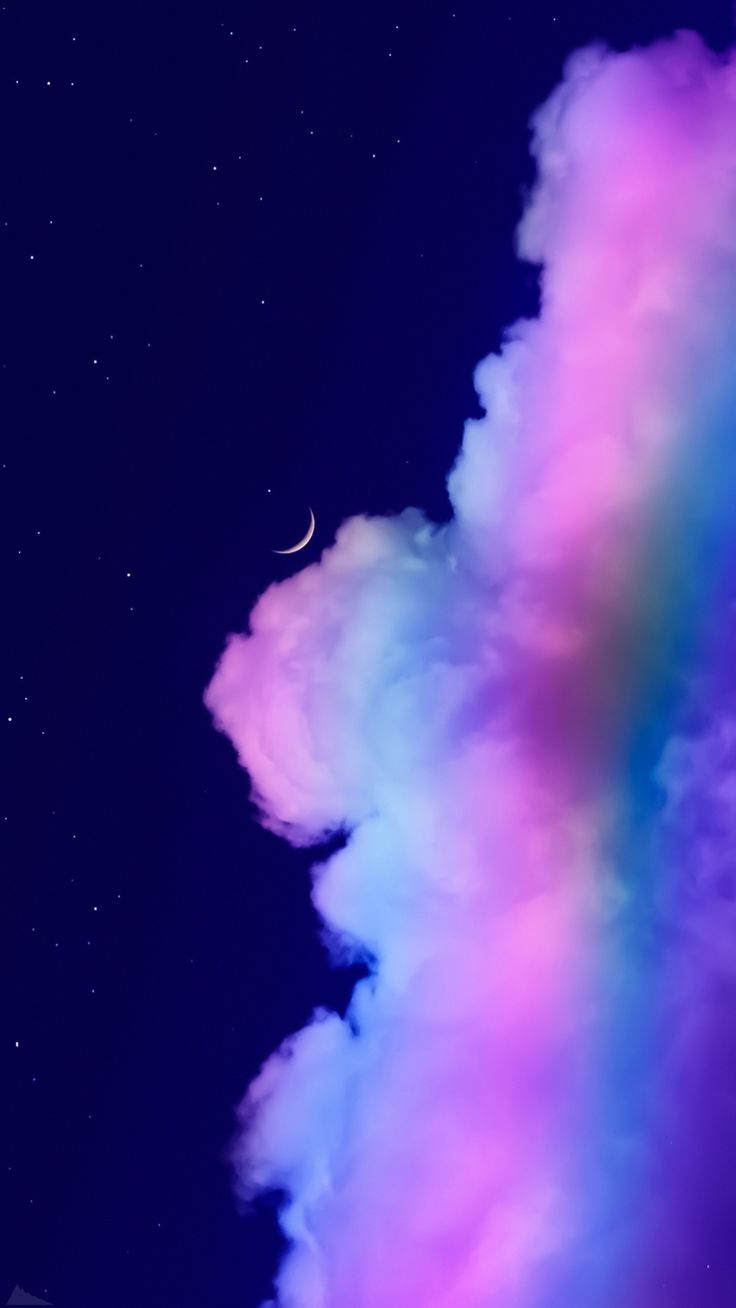 Glowing Night Clouds
-
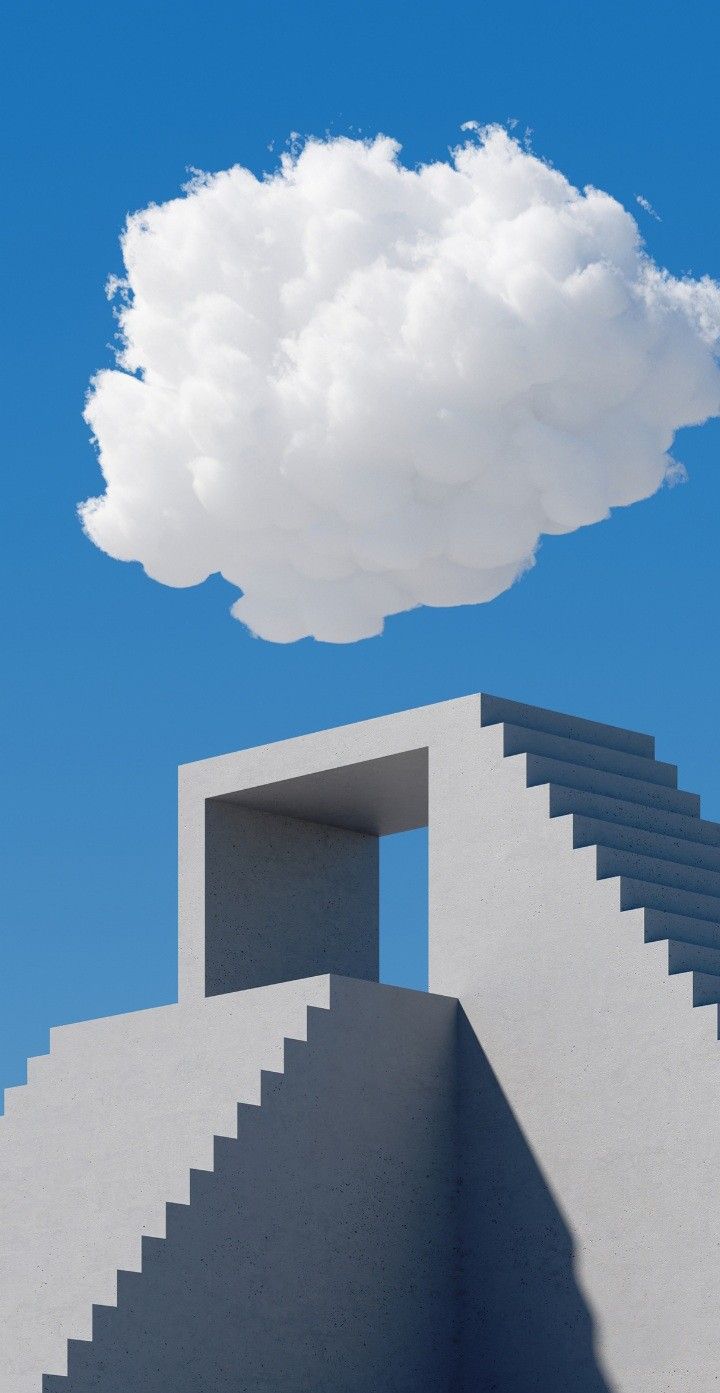 Cloud Above the Stairs
-
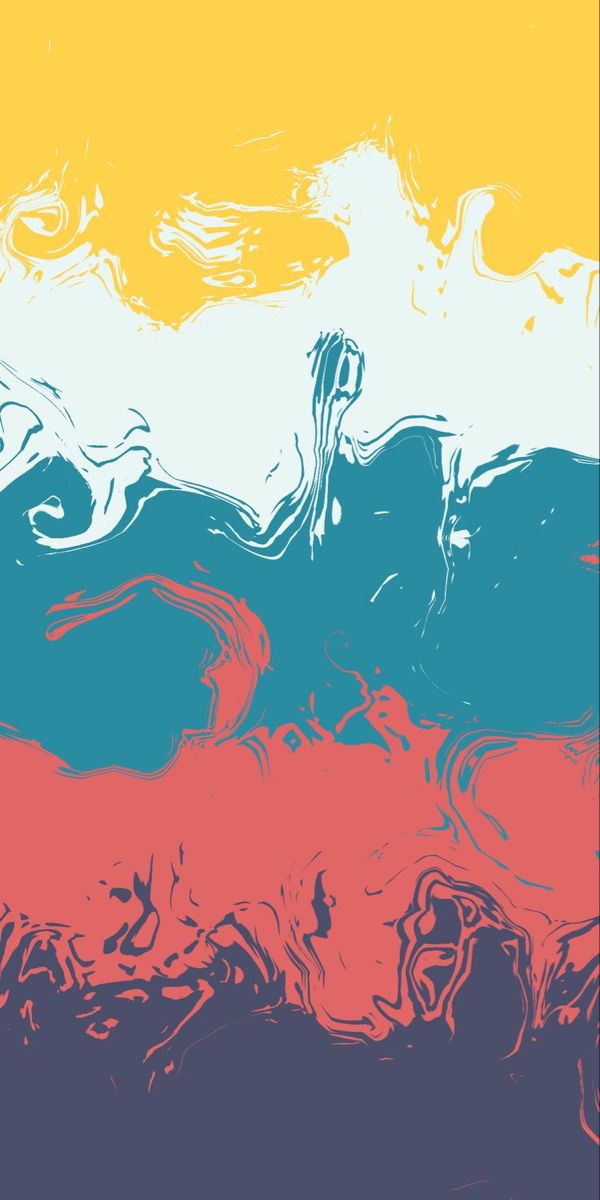 Yellow, Teal and Red Splashes
What you will find here
Abstract wallpapers are about colour and shape more than subject. Here that means smooth gradients from purple to orange, marbled and swirling paint, glossy bubbles and hexagons, and folded ribbons of colour. It also includes stylised scenes that are more mood than place: layered violet mountain ridges, pink clouds, paper-cut planets, tiny island huts and neon signs in the dark.
Why abstract works so well on a phone
An abstract wallpaper has no single subject that can be cropped out. However much the phone trims or zooms to fit its screen, a gradient is still a gradient. That makes this the safest category if you have a very tall phone or use motion effects that zoom the picture in.
They also sit well behind icons. Gentle gradients and soft folds have no hard detail to fight with app names. Pick one with a darker area where your icons sit, or a lighter area if you use dark icons.
Matching your phone's colours
Many Android phones, Pixels especially, take their system colours from the wallpaper. An abstract wallpaper with one or two strong colours gives a clean, matching palette across the keyboard, quick settings and icons. A very multicoloured one can produce colours you did not expect, so preview the palette after setting it.
Dark ones save a little battery
On phones with an OLED screen, which includes most recent iPhones and mid-range and flagship Androids, black pixels are switched off. Deep blue, violet and near-black abstracts use slightly less power than bright ones. The difference is small, but it is a nice bonus if you like dark wallpapers anyway.
Not sure how to set it once it is downloaded? There is a step-by-step guide for your phone.