Photography wallpapers
Real photos for your phone: pets, wildlife, cars, city skylines and landscapes, plus a few playful collages and doodles.
-
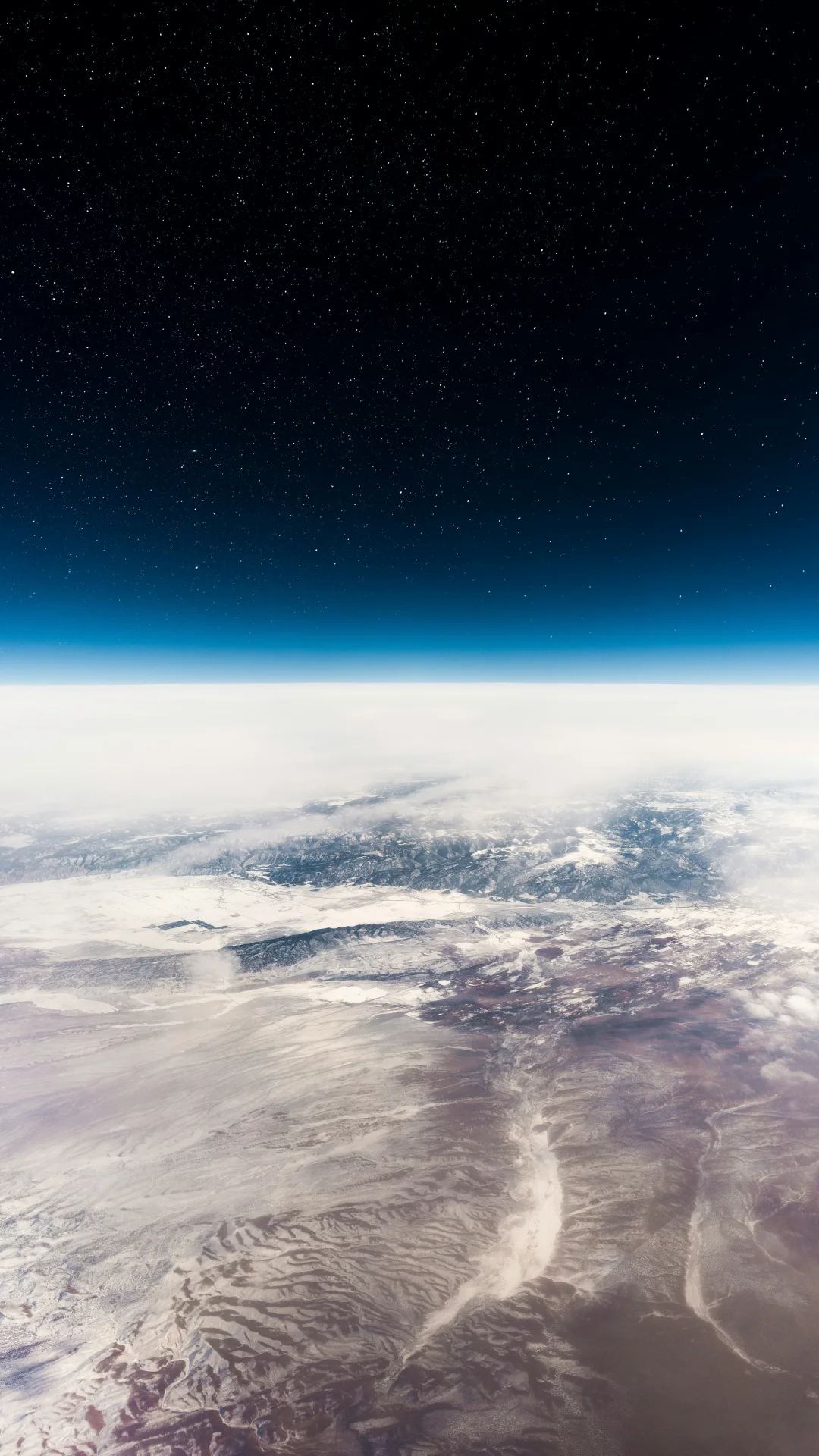 Earth from Space
-
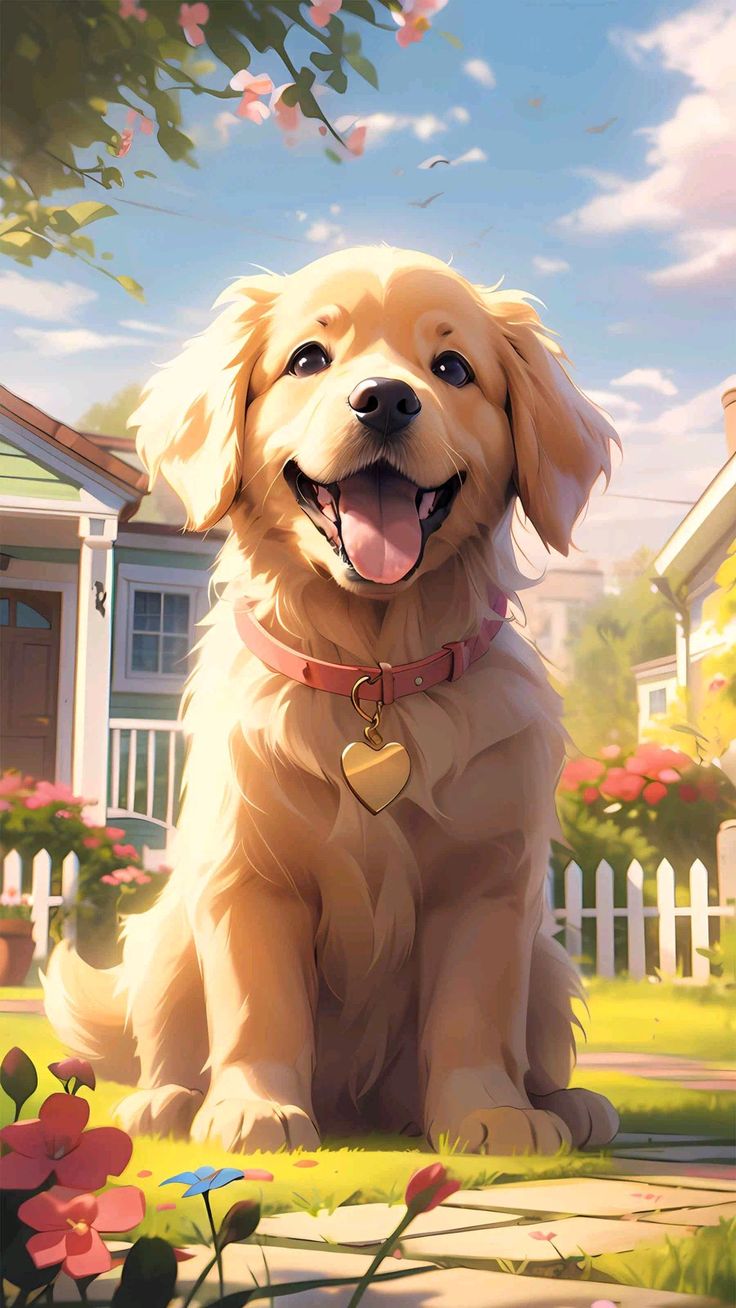 Garden Puppy Smile
-
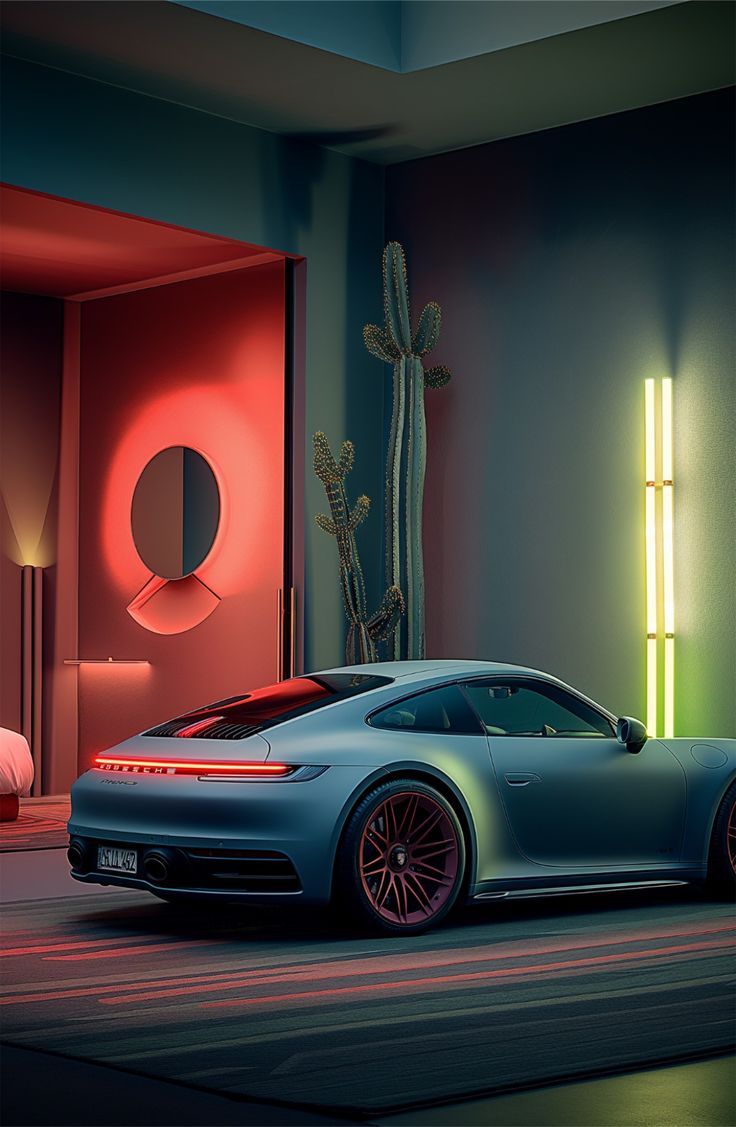 Porsche in Red Neon
-
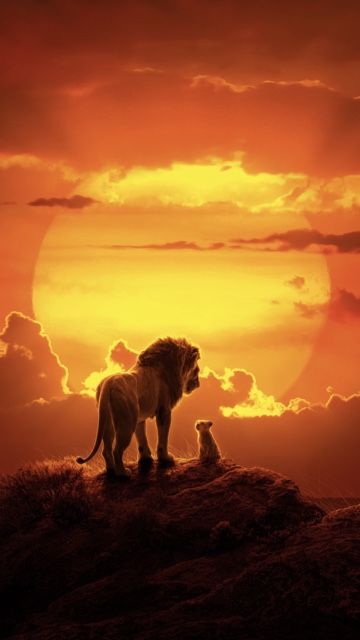 Lion and Cub at Sunset
-
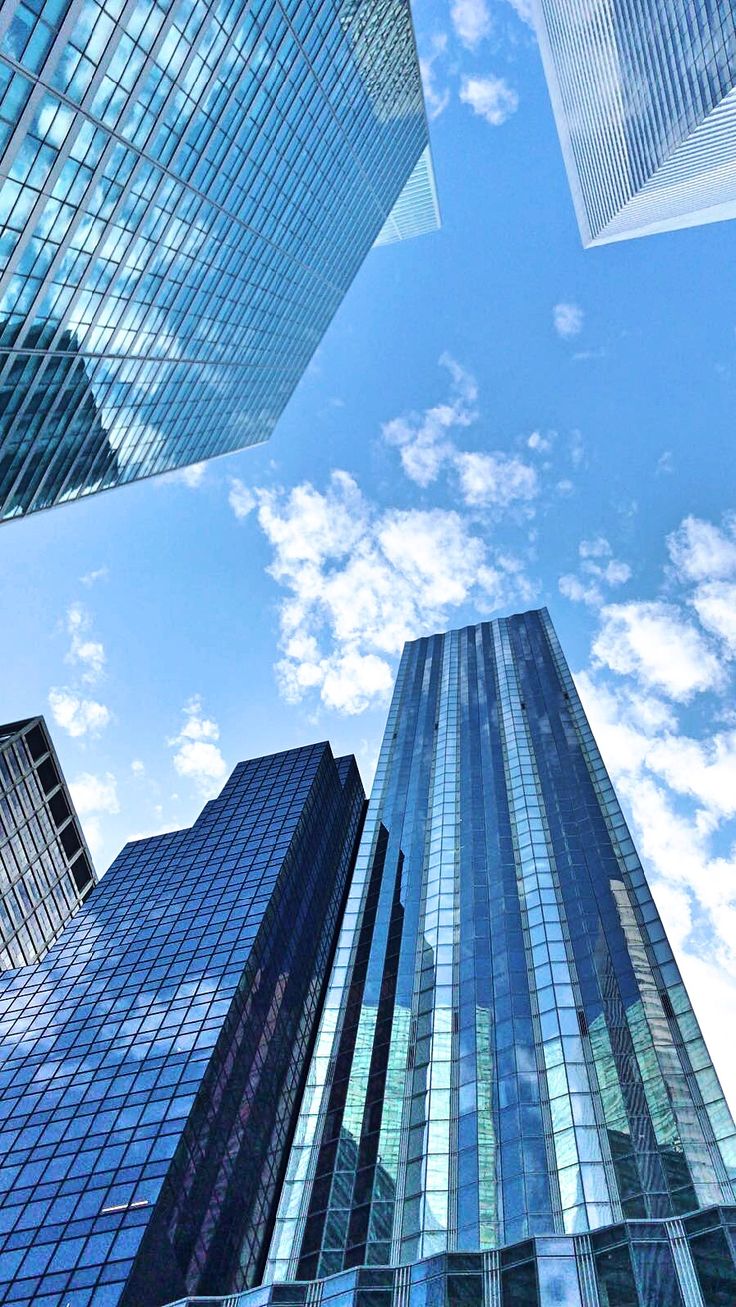 Skyscrapers Looking Up
-
 Fluffy Dog in Red Harness
-
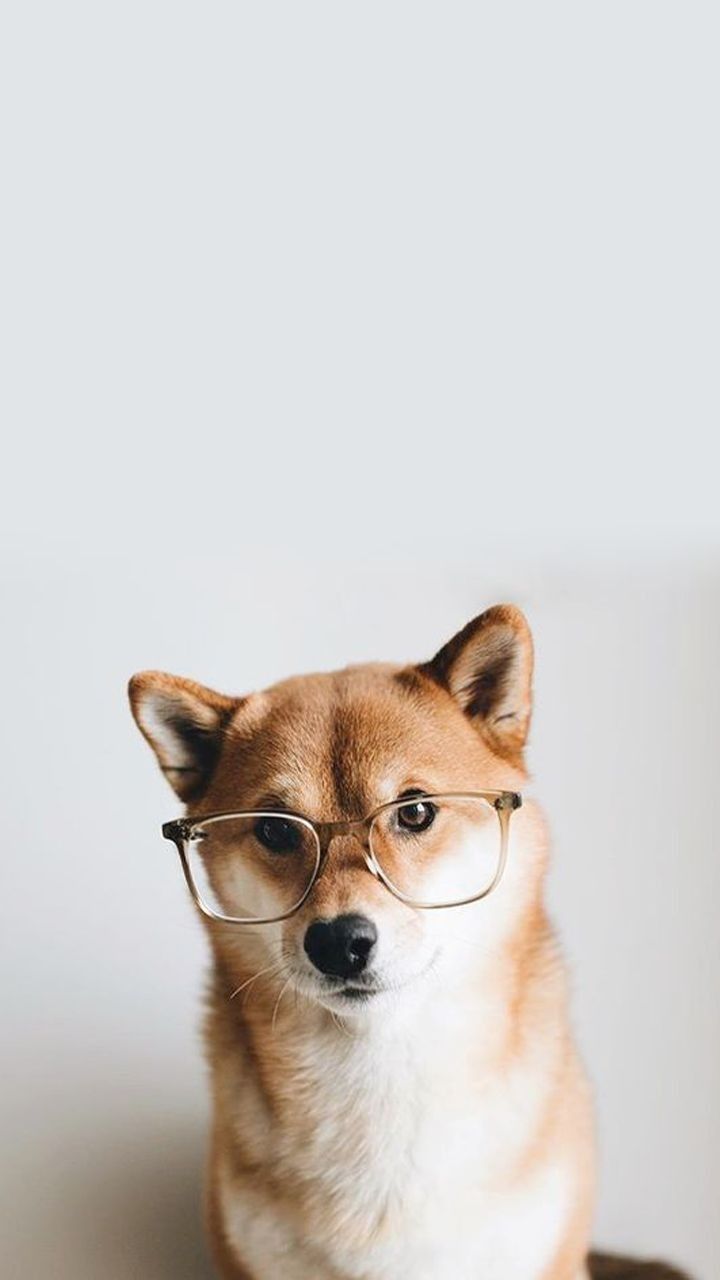 Shiba in Glasses
-
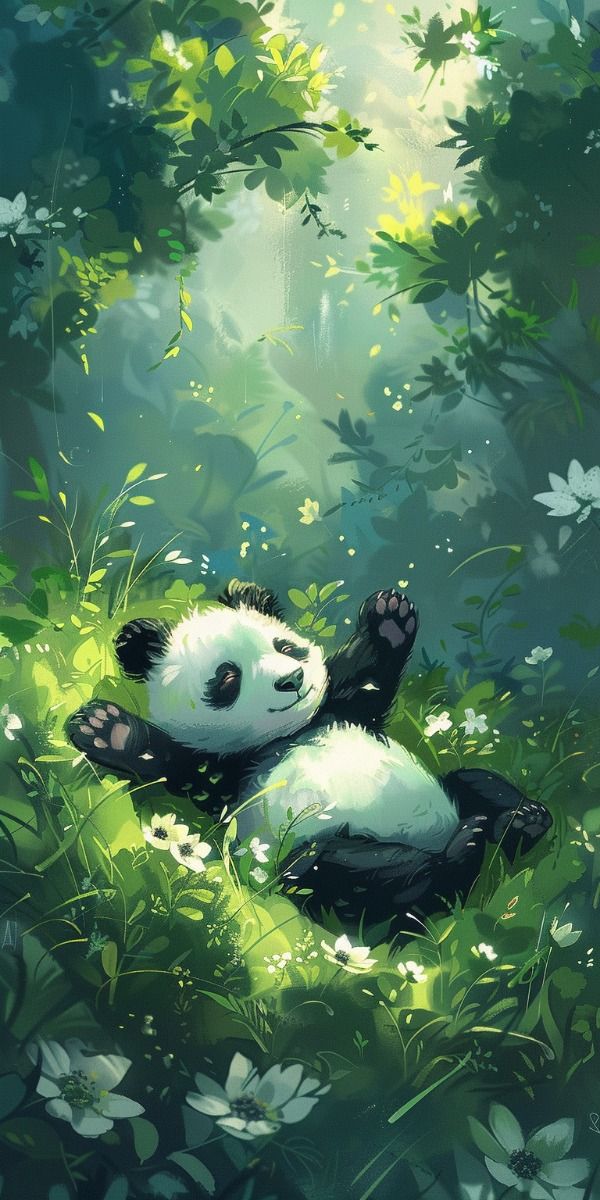 Playful Forest Panda
-
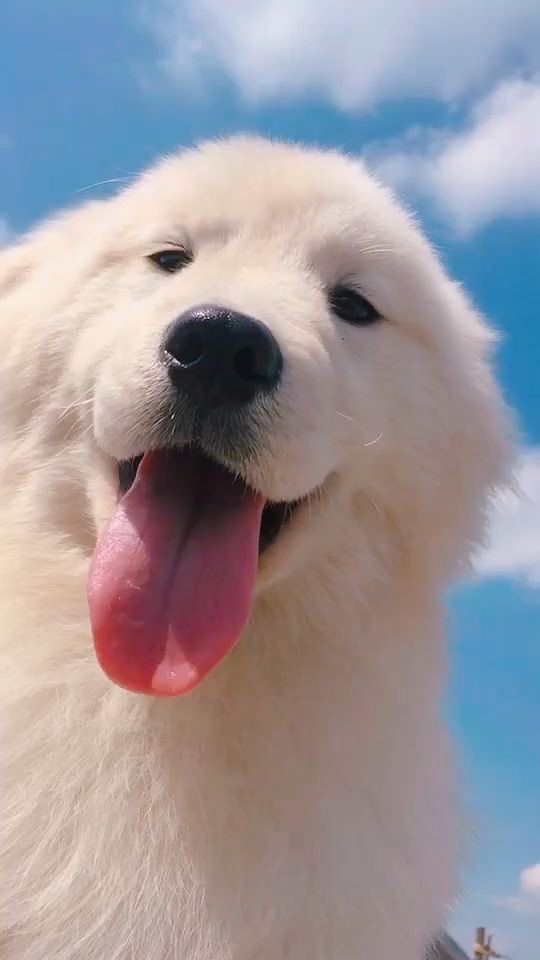 Happy Fluffy Dog
-
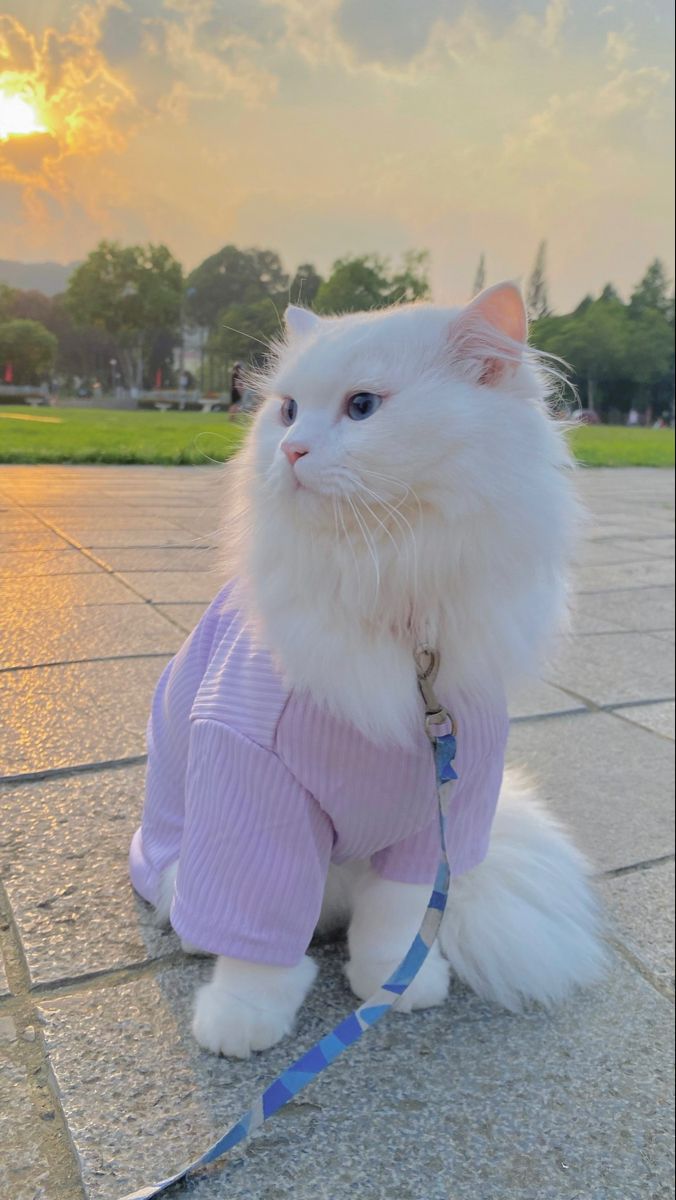 Cat in a Lilac Jumper
-
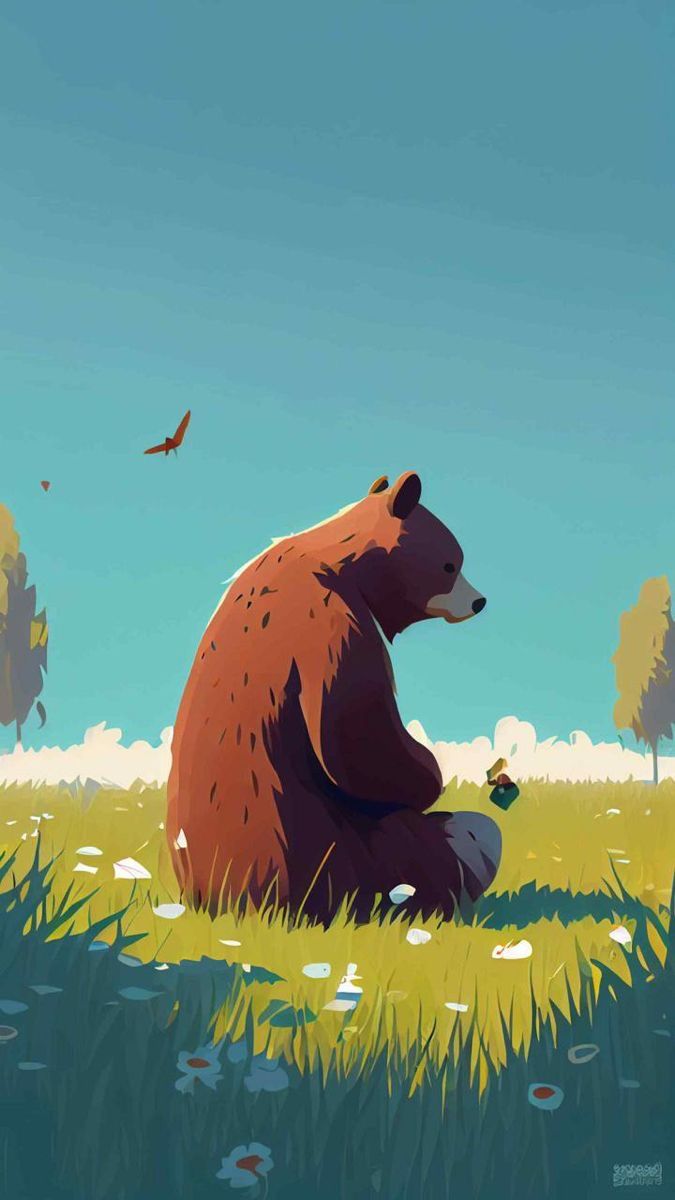 Bear in the Meadow
-
 Pagoda and Mount Fuji
-
 Love and Amor Doodles
-
 Blah Blah Blah Neon
-
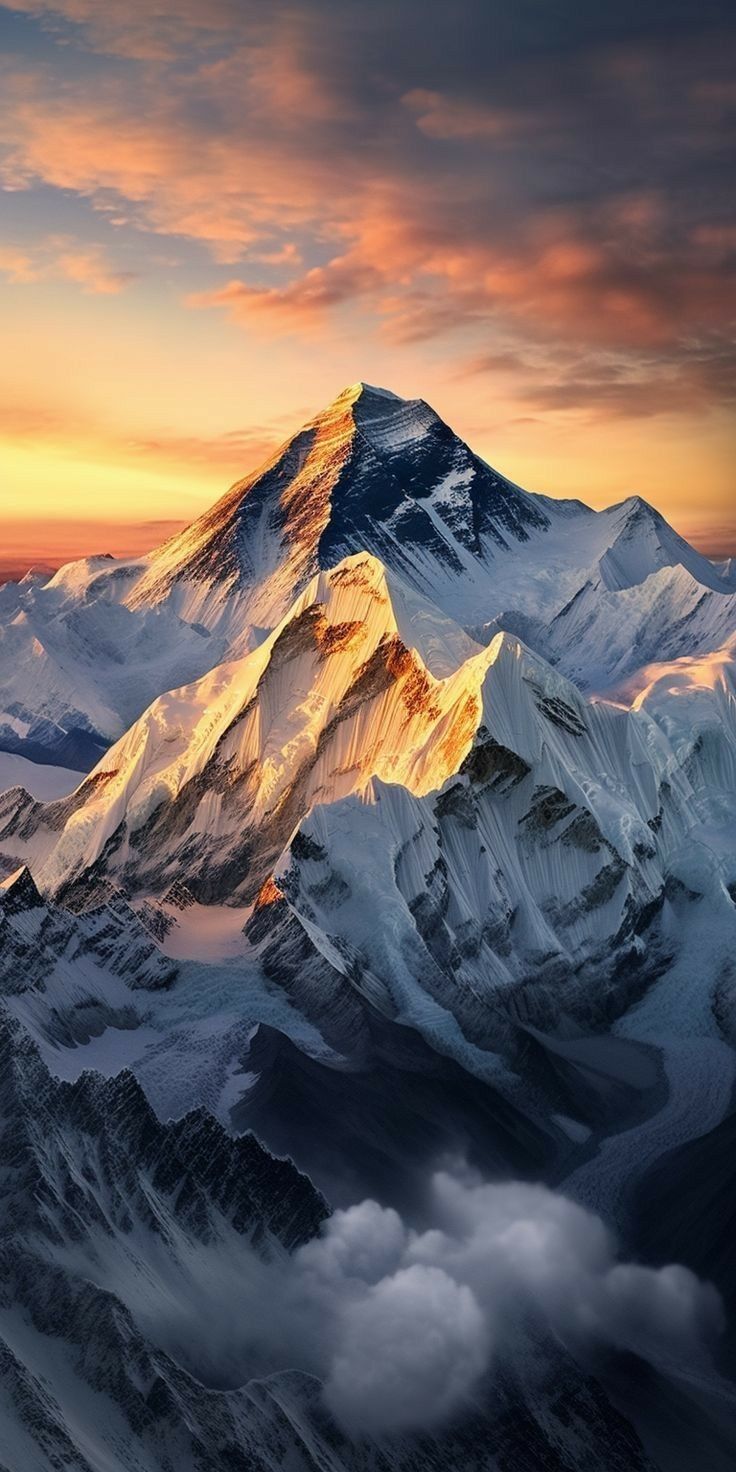 Golden Mountain Peak
-
 Graffiti Hoodie Collage
-
 Neon Galaxy Swirls
-
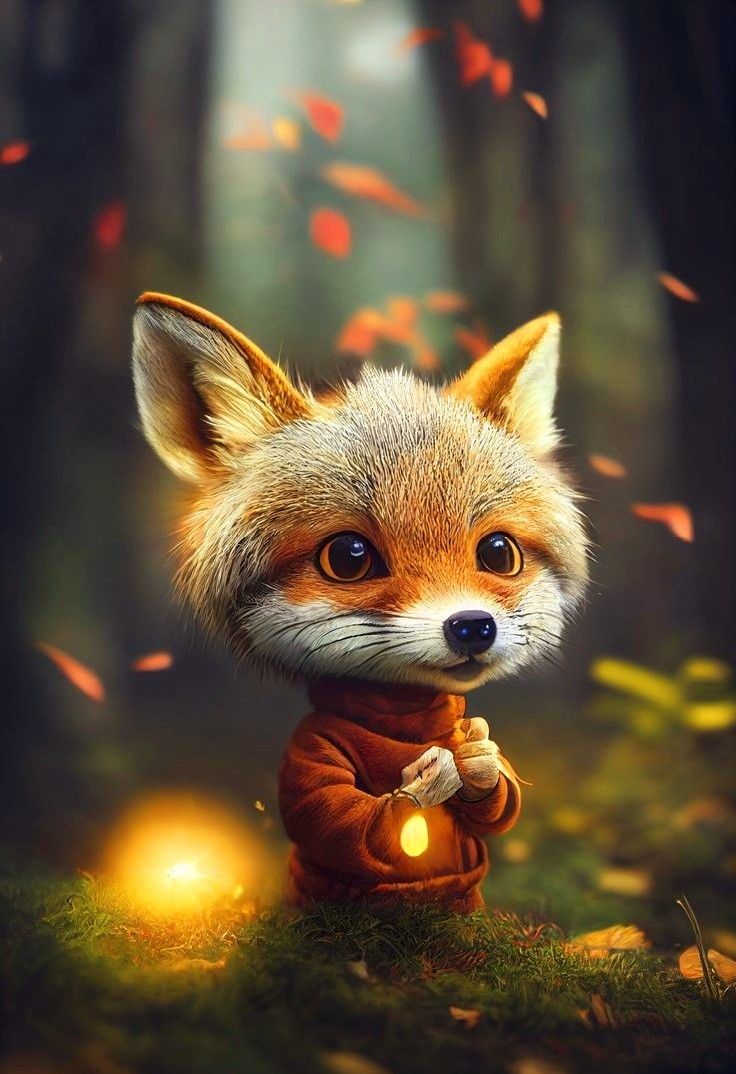 Fox Cub with a Lantern
-
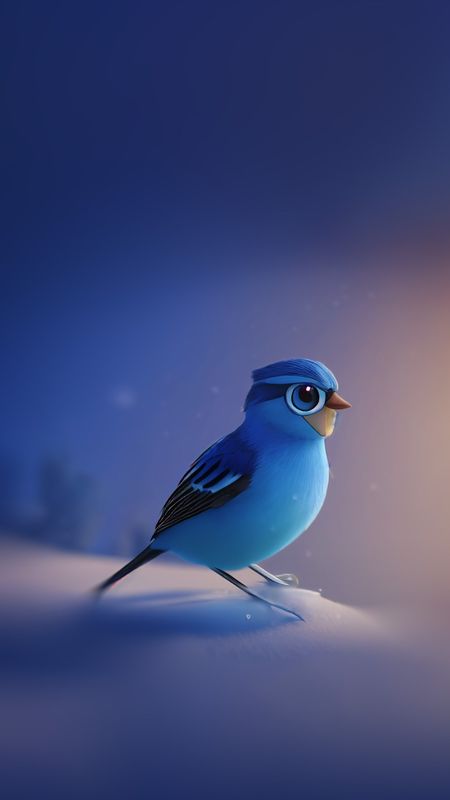 Bluebird in the Snow
-
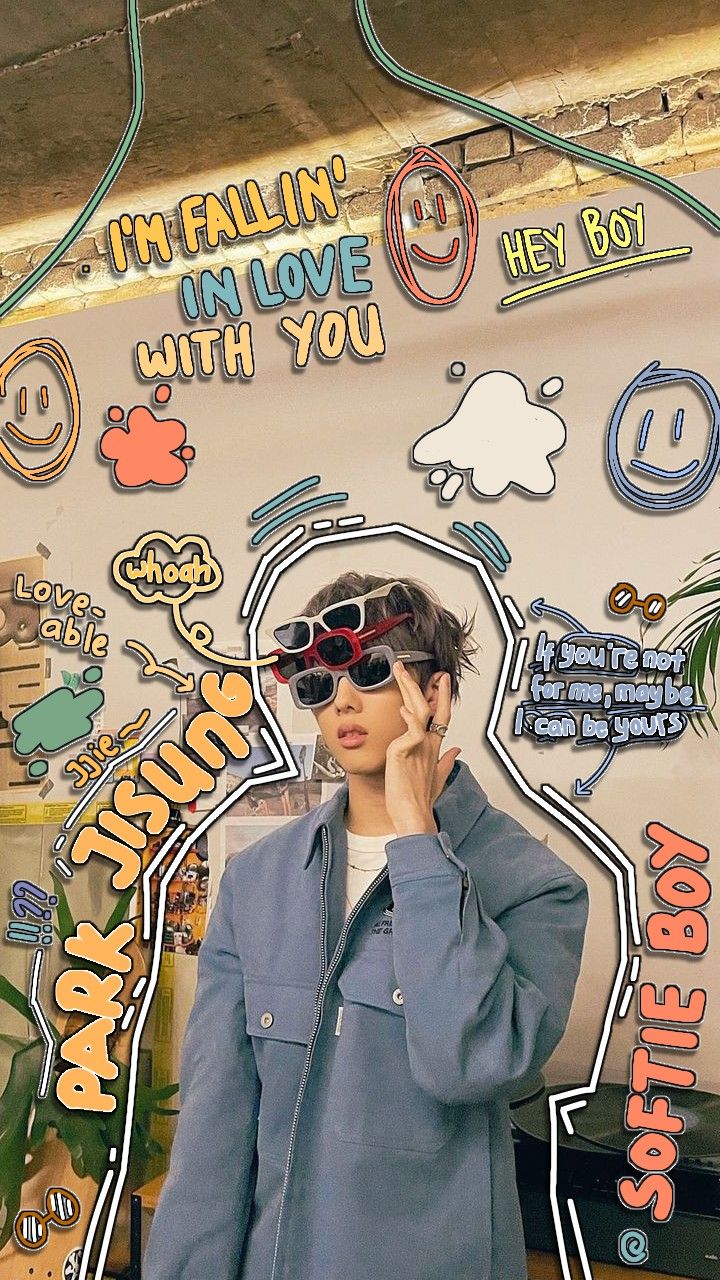 Sticker Collage Portrait
-
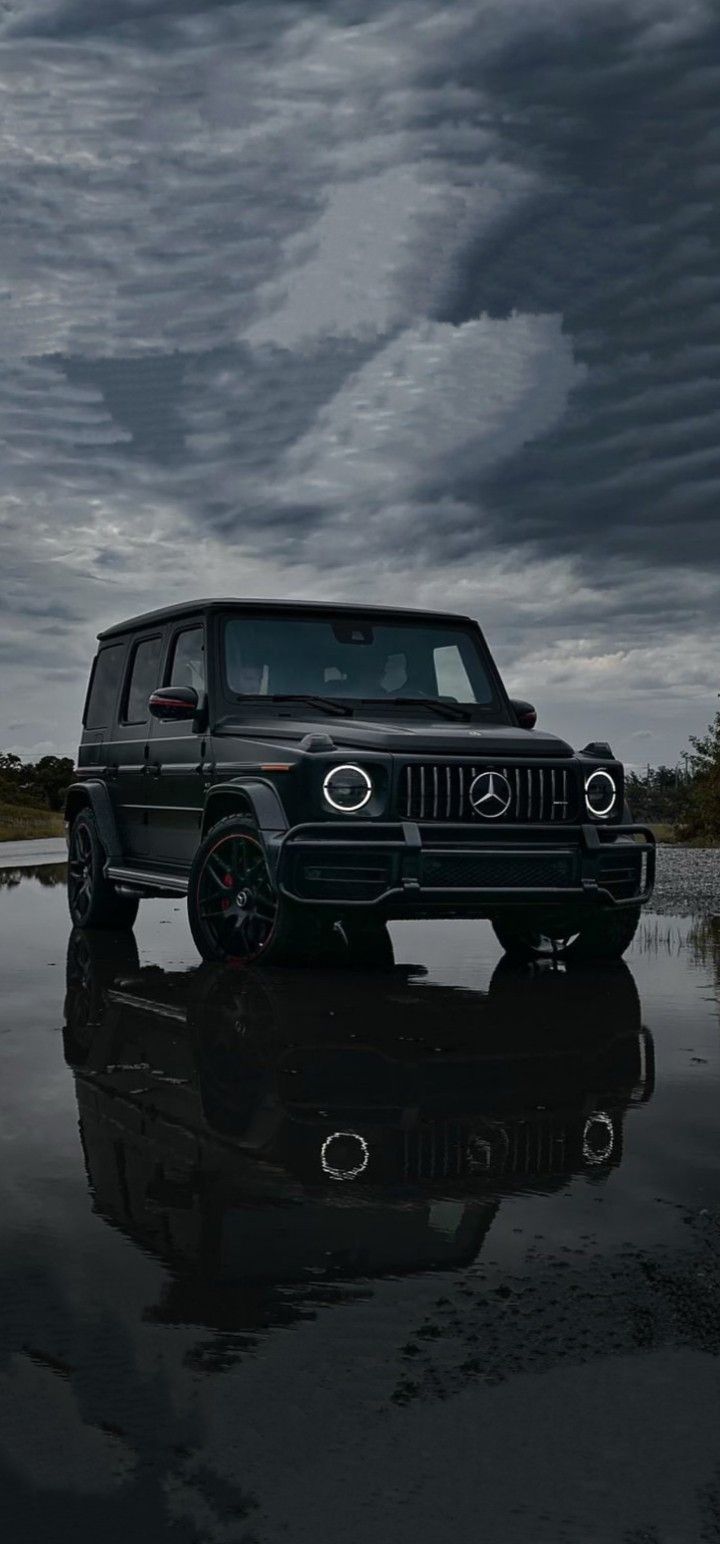 G-Class Reflection
-
 Puppy in a Blue Harness
-
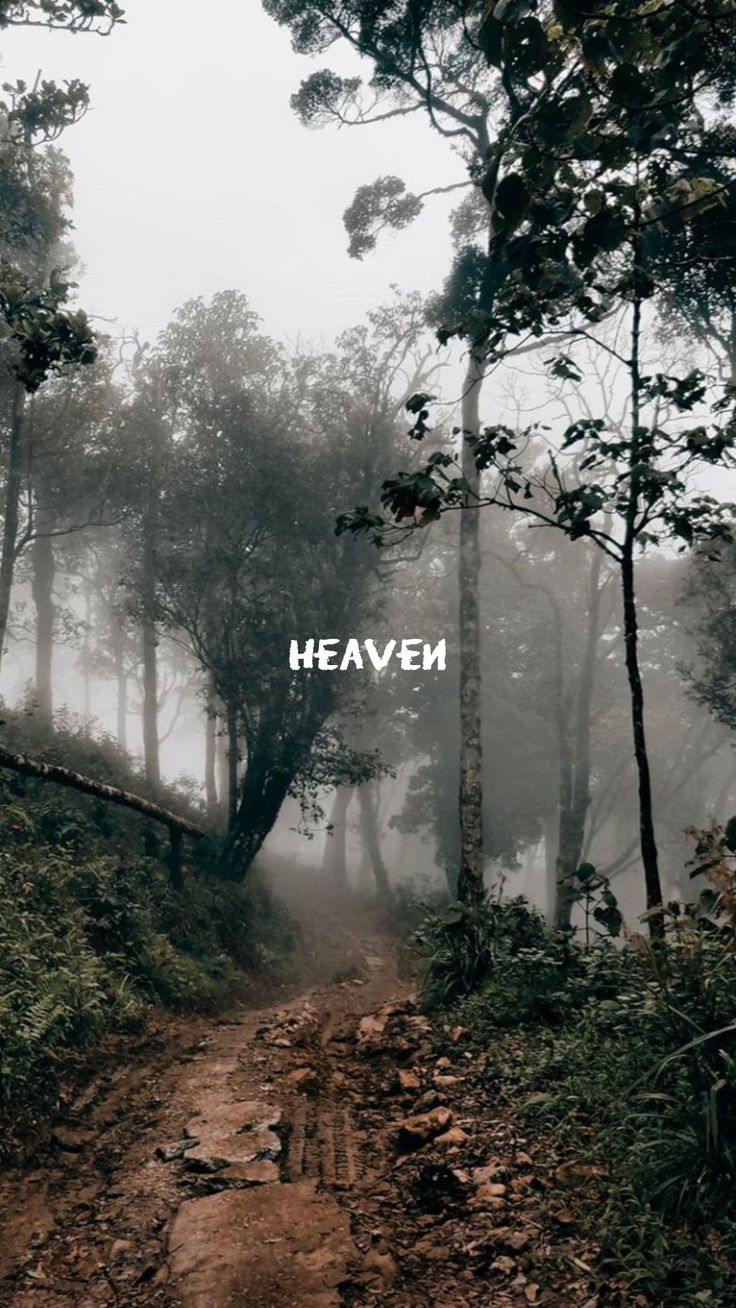 Misty Forest Path
-
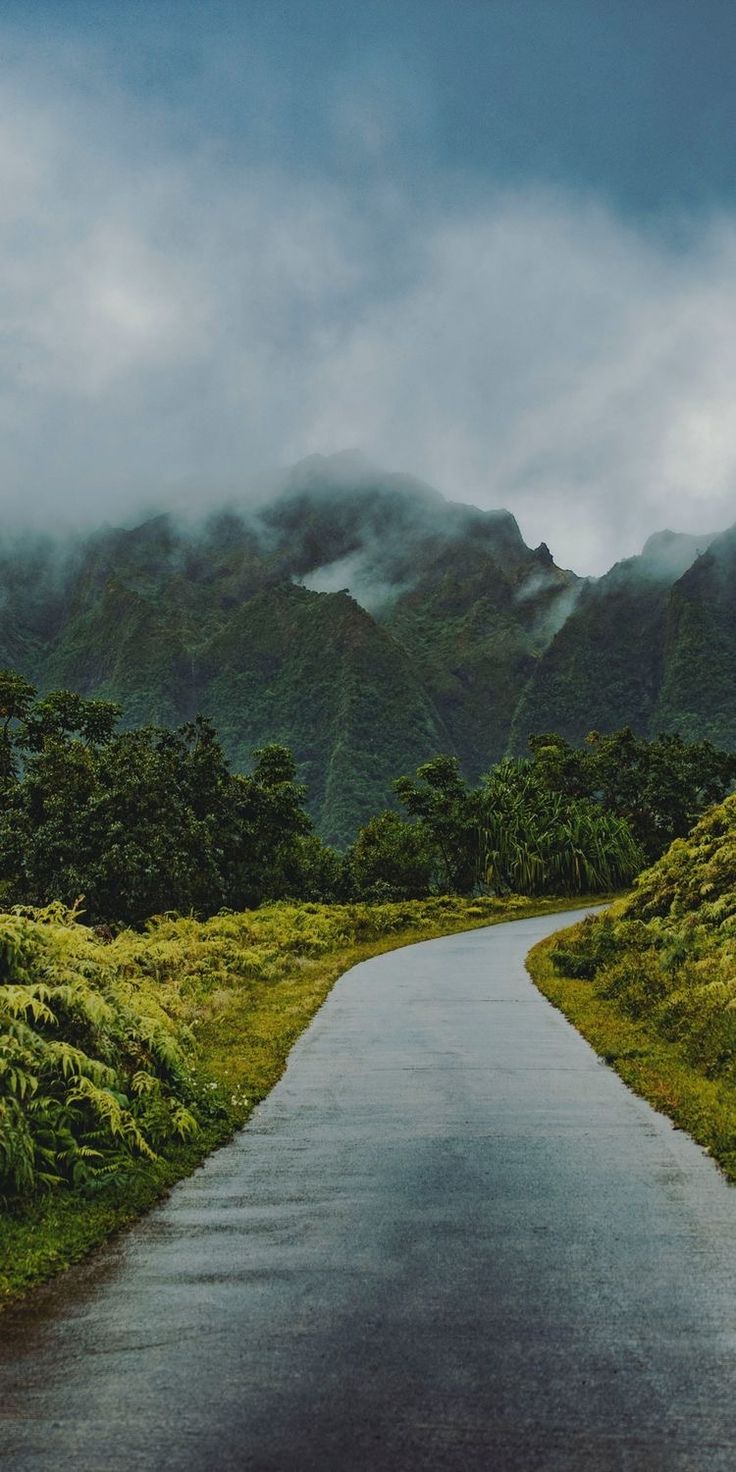 Road to the Misty Mountains
-
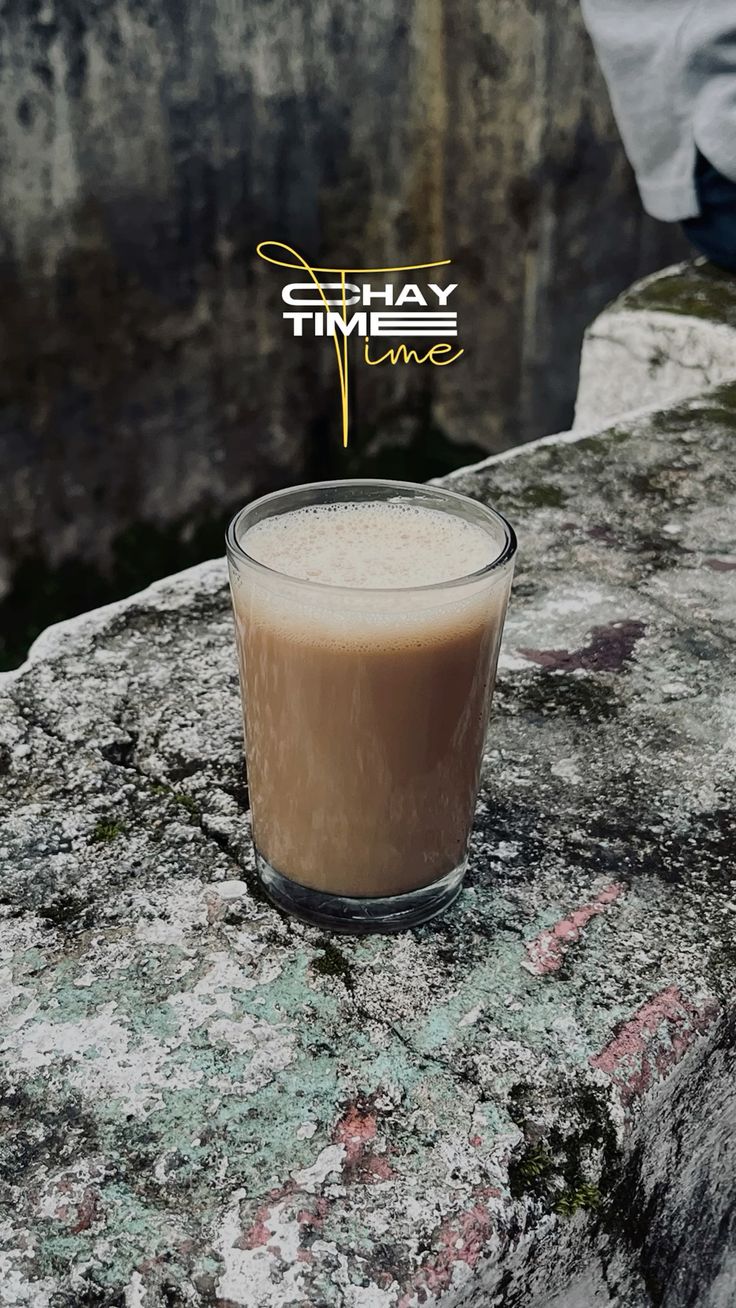 Chai Time
-
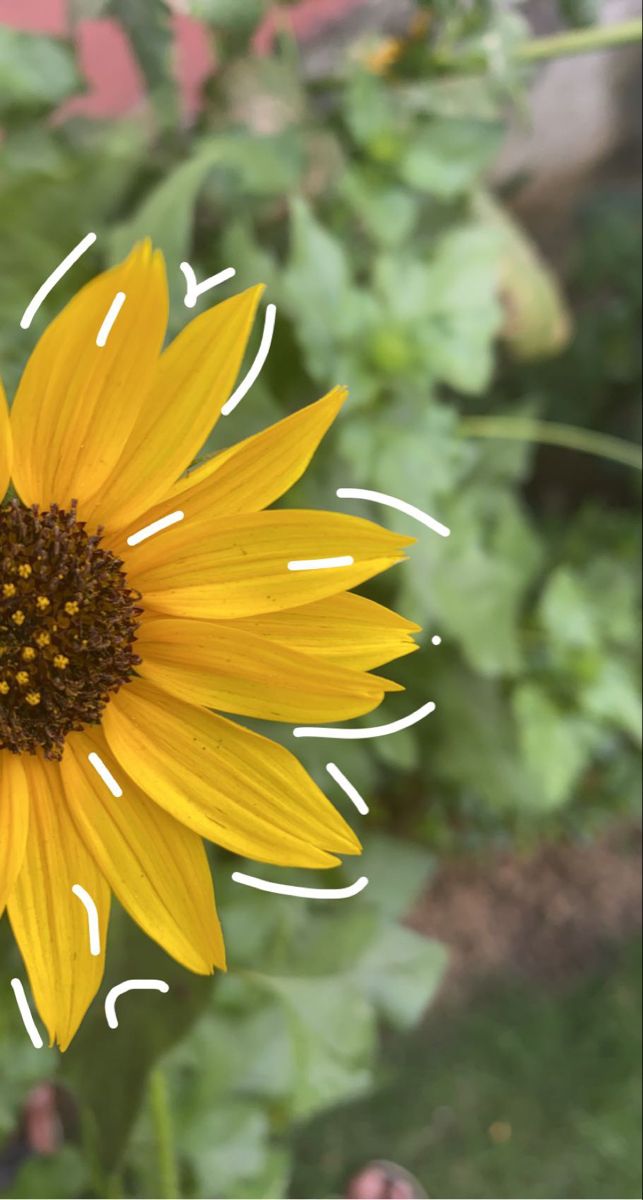 Doodled Sunflower
-
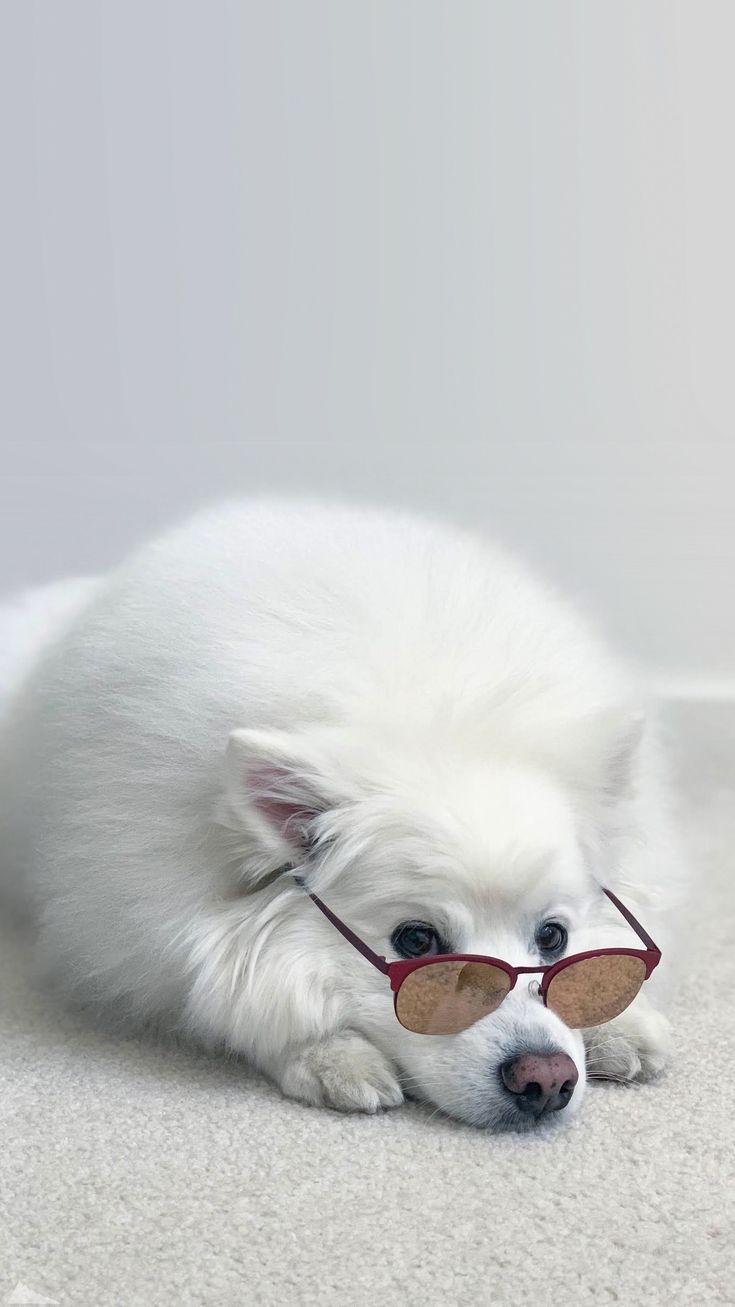 Samoyed in Sunglasses
-
 Violet Heart Doodle
-
 Retro Layered Hearts
-
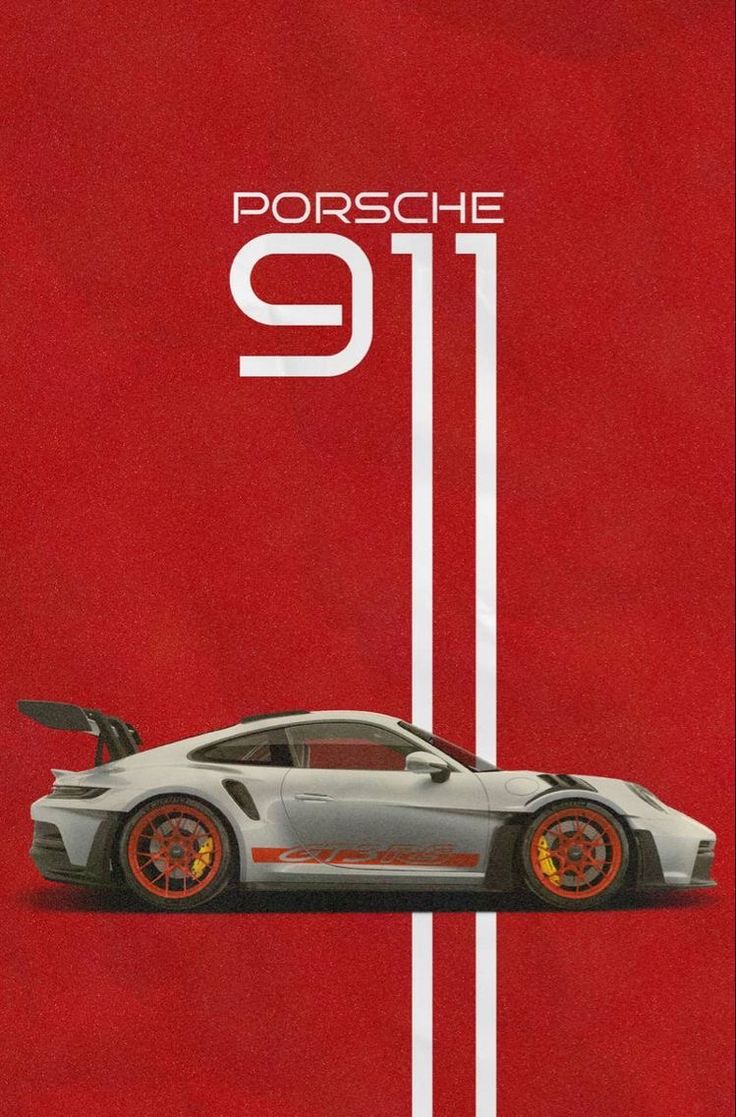 Porsche 911 GT3 Poster
-
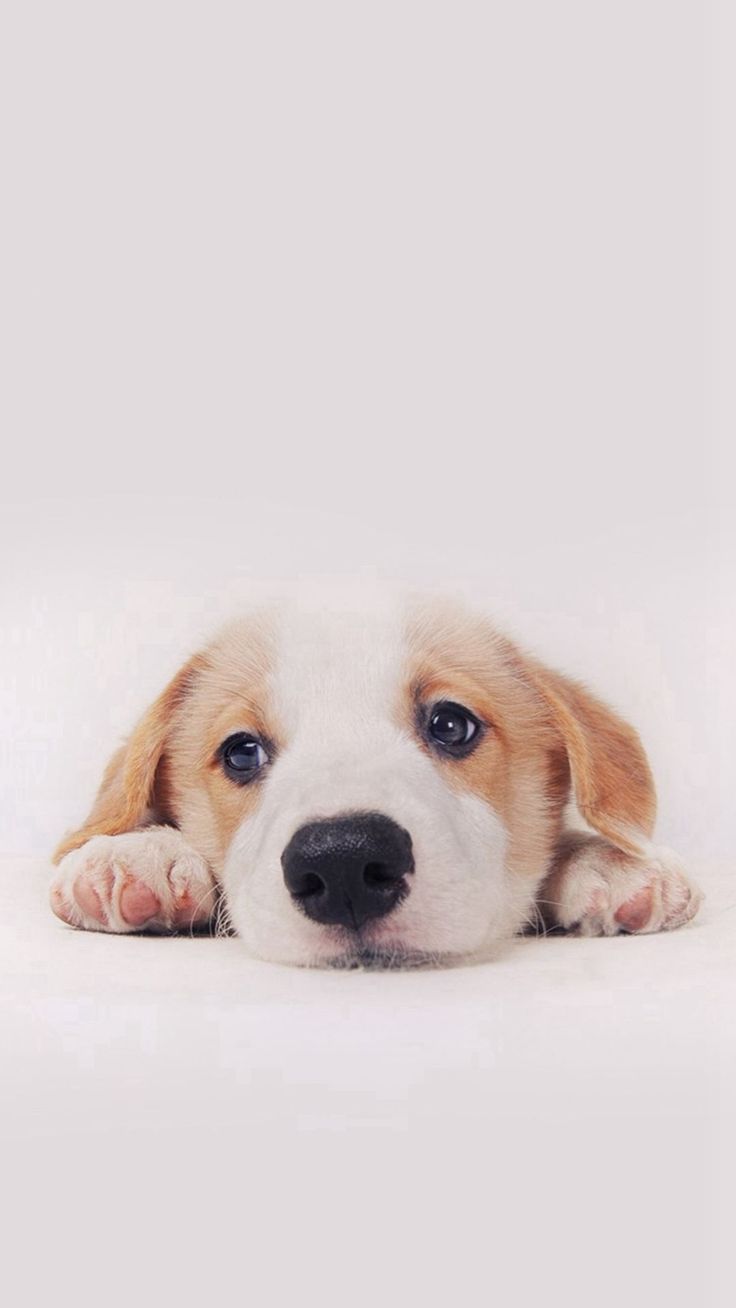 Resting Puppy
-
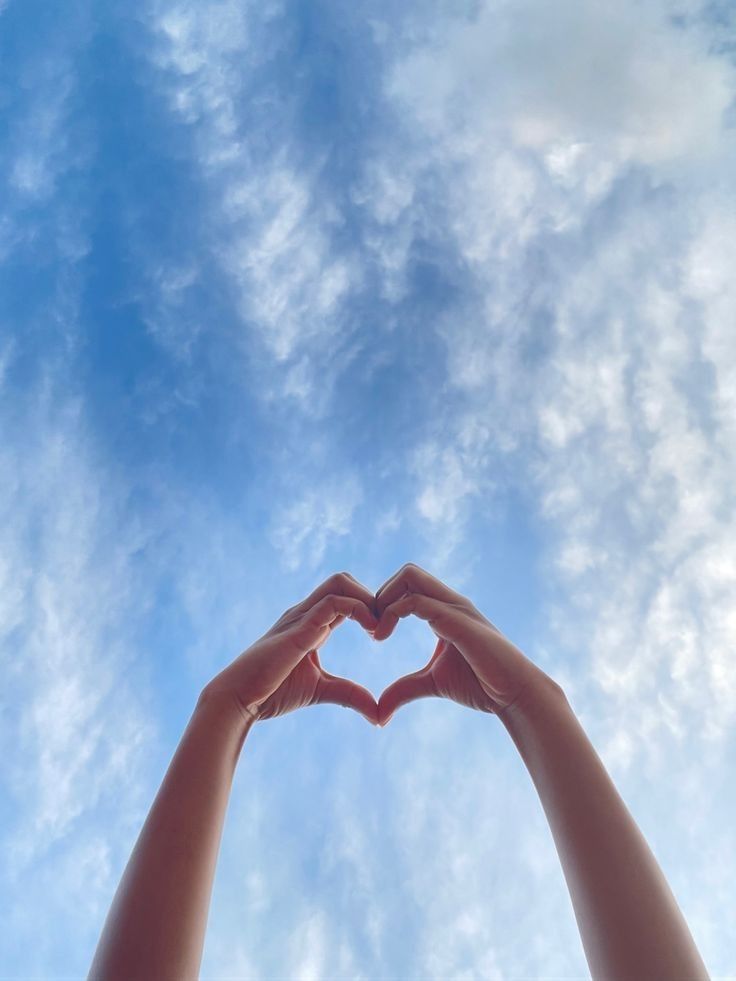 Heart Hands in the Sky
-
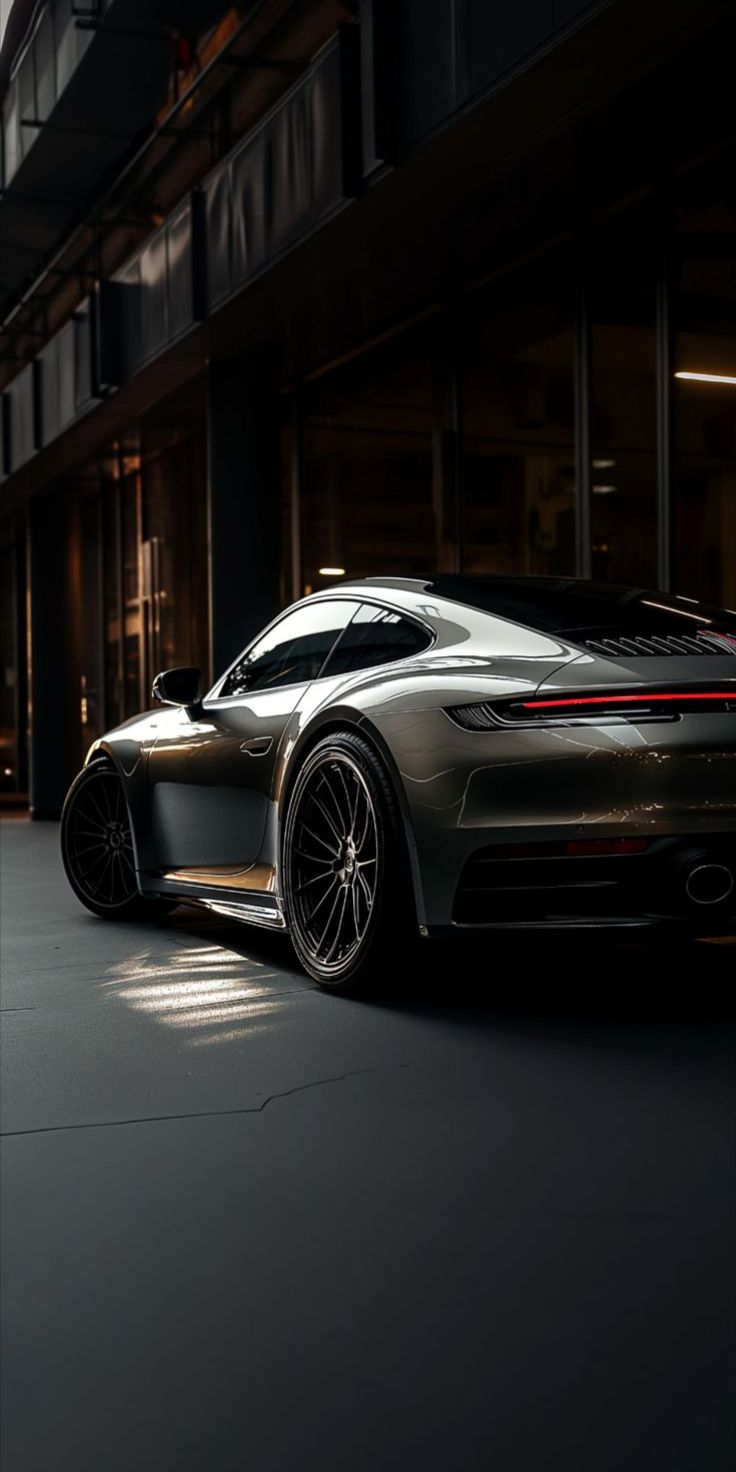 Porsche 911 on a Dark Street
-
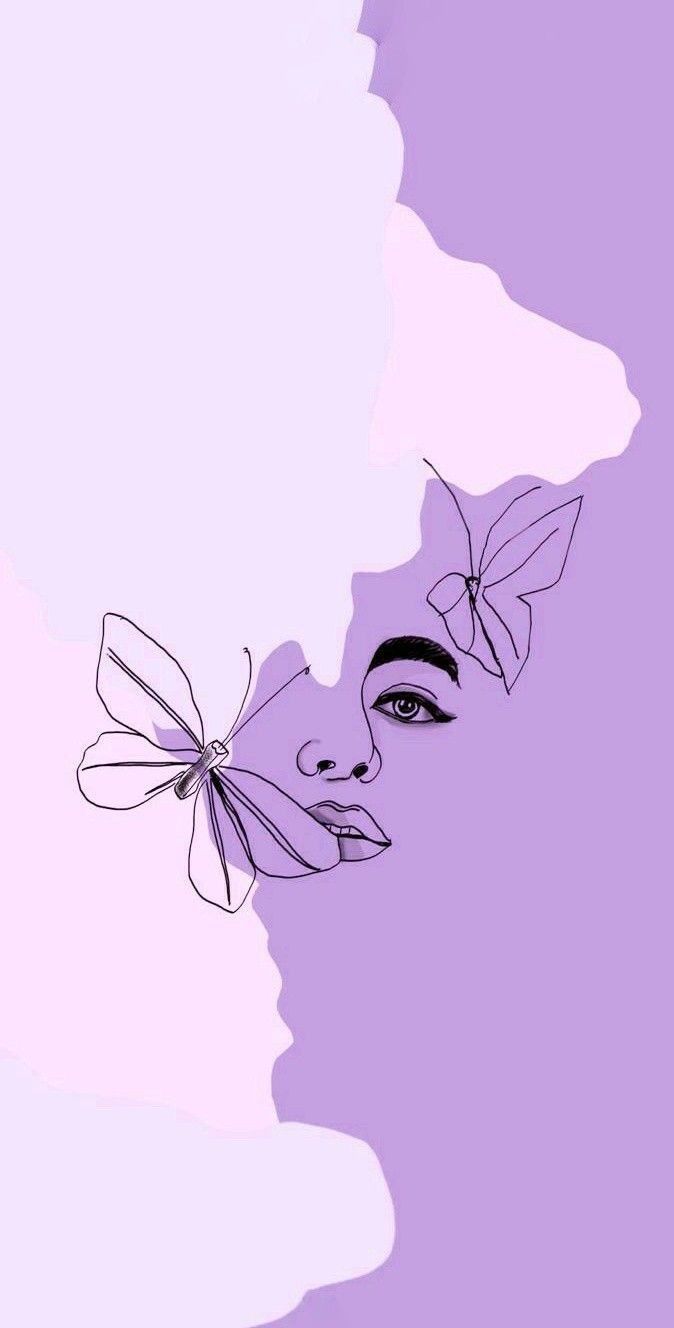 Butterfly Face Line Art
-
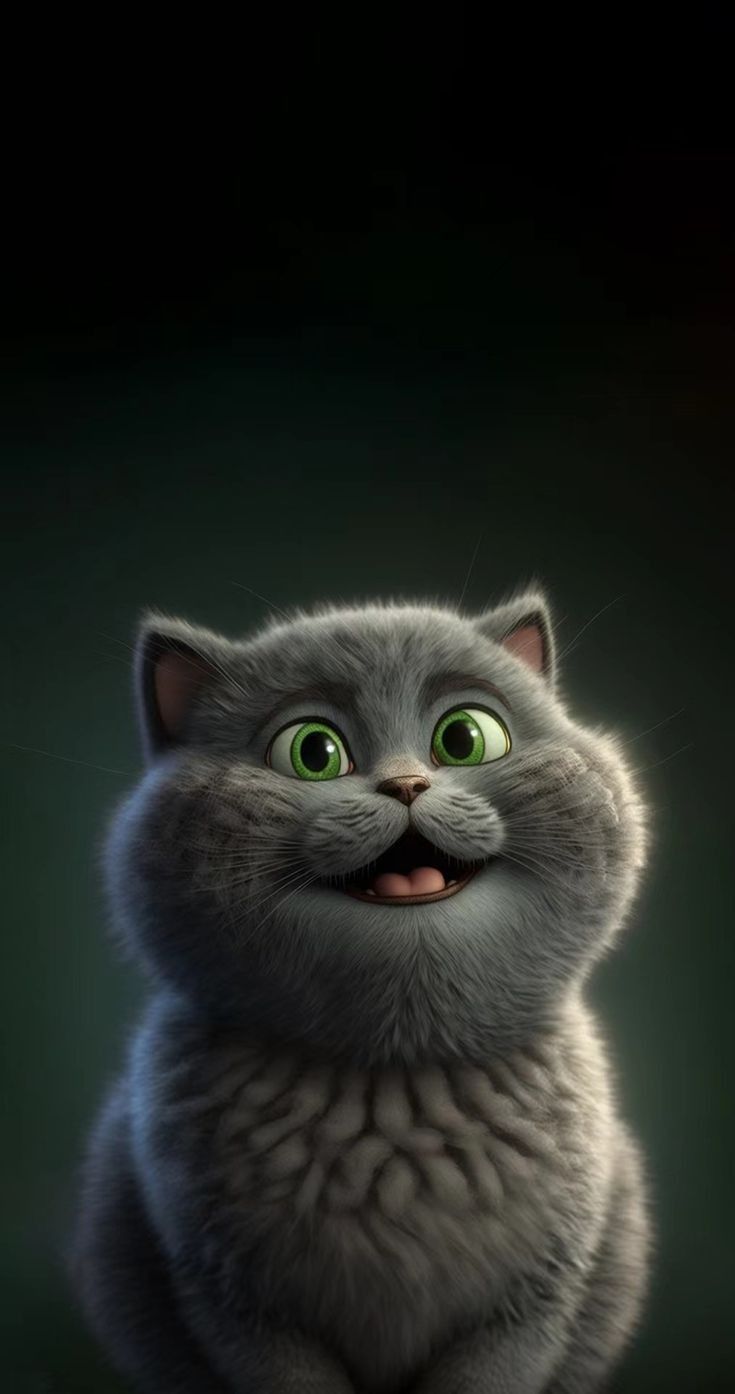 Grinning Grey Cat
-
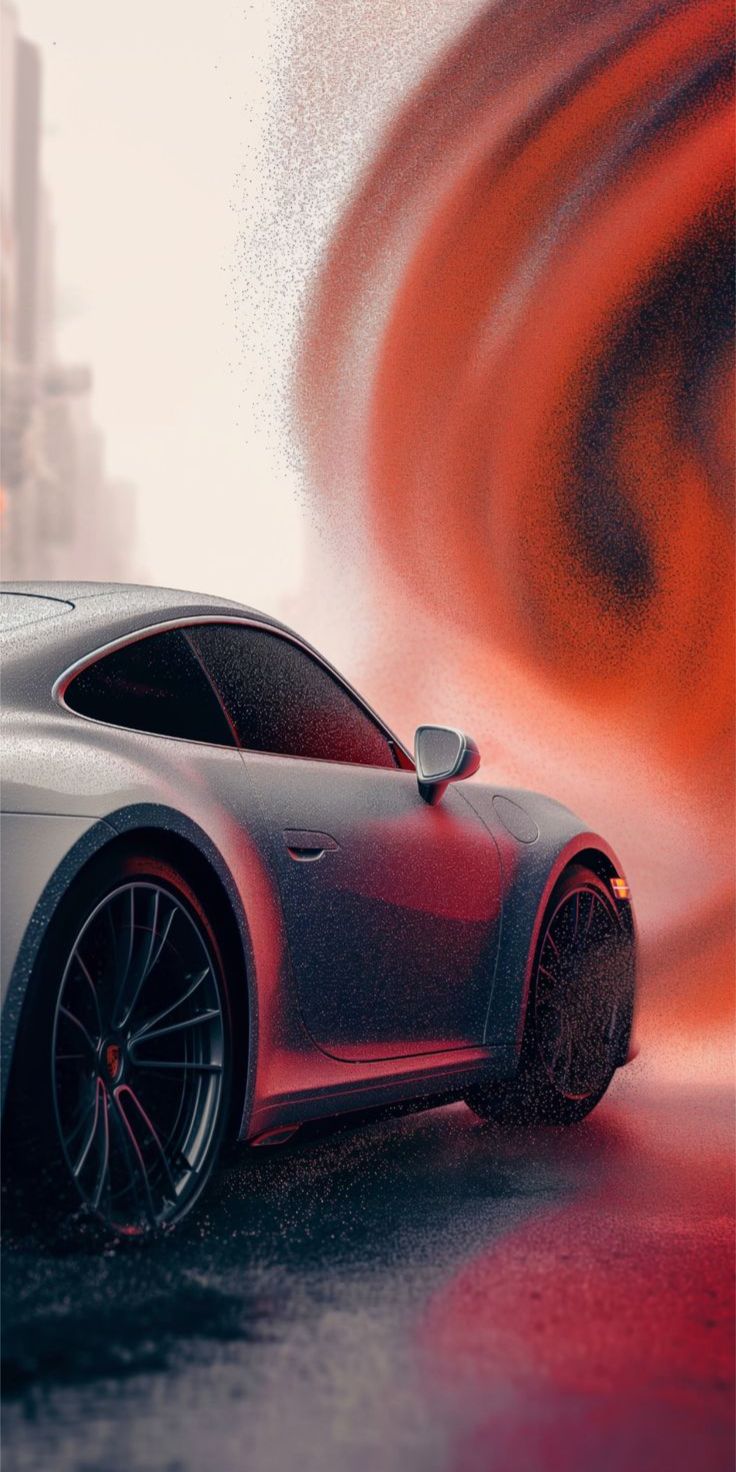 Porsche 911 in Red Smoke
-
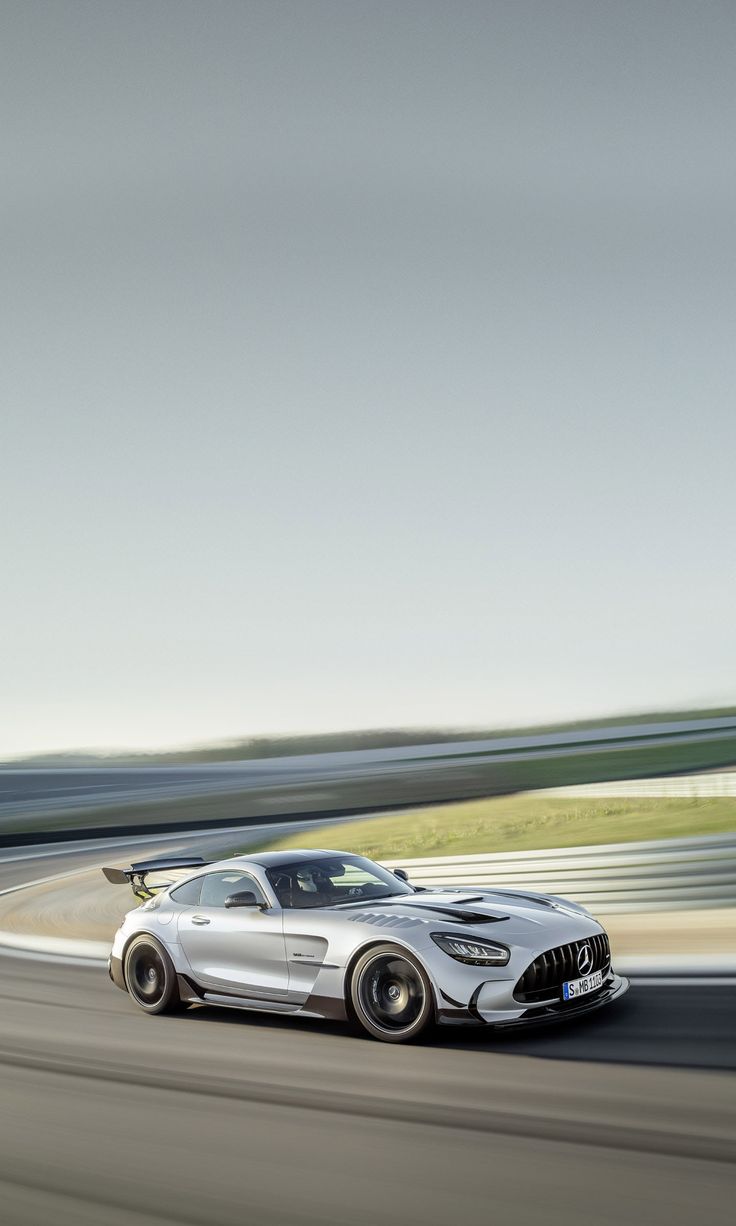 Mercedes-AMG on the Track
-
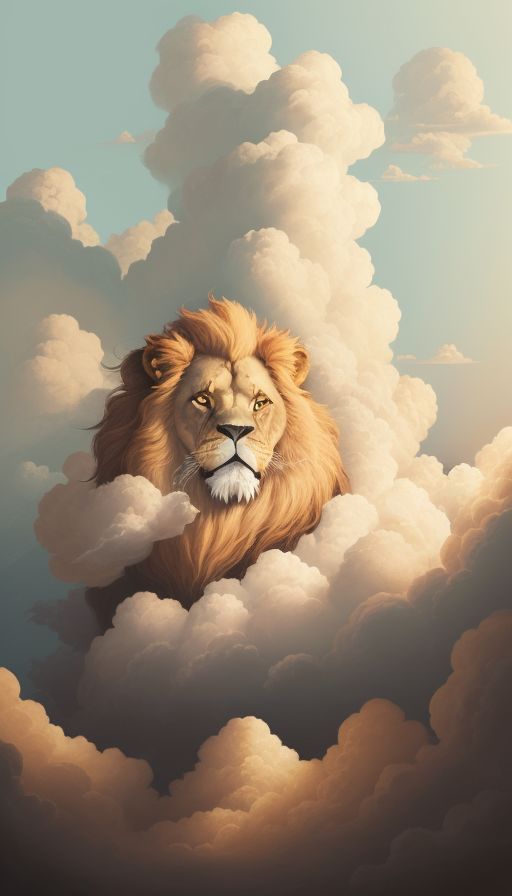 Lion in the Clouds
-
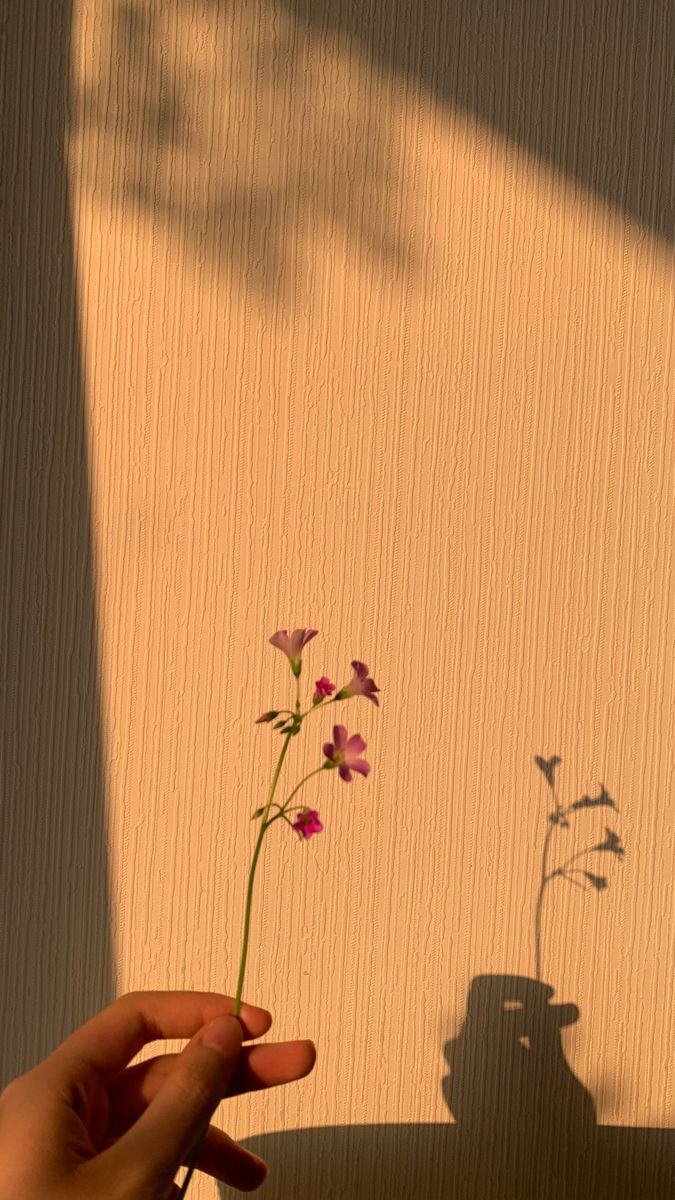 Wildflower Shadow
-
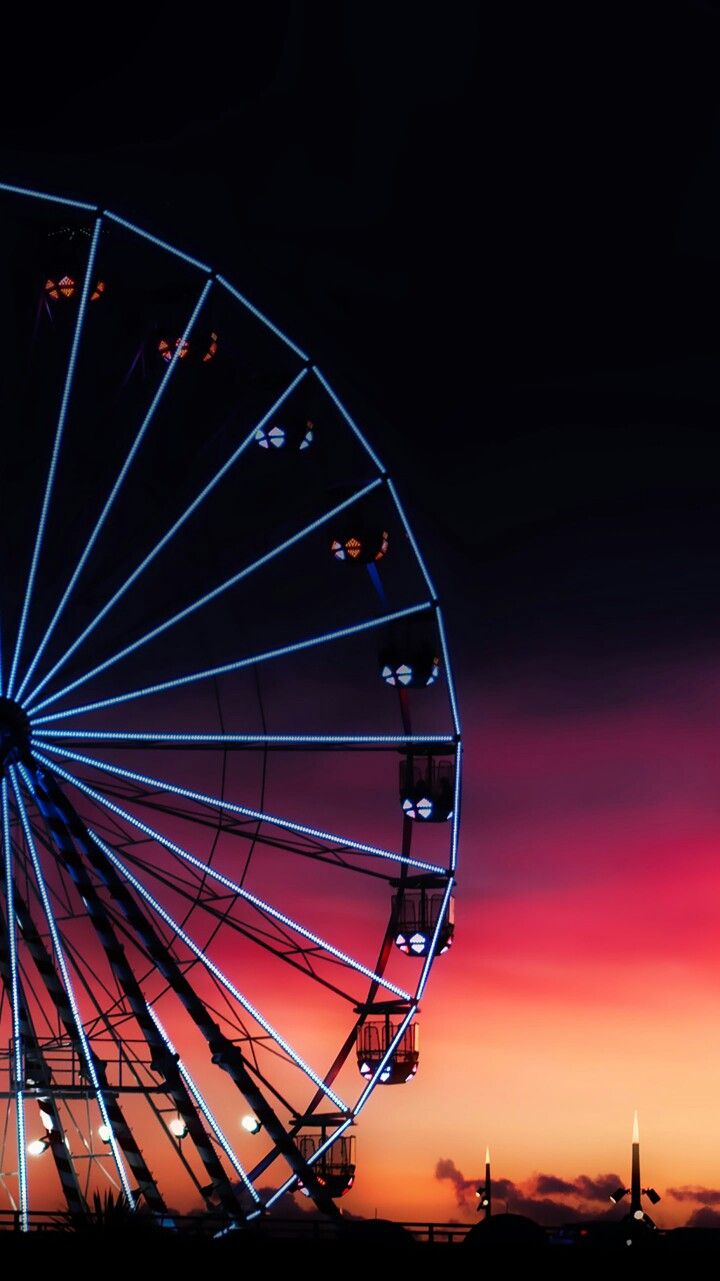 Ferris Wheel Sunset
-
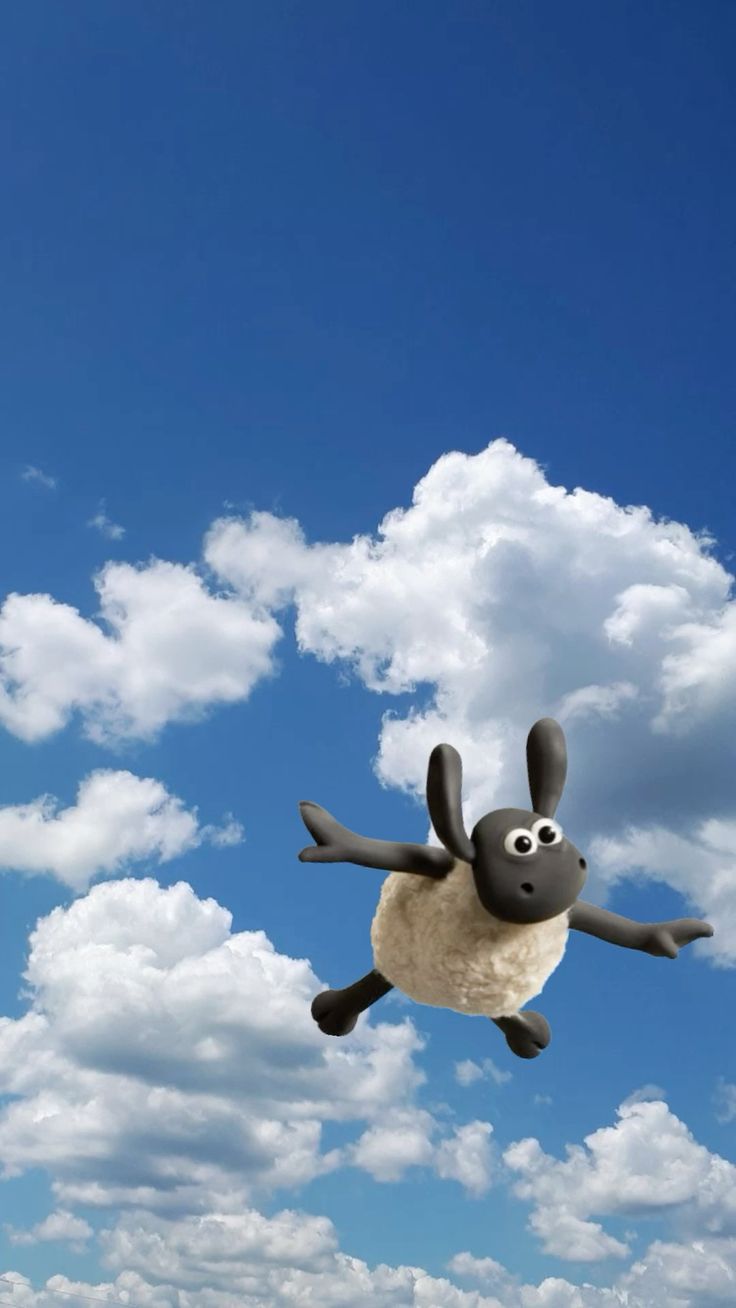 Shaun the Sheep in the Sky
-
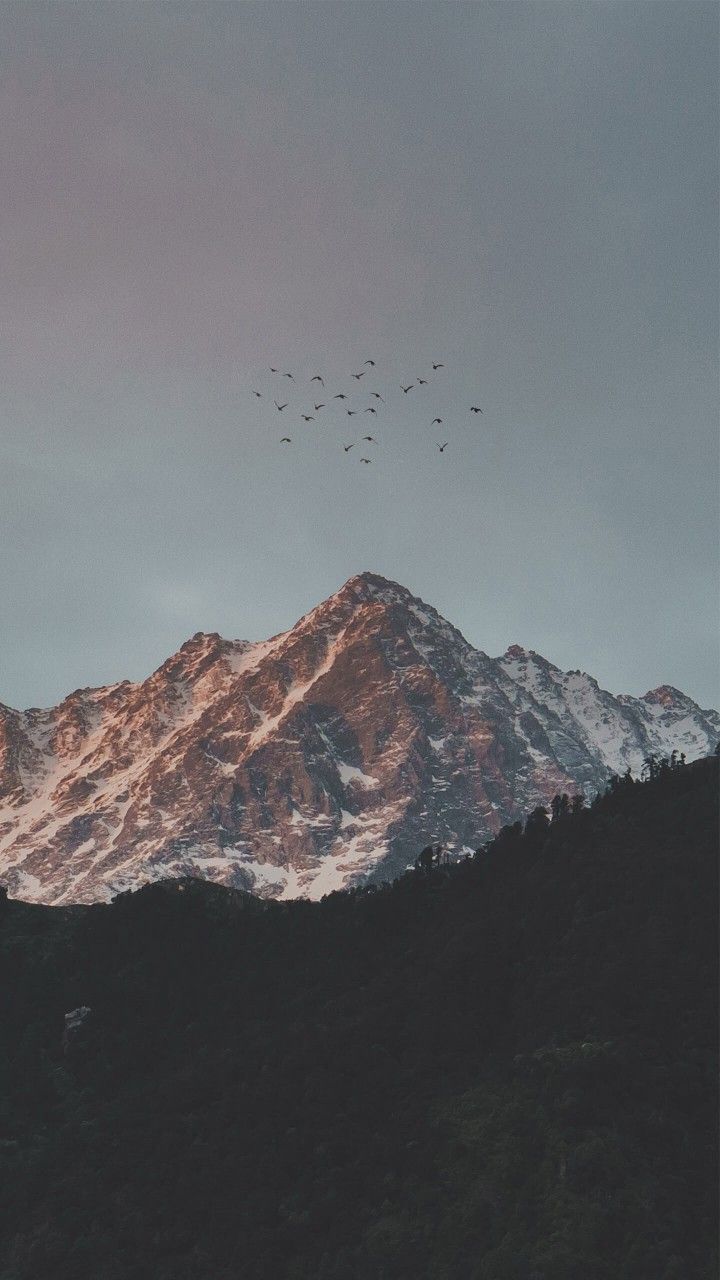 Mountain Peak at Dusk
-
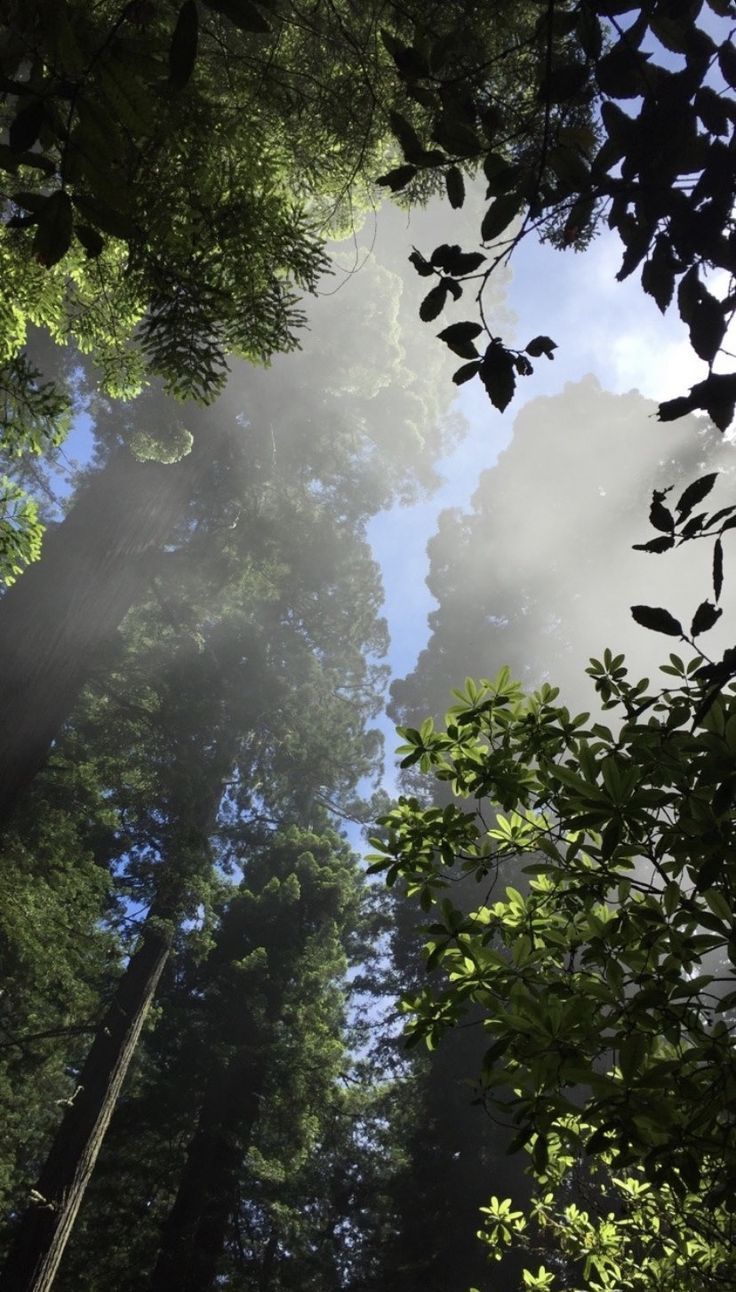 Sunlight Through the Trees
-
 Shiba in Sunflowers
-
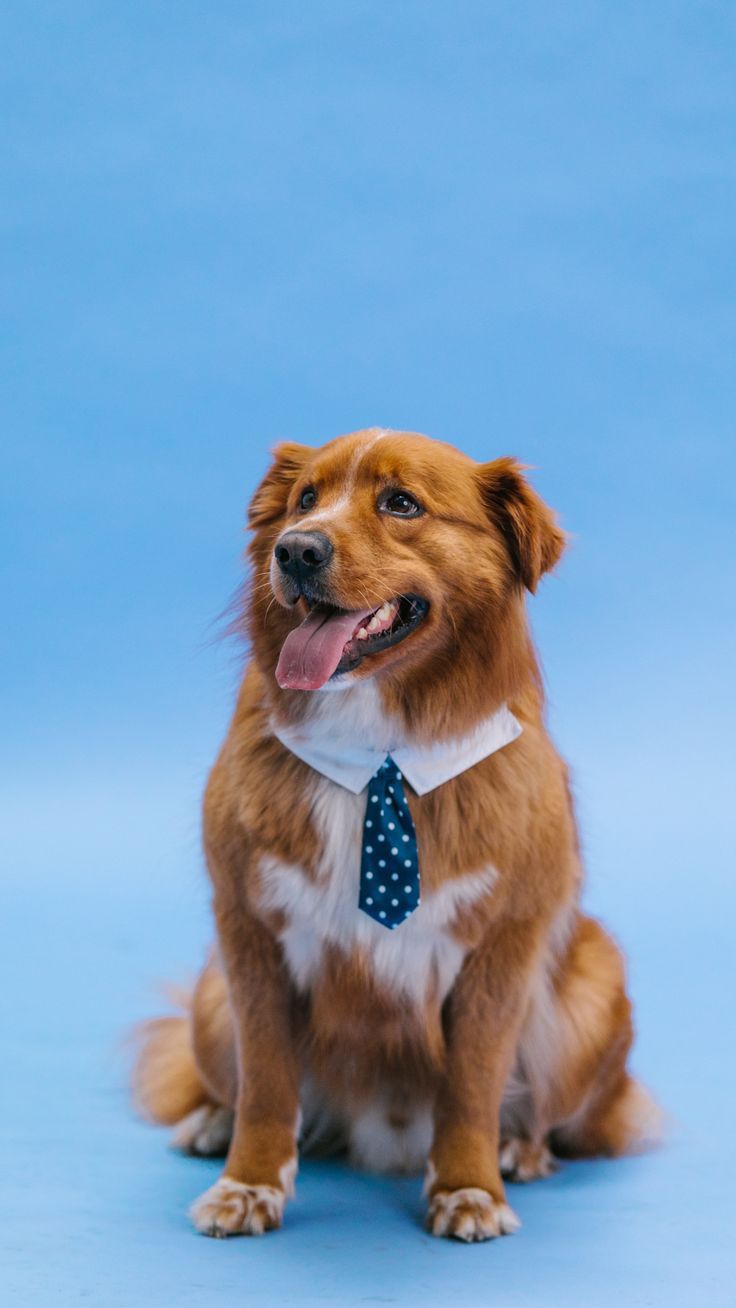 Dog in a Bow Tie
-
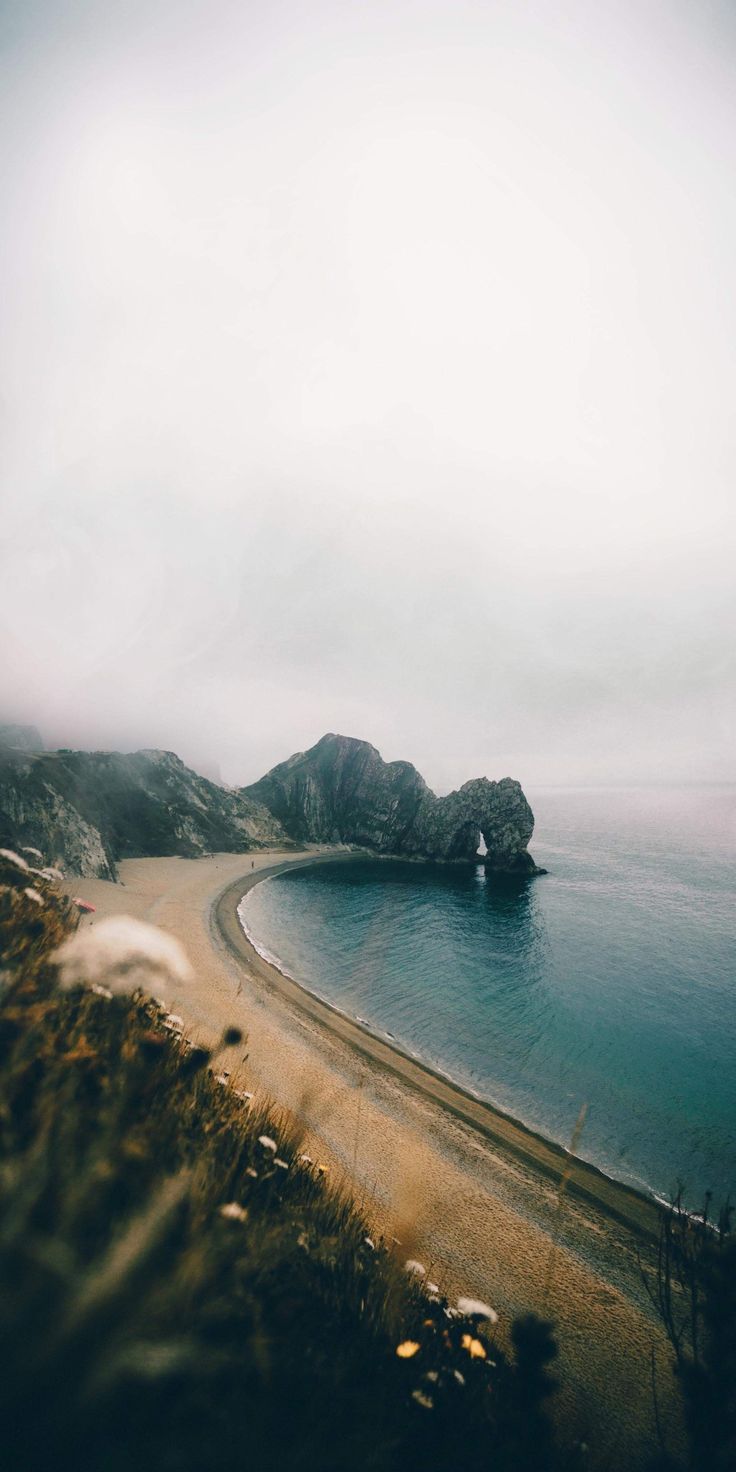 Misty Coastline
-
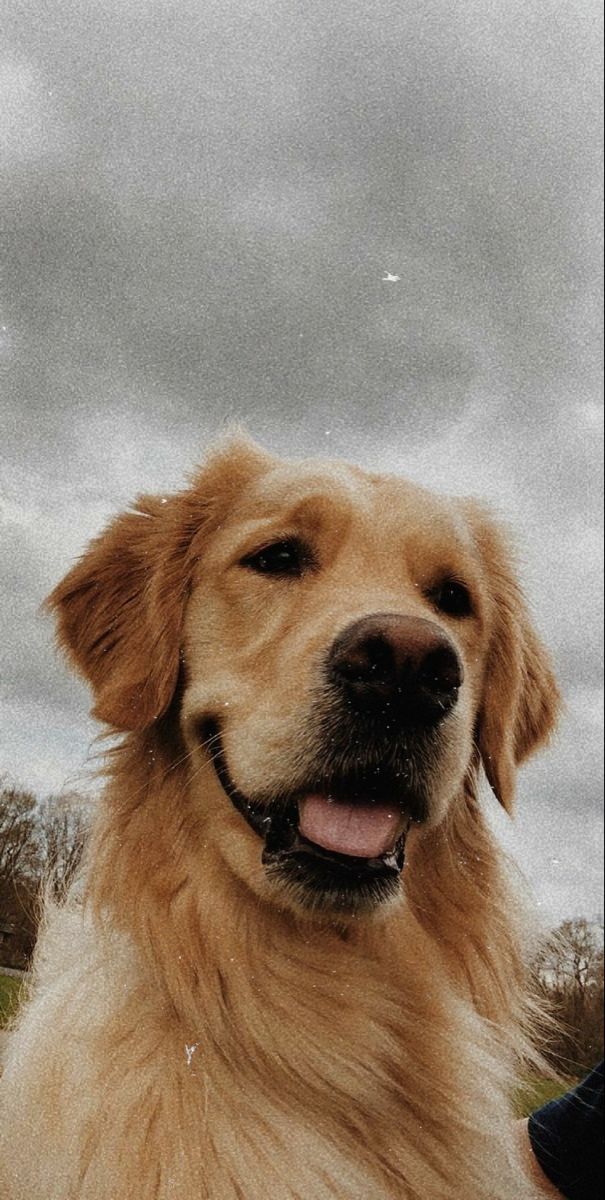 Cheerful Golden Retriever
-
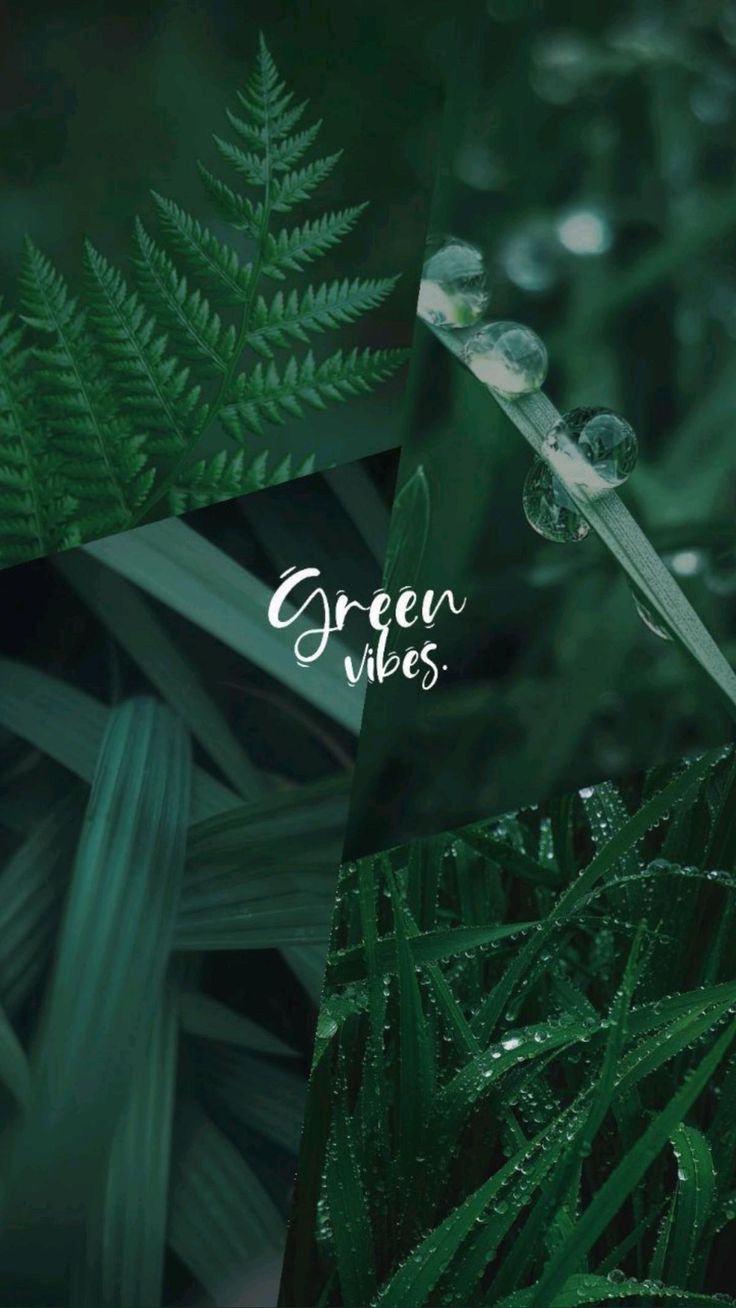 Green Vibes
What you will find here
This is the biggest category on the site, and the most varied. Most of it is animals: dogs in harnesses and sunglasses, cats, pandas, lions, foxes and birds. Then come cars, mostly Porsches and Mercedes shot at night or in coloured smoke. There are also city streets, mountain roads, and a few landmarks like Mount Fuji. Mixed in are some photo-based collages, neon signs and doodles that did not fit anywhere else.
Choosing a photo wallpaper
Photos behave differently from artwork on a phone. A photo has one subject, like a face, a car or a peak, and that subject has to survive the phone's crop. Most phones are taller than the picture, so they trim the sides. A dog in the centre of the frame will be fine. A car driving out of the left edge may lose its bumper.
The lock screen clock sits over the top third of the picture. Photos with open sky, a plain wall or a dark background up there keep the time readable. Close-up animal portraits usually have the face in the middle, which works well. iPhones can also lift the subject in front of the clock with the depth effect, if there is room above it.
For the Home screen, busy photos like a crowded street or a bright collage make app names harder to read. A darker or softer photo, or the same one blurred, is easier to live with.
Sharpness
Photos show blur more than gradients or illustrations do, because the eye expects fur, feathers and chrome to be crisp. Each wallpaper's page shows its real size. On a large or very sharp screen, pick the largest one available. The fit and sharpness guide explains why.
Not sure how to set it once it is downloaded? There is a step-by-step guide for your phone.