Quotes wallpapers
Words to see every time you pick up your phone: motivation, affirmations, and faith from several traditions.
-
 Rainbow Cross
-
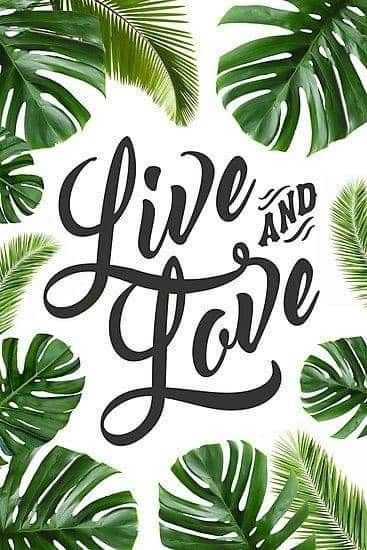 Live and Love
-
 Dream Plan Do
-
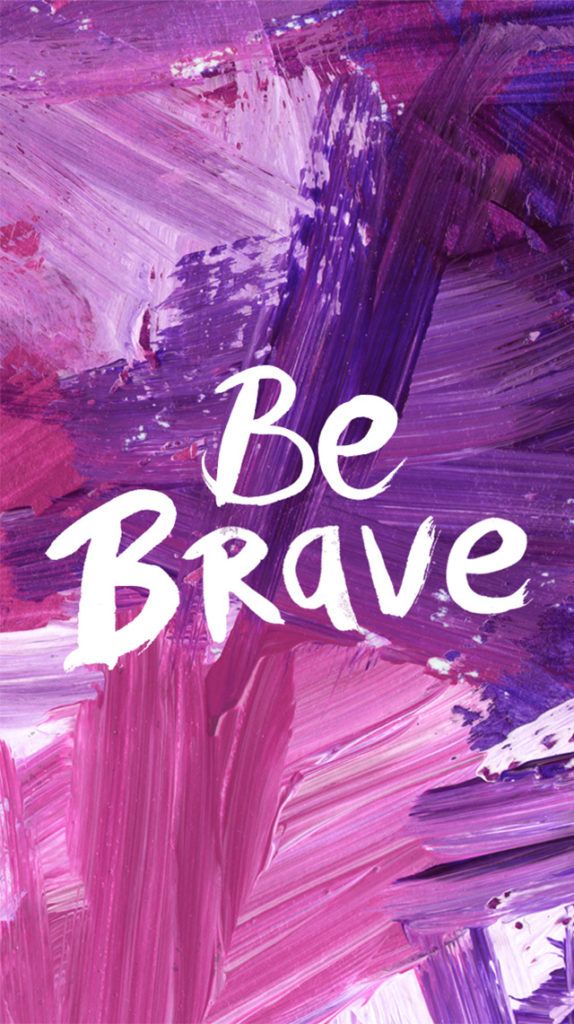 Be Brave
-
 Jesus on the Hilltop
-
 Mystique
-
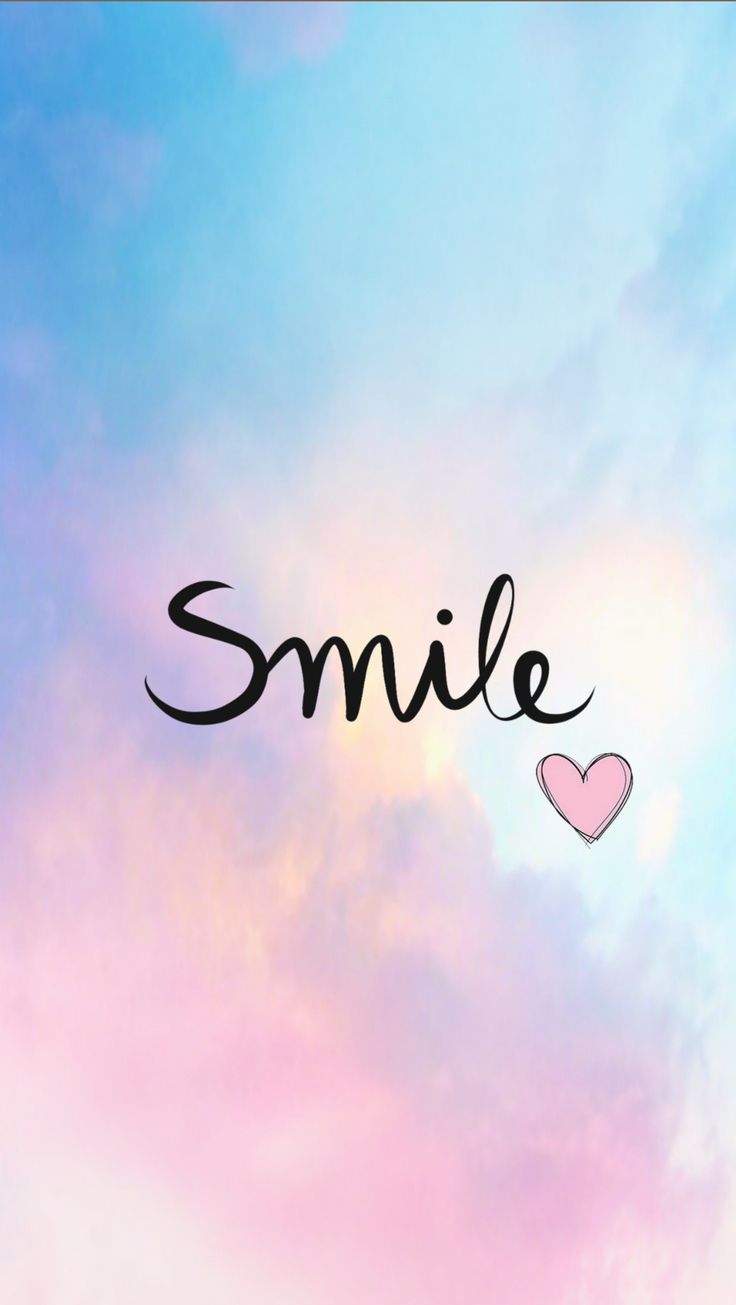 Smile
Smile
-
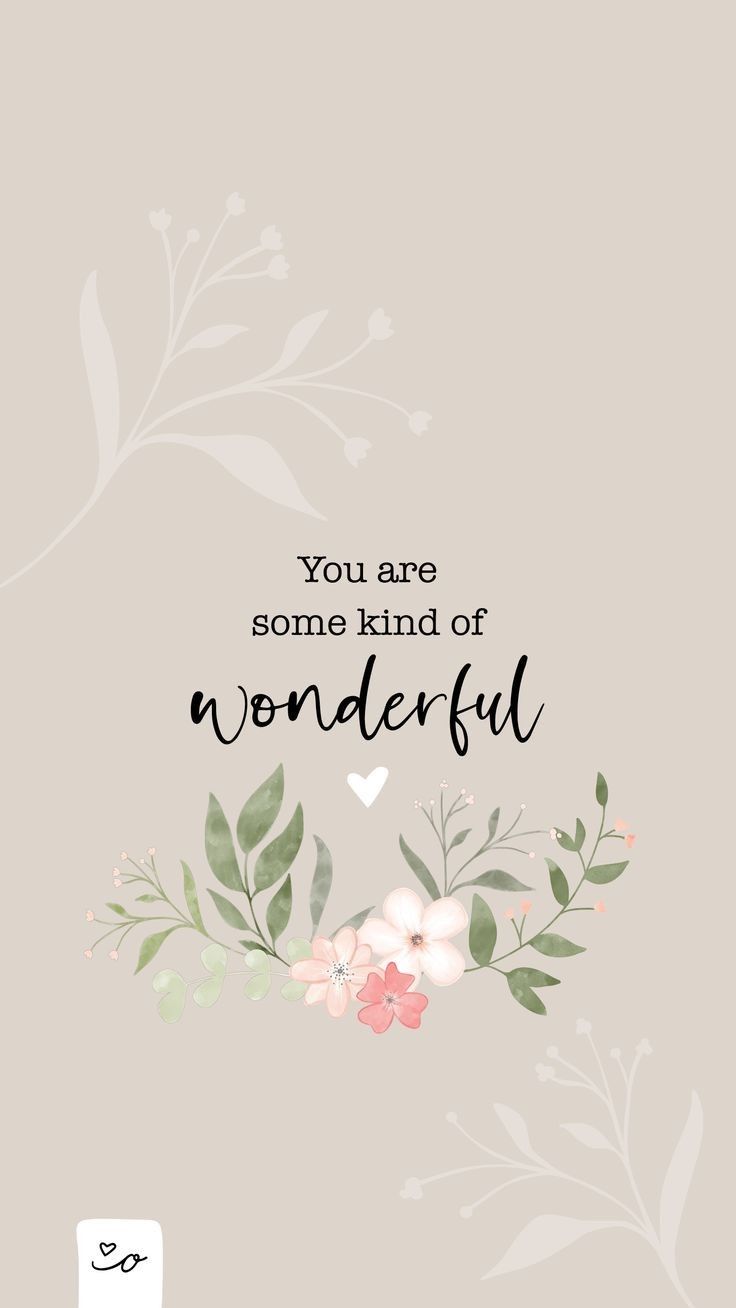 You Are Some Kind of Wonderful
-
 I Need Vitamin Sea
-
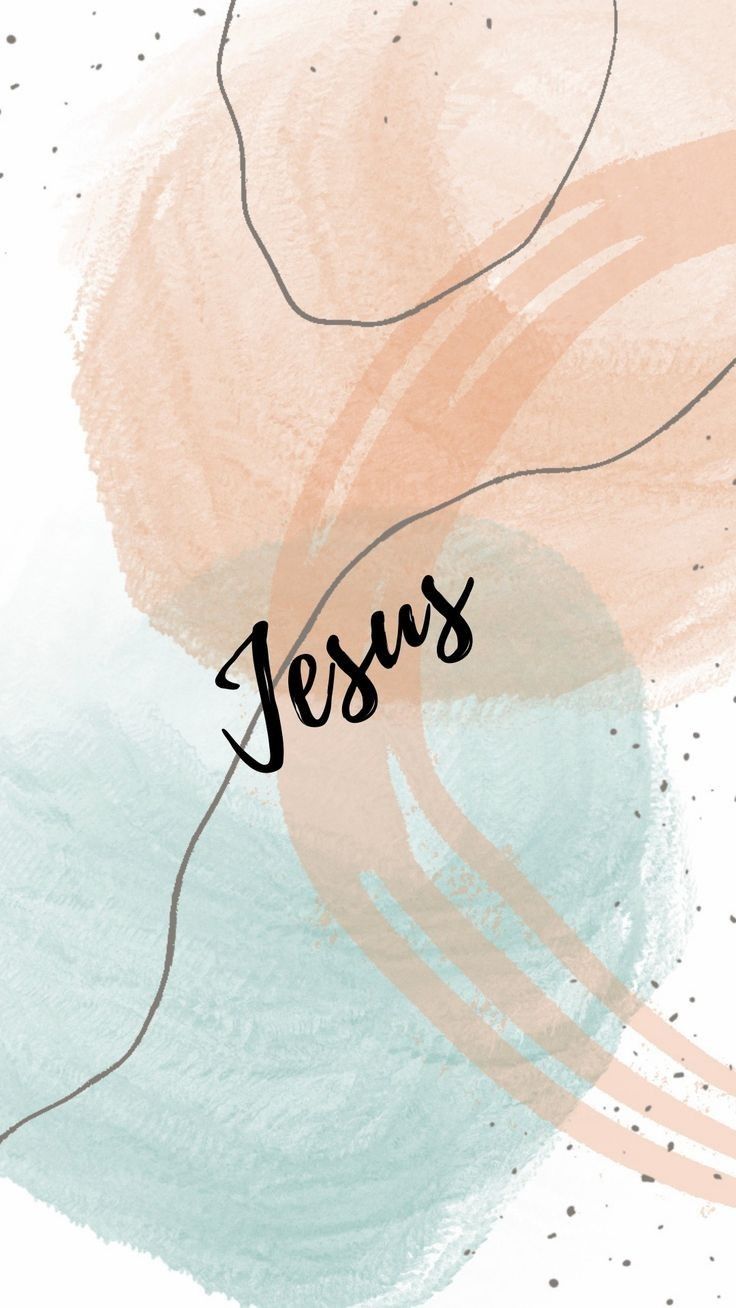 Jesus in Soft Pastels
-
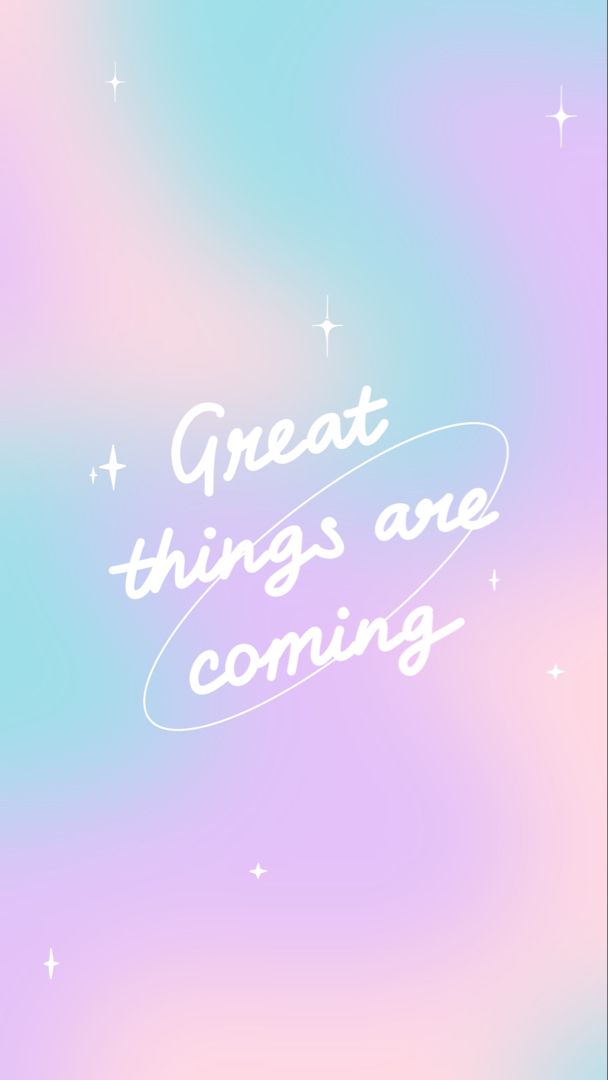 Great Things Are Coming
-
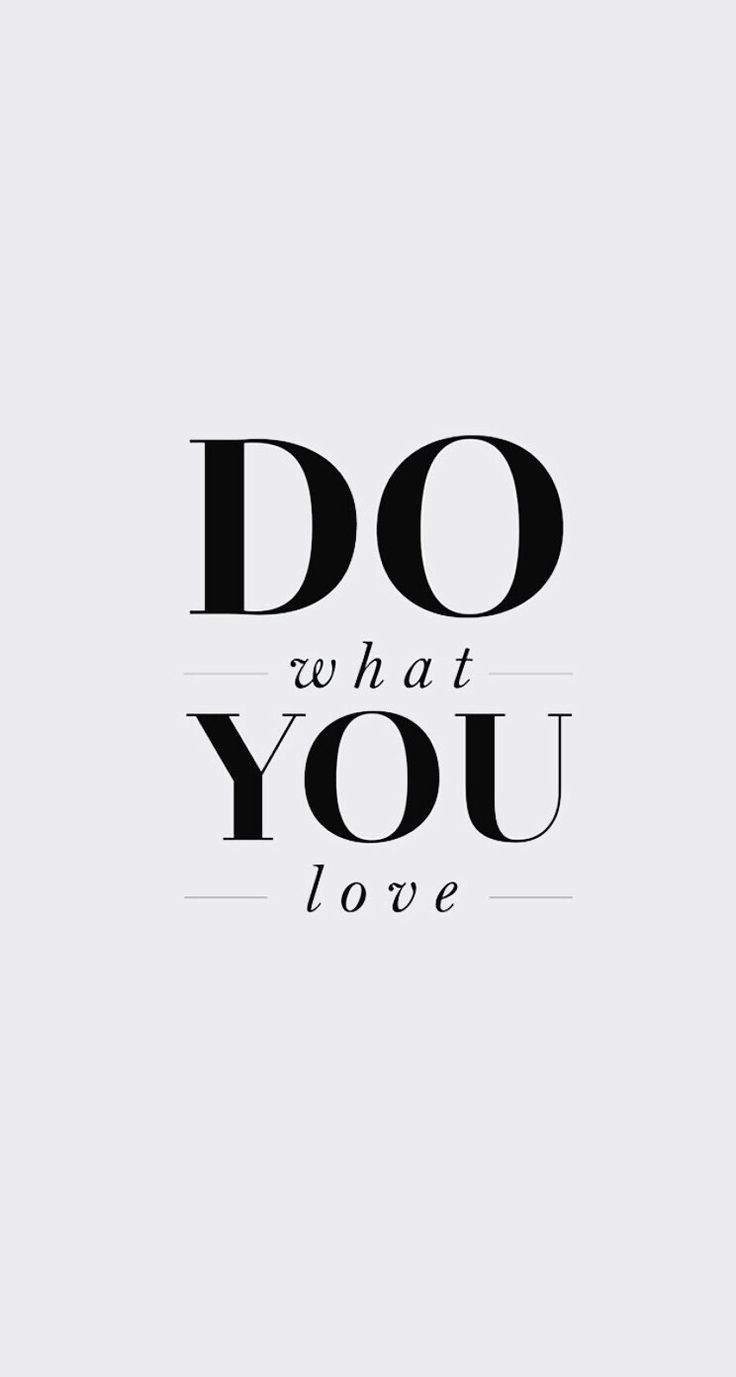 Do What You Love
-
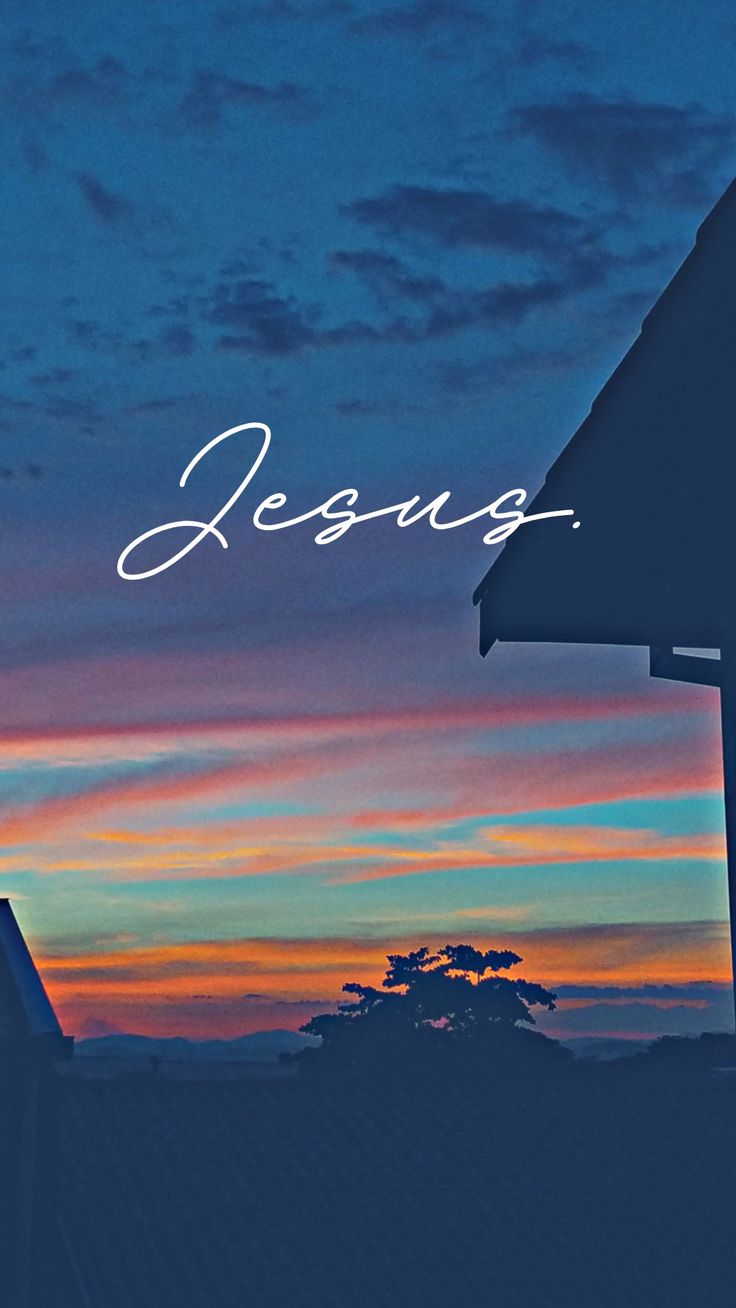 Jesus at Sunset
-
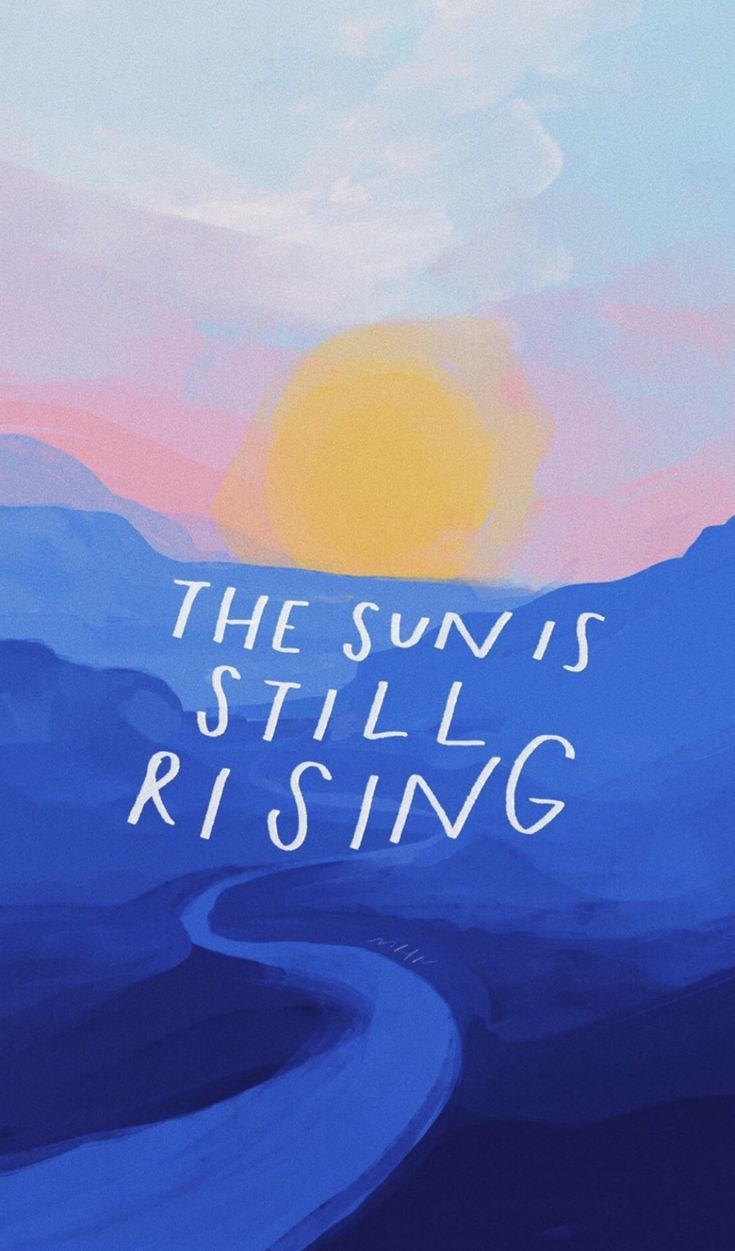 The Sun Is Still Rising
-
 Grow
Grow
-
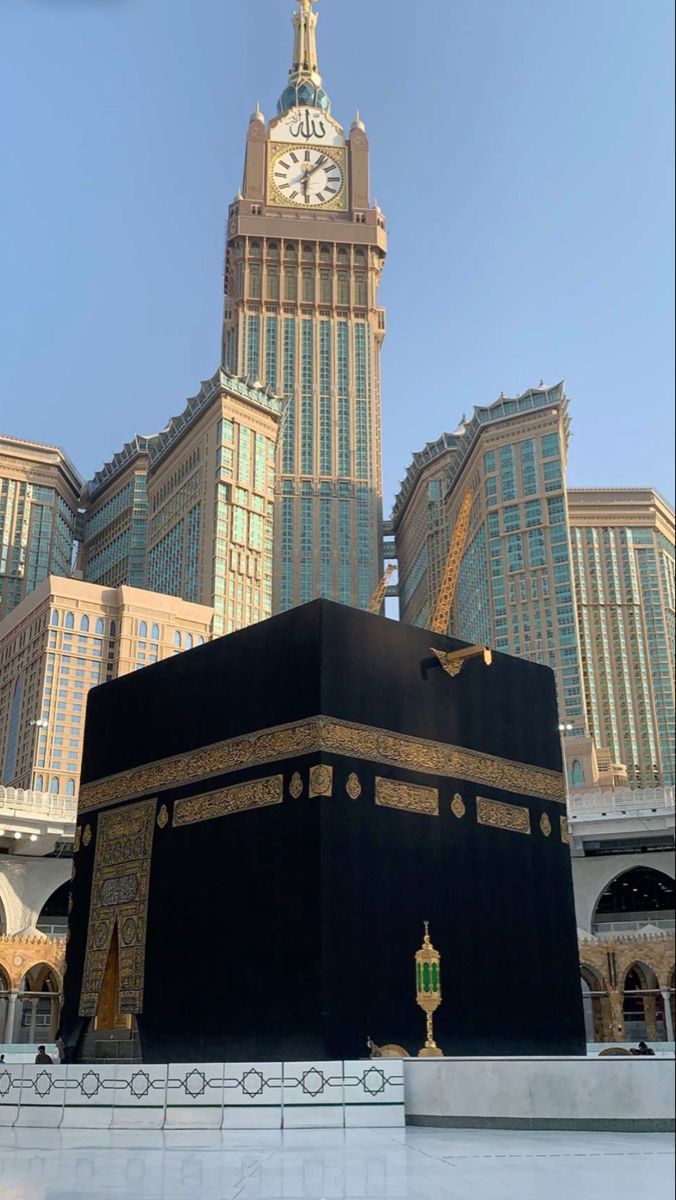 Kaaba and the Clock Tower
-
 Lord Hanuman in Gold
-
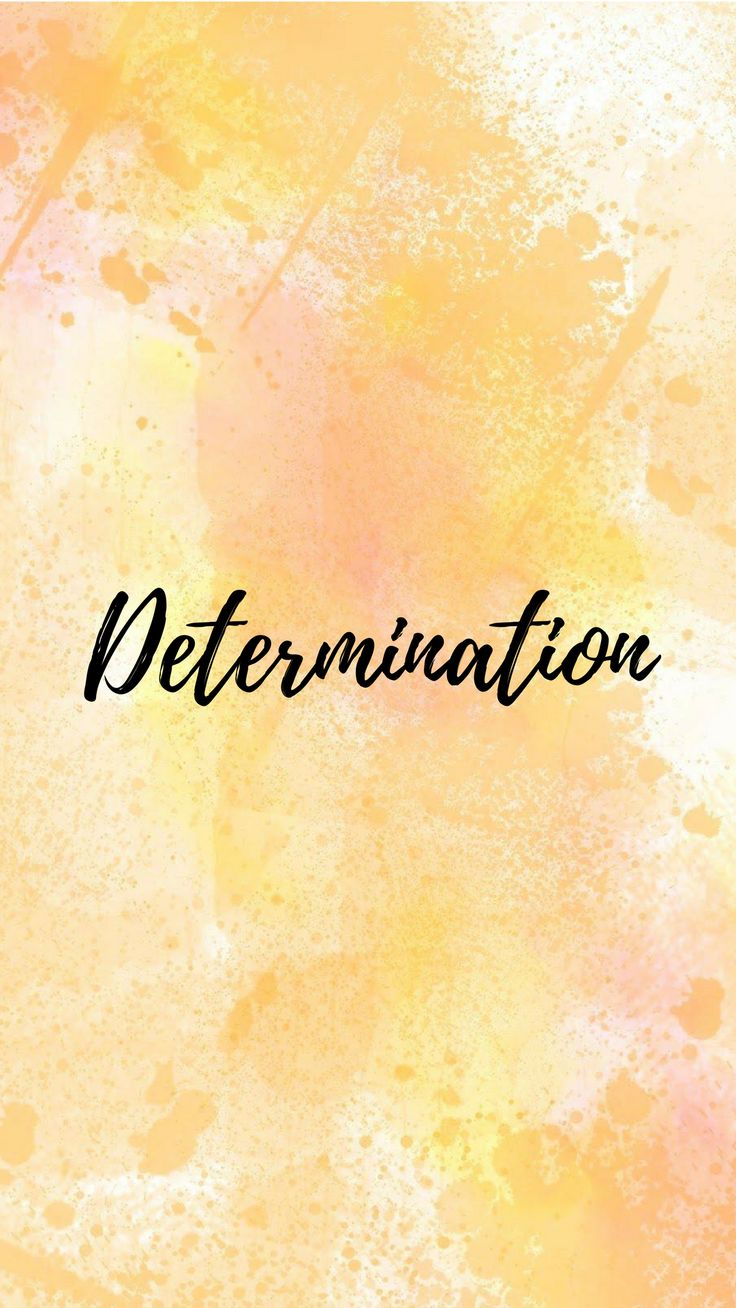 Determination
-
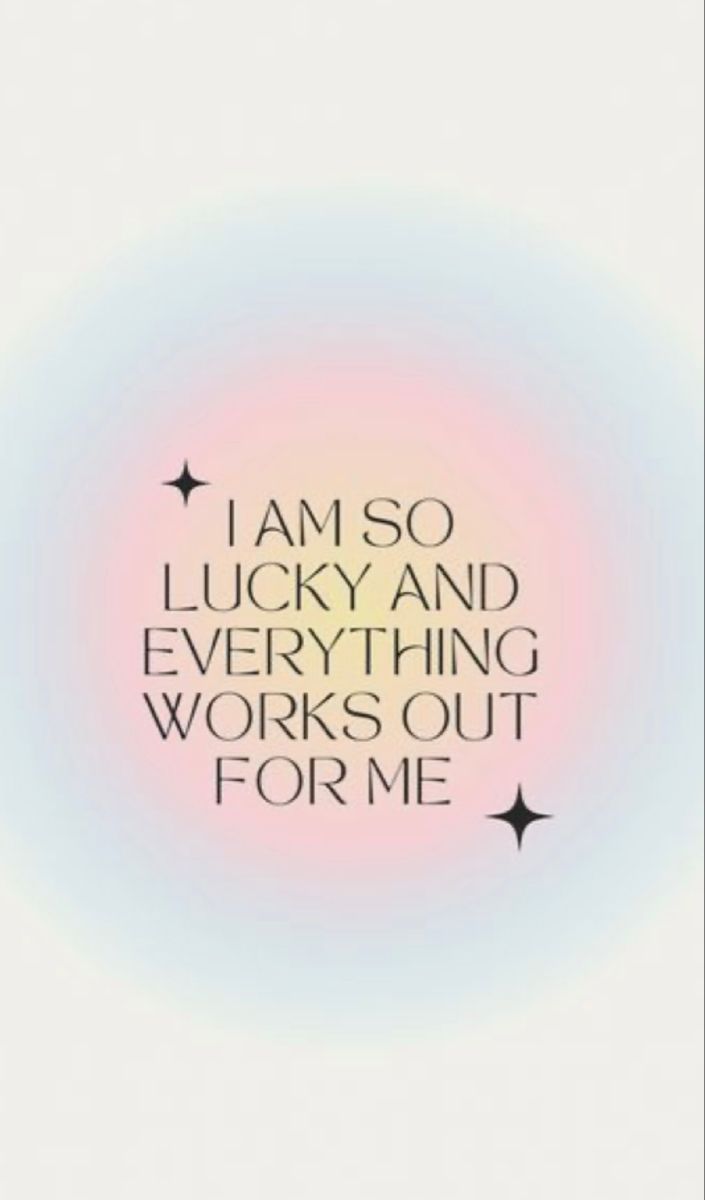 I Am So Lucky
-
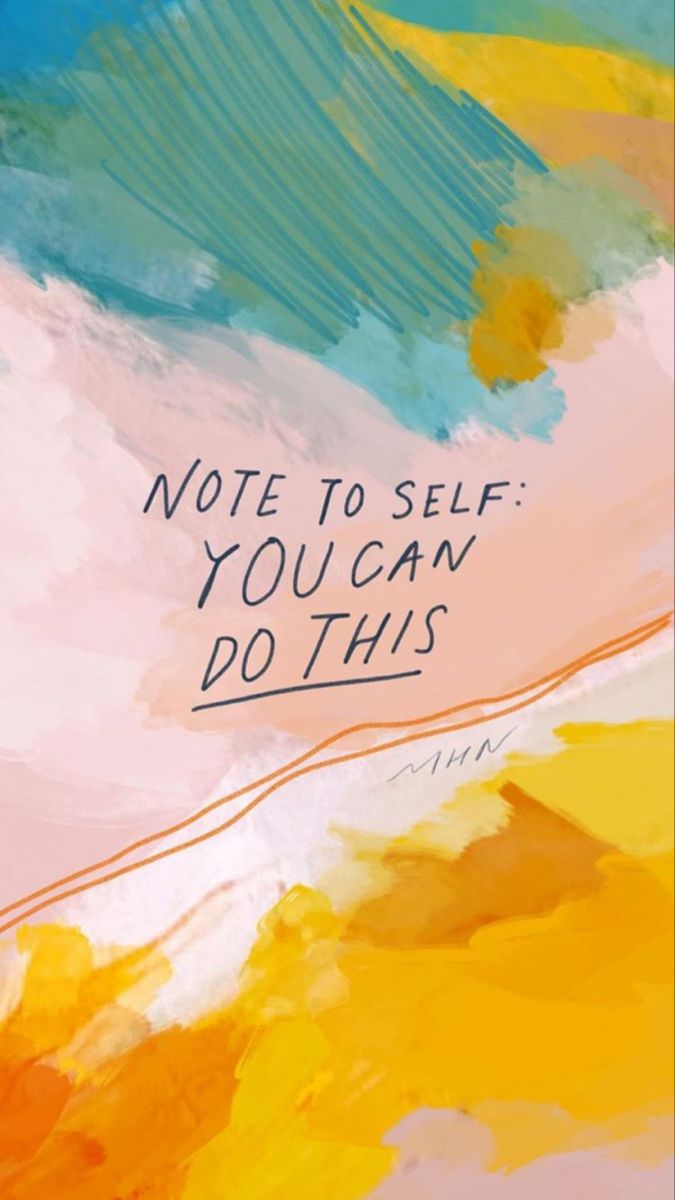 Note to Self: You Can Do This
-
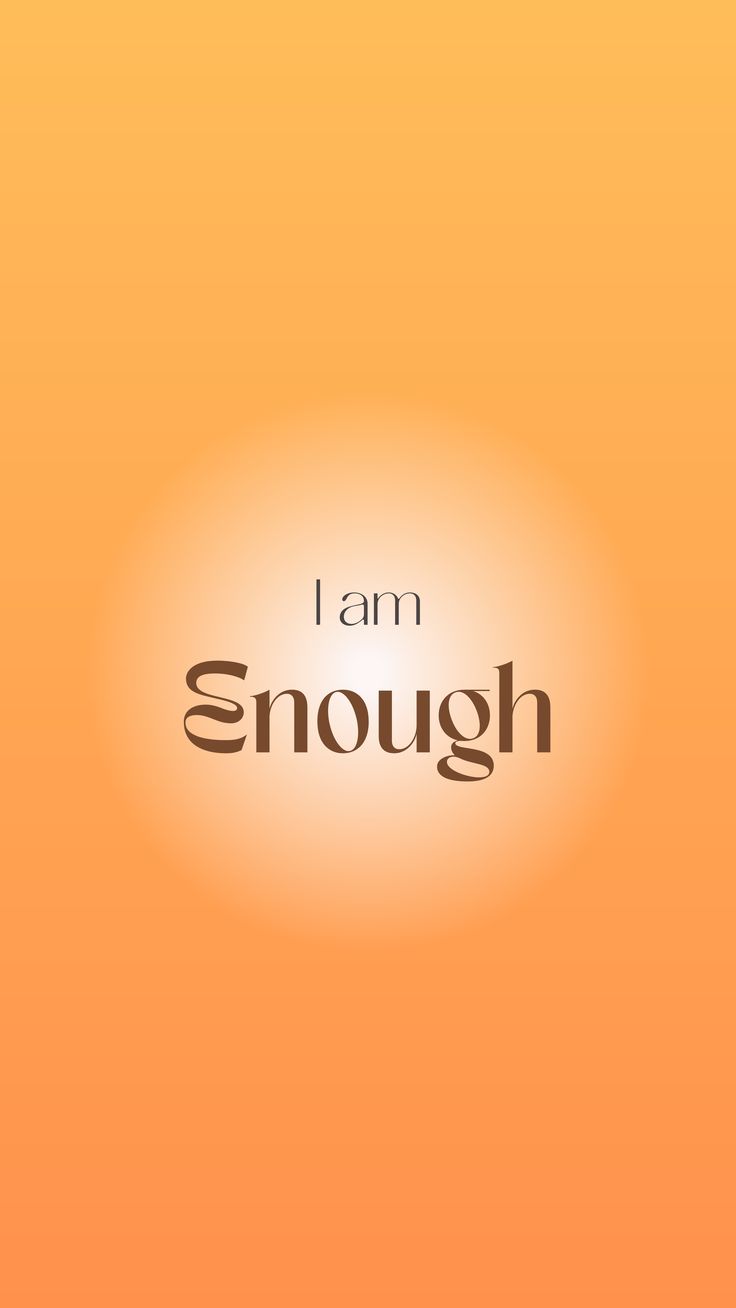 I Am Enough Orange
-
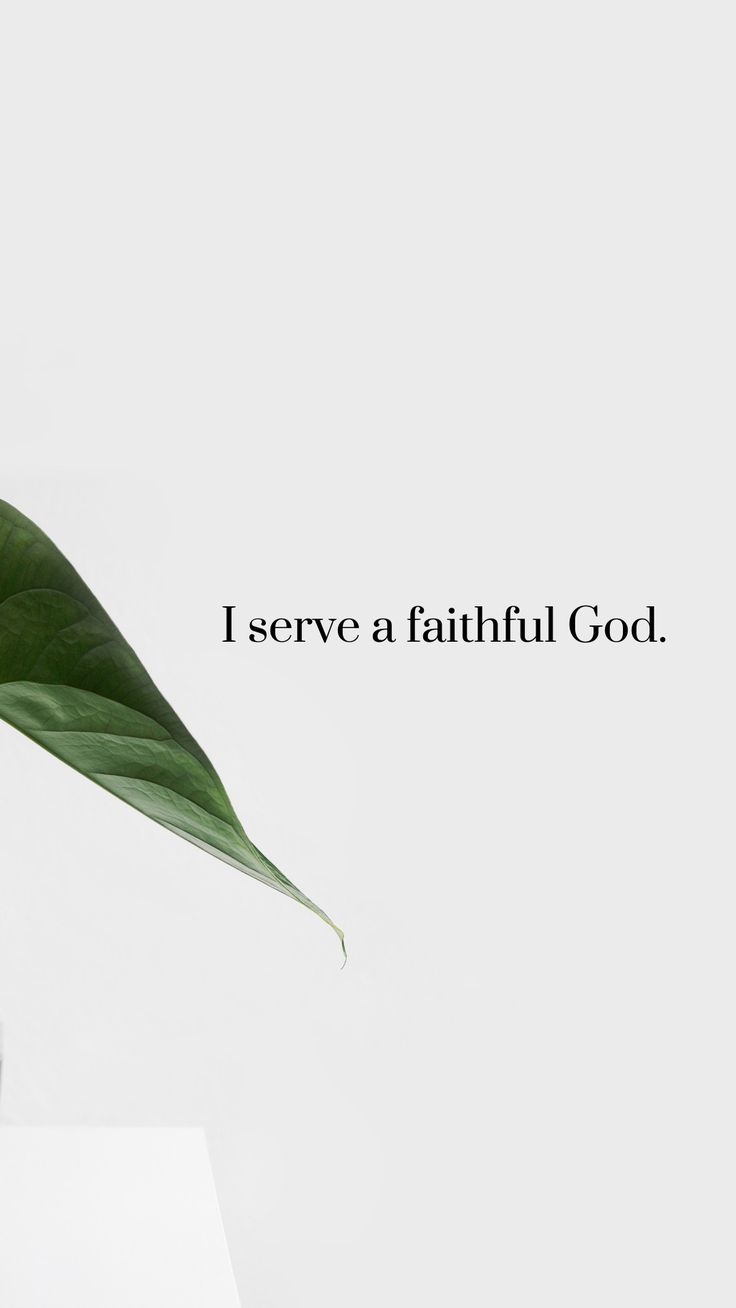 I Serve a Faithful God
-
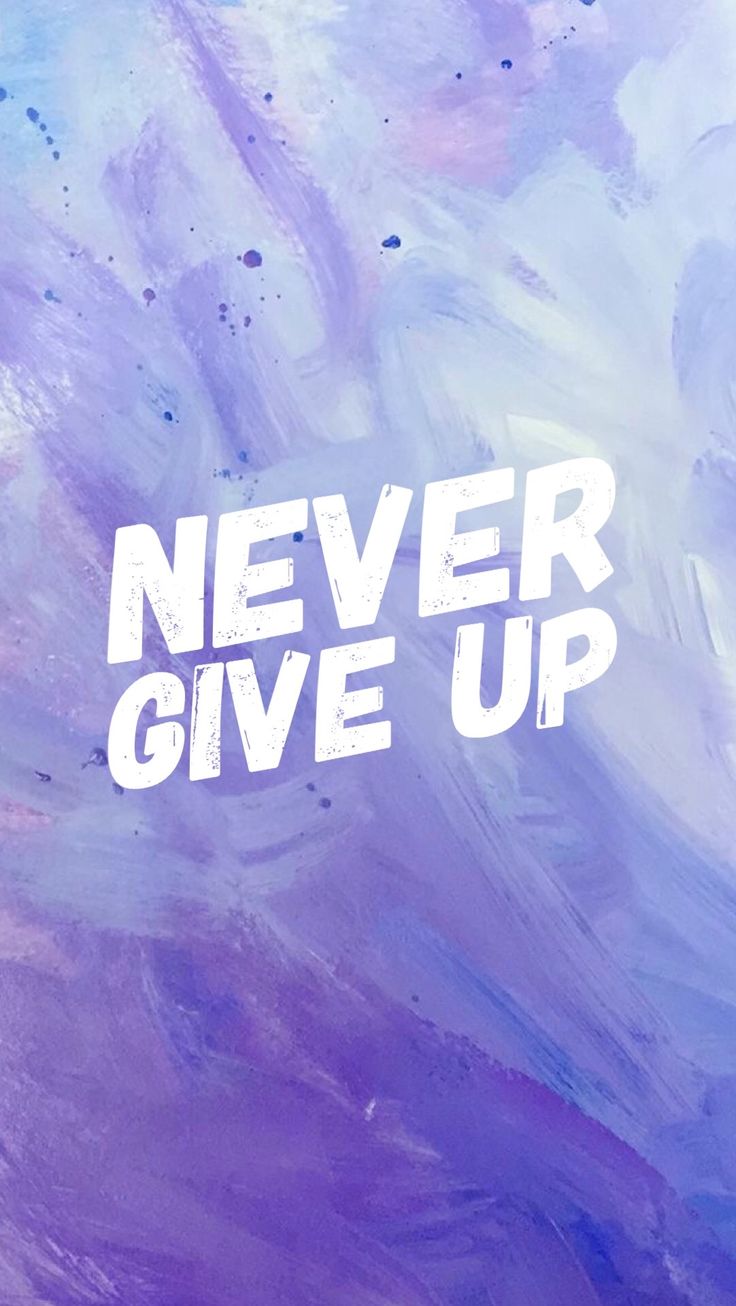 Never Give Up Marble
-
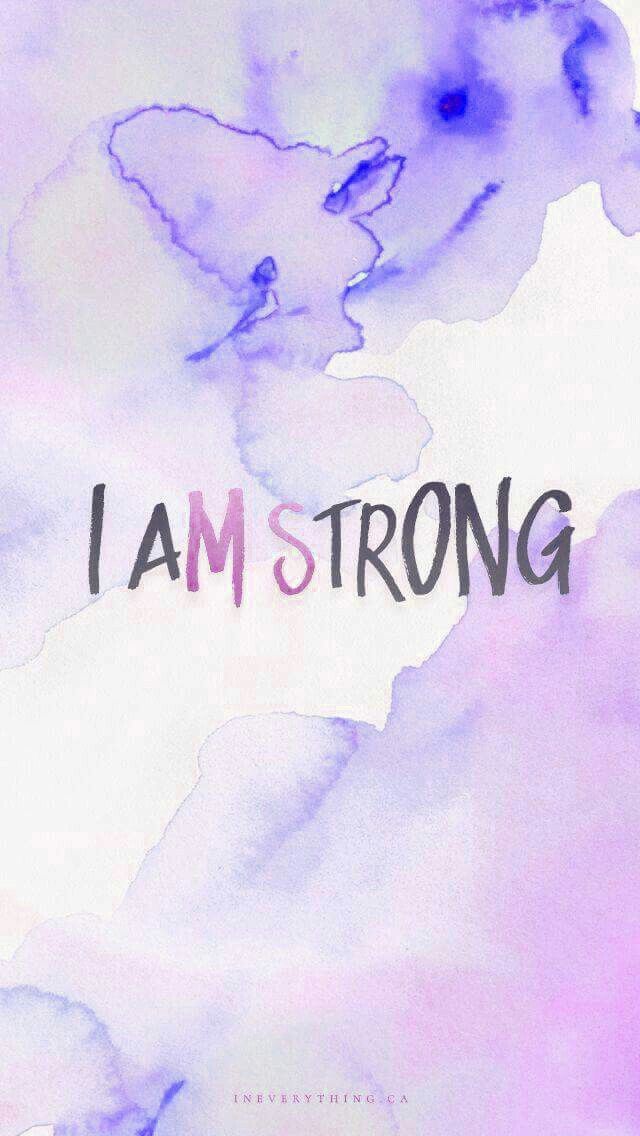 I Am Strong Watercolour
-
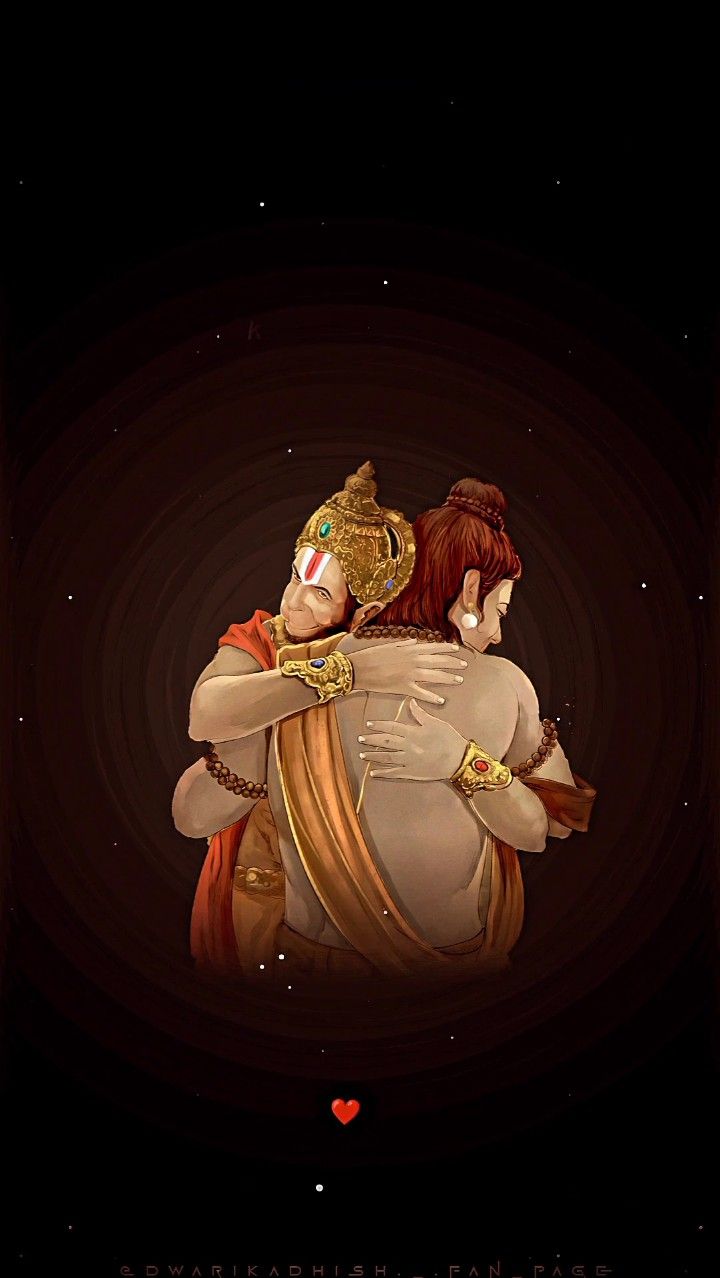 Hanuman and Lord Ram
-
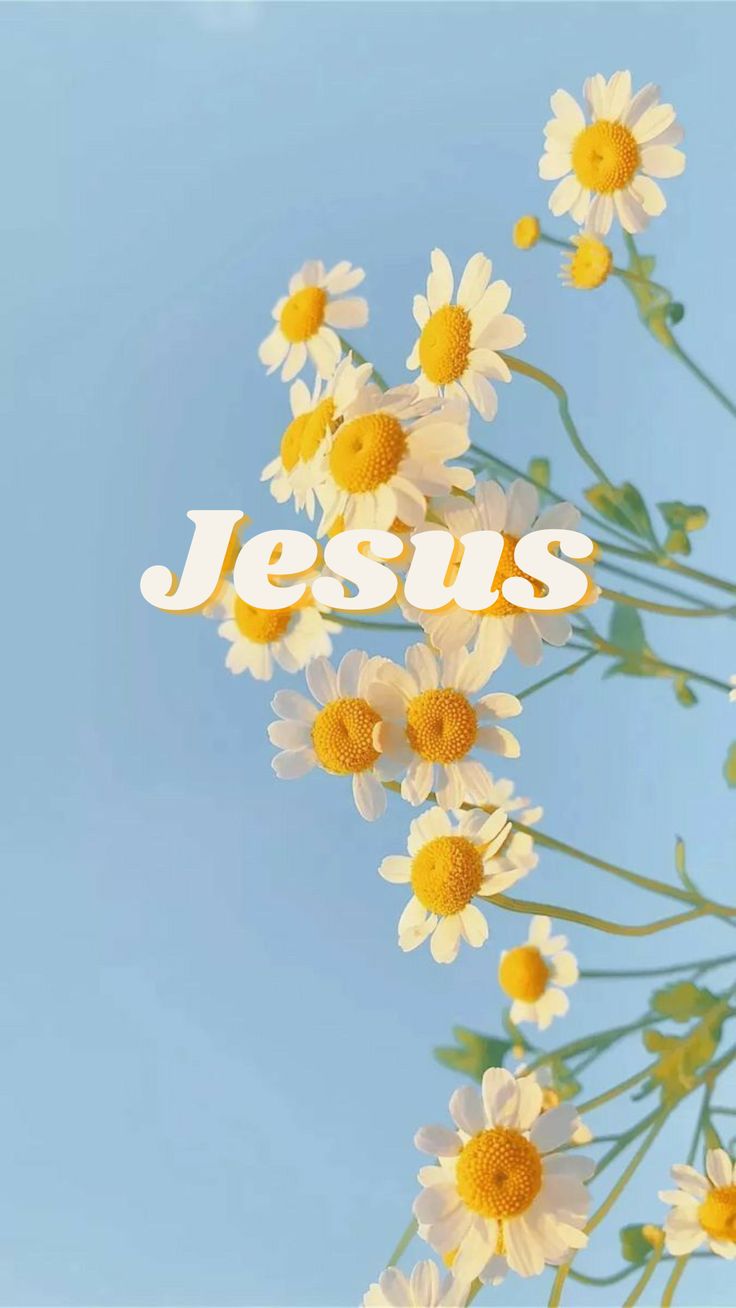 Jesus Among Daisies
-
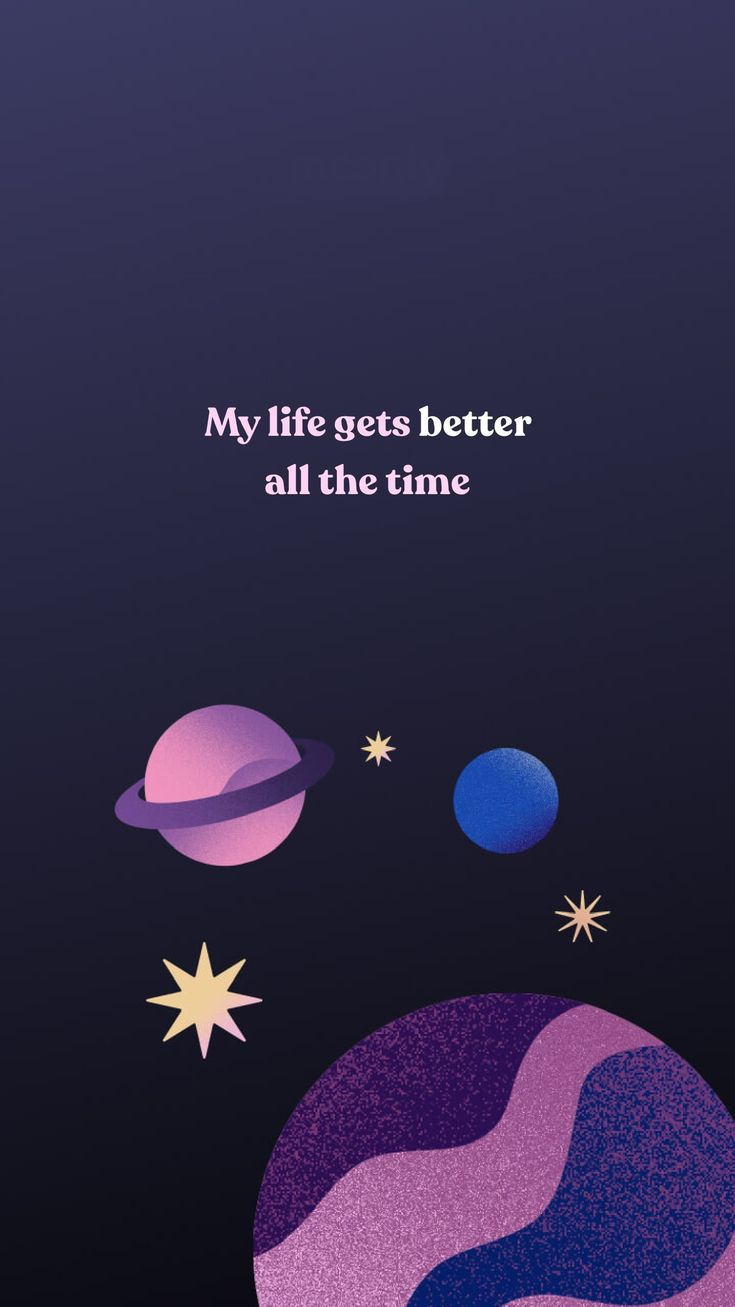 My Life Gets Better All the Time
-
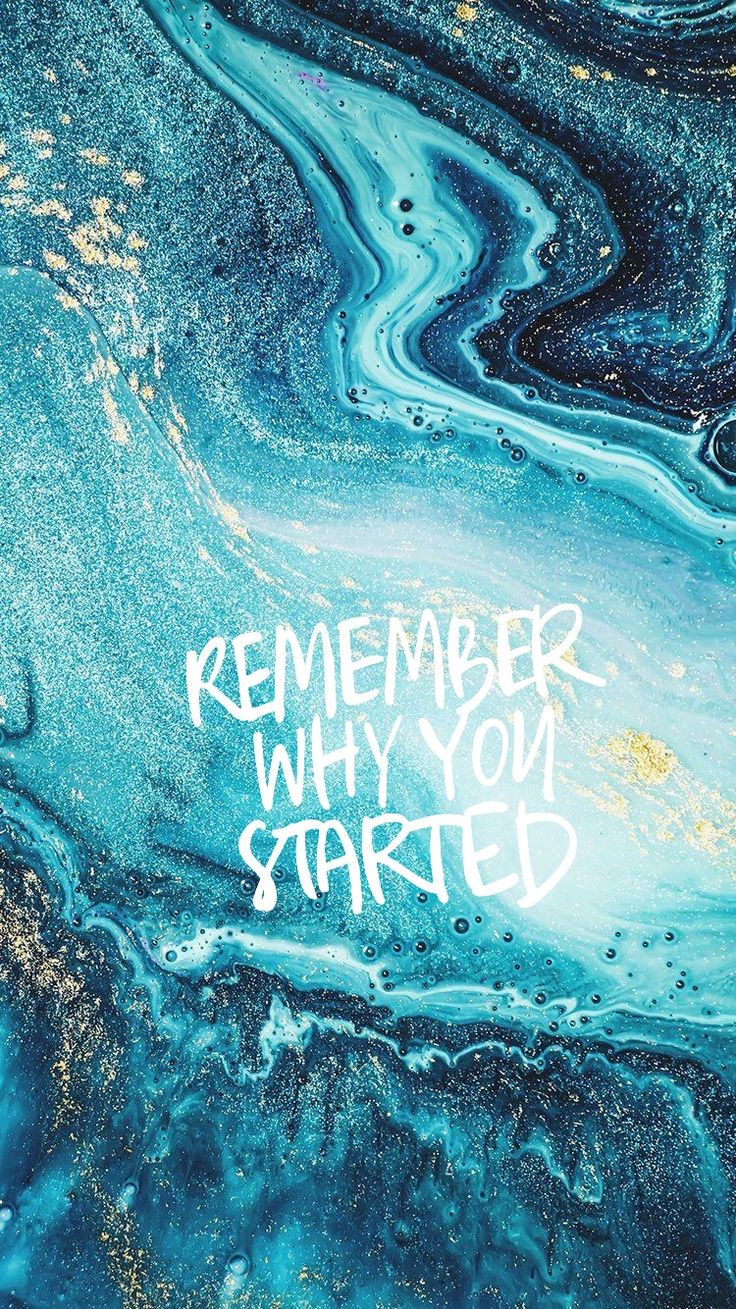 Remember Why You Started Marble
-
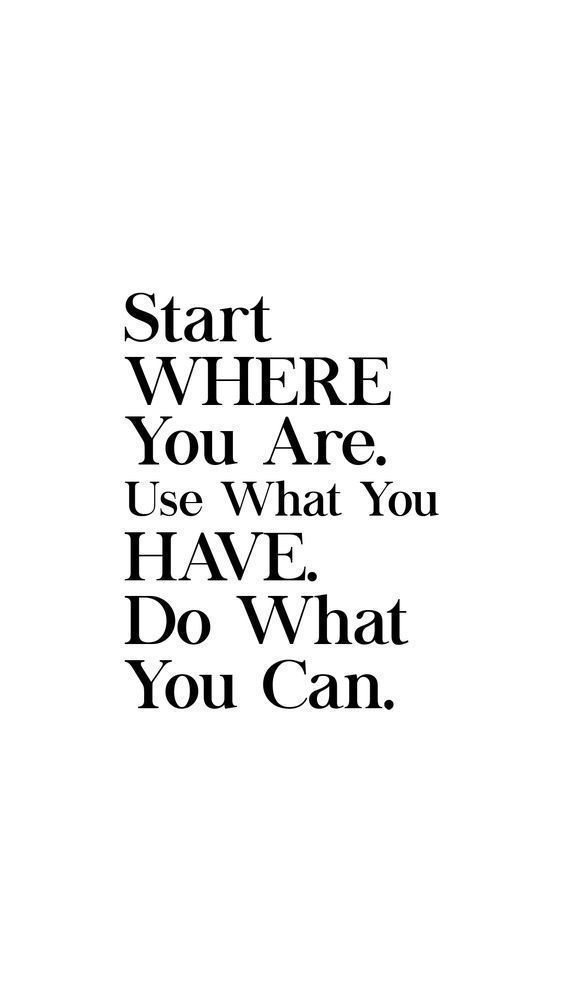 Start Where You Are
-
 Shouting Man Sketch
-
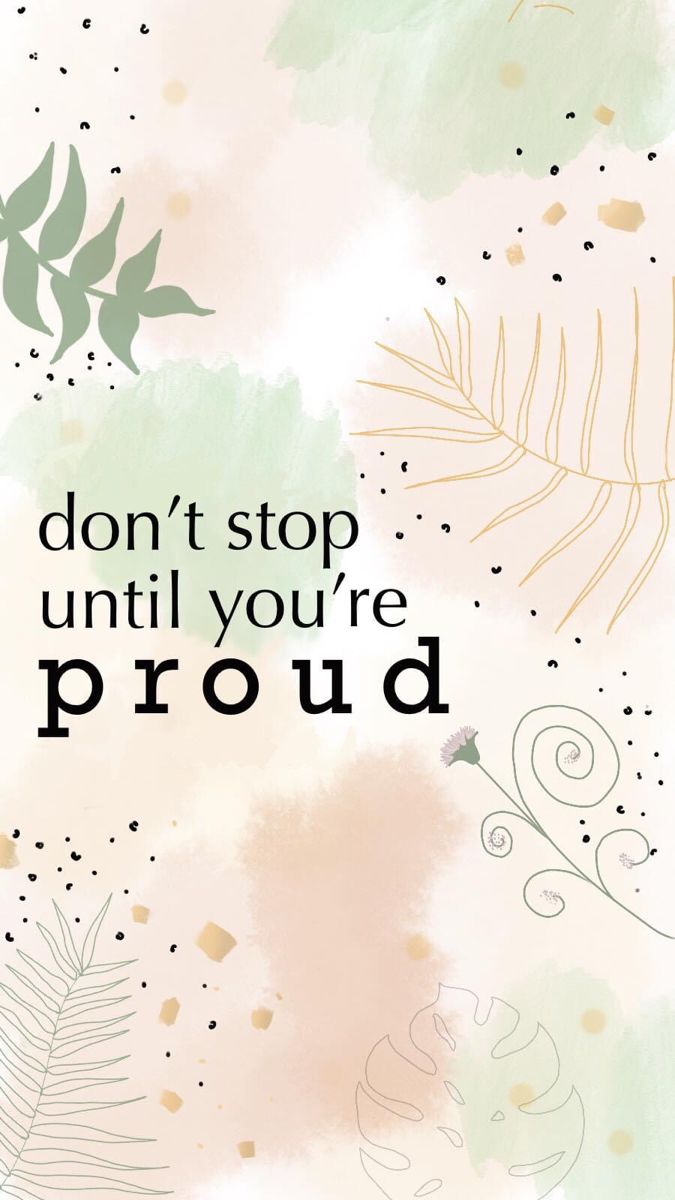 Don't Stop Until You're Proud
-
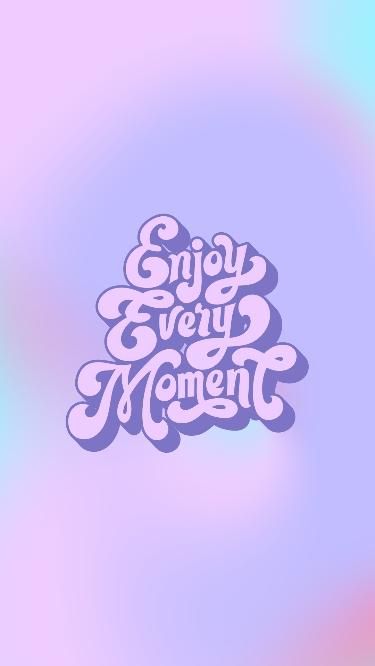 Enjoy Every Moment
-
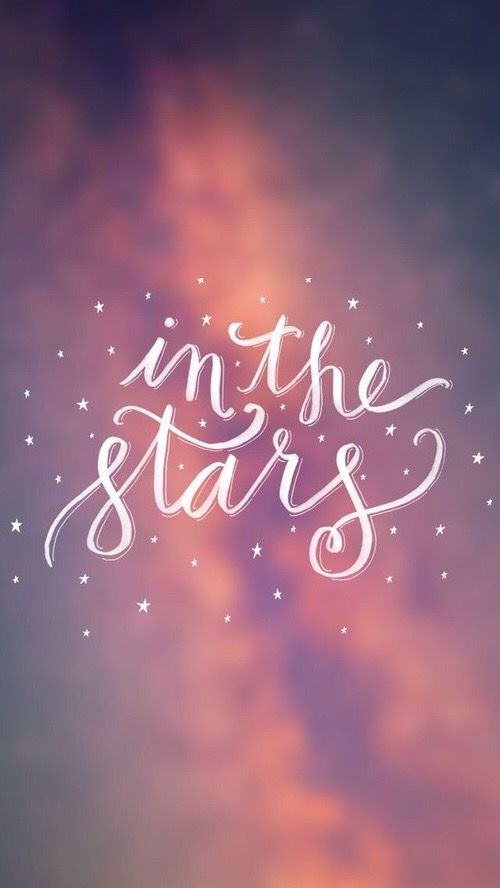 In the Stars
-
 Believe in Your Dreams Watercolour
-
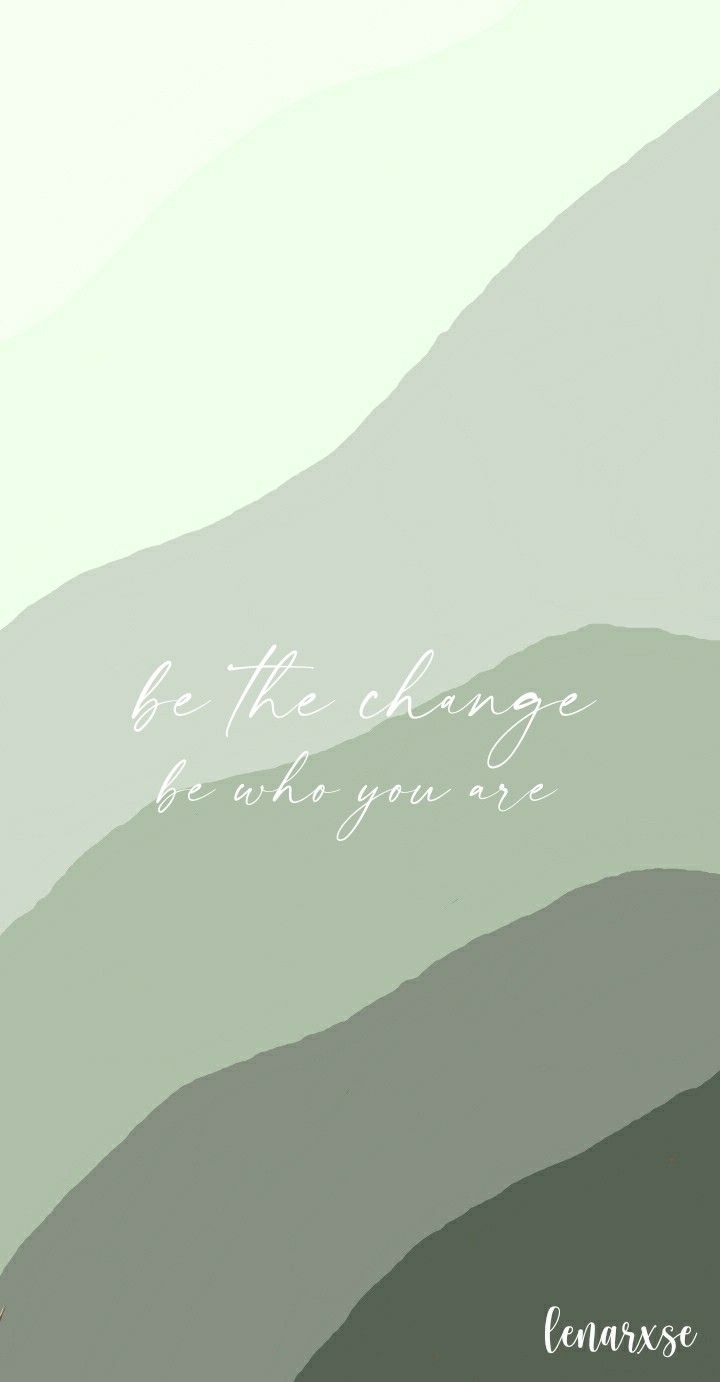 Be the Change
-
 Hanuman Meditating by the Pool
-
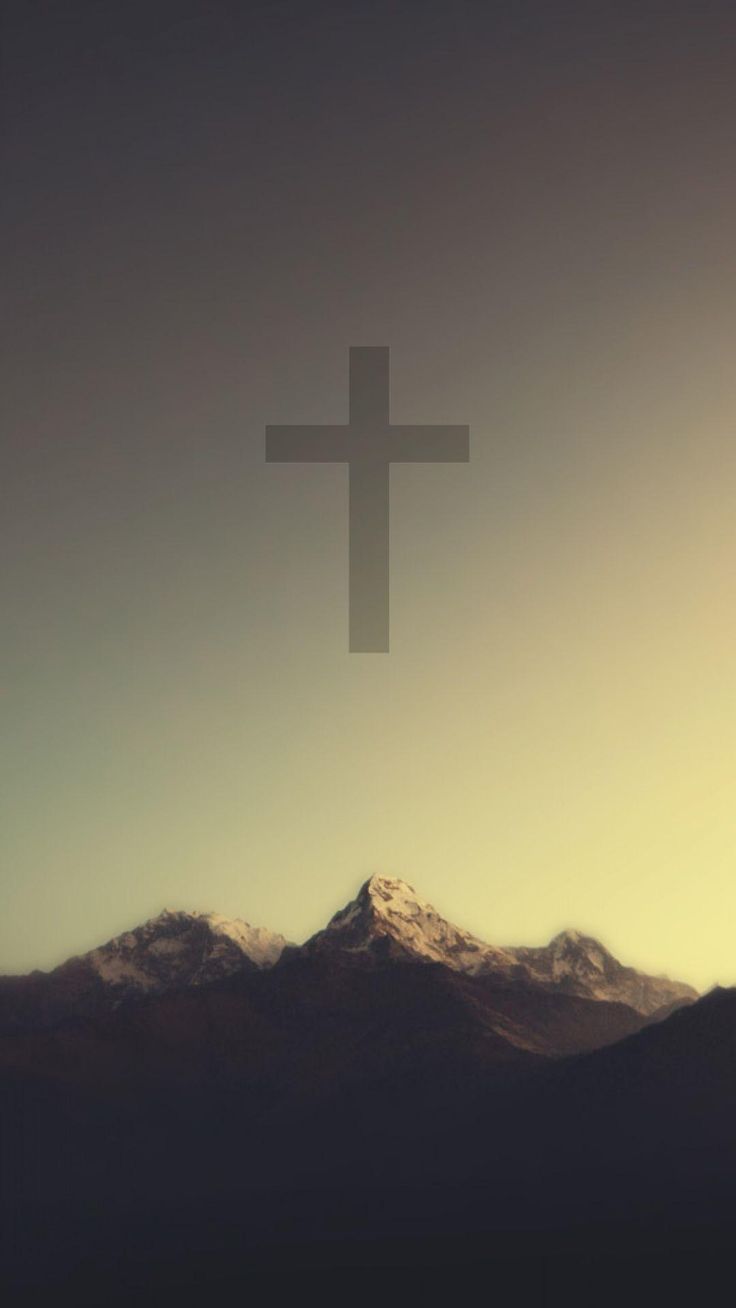 Cross Above the Mountains
-
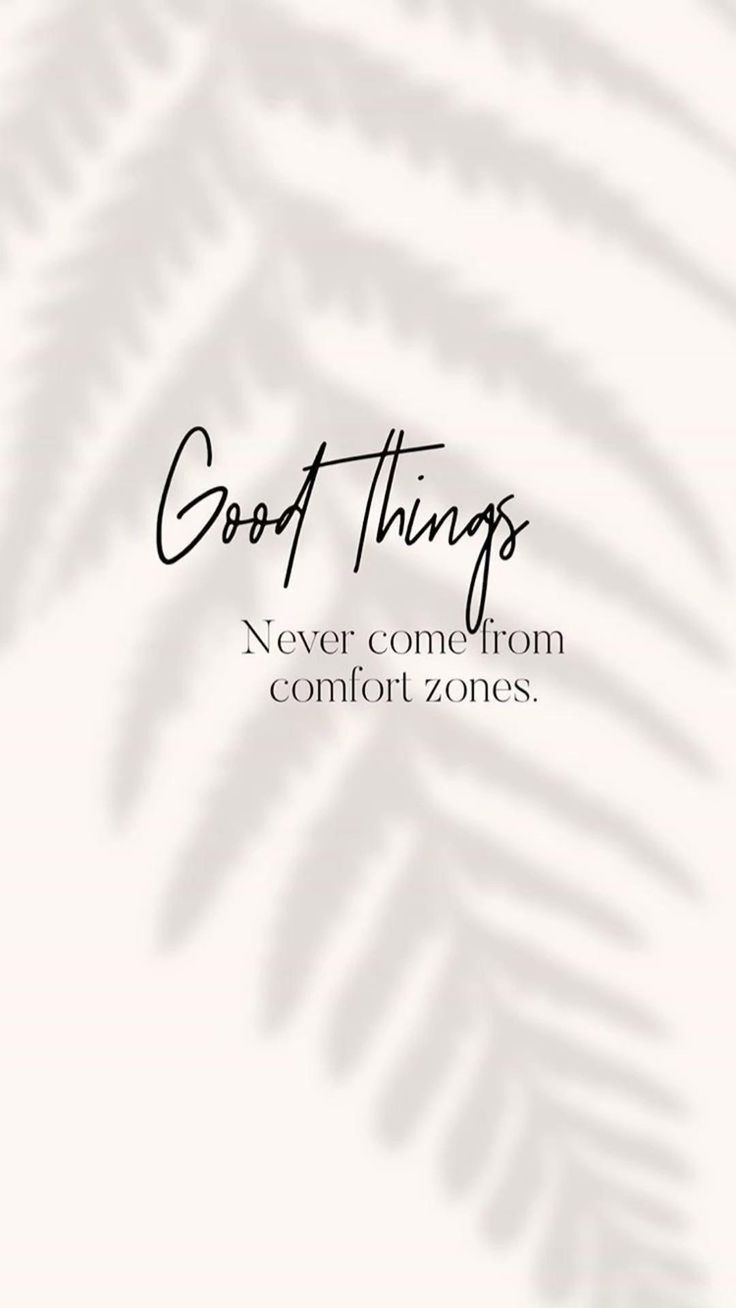 Good Things Never Come from Comfort Zones
-
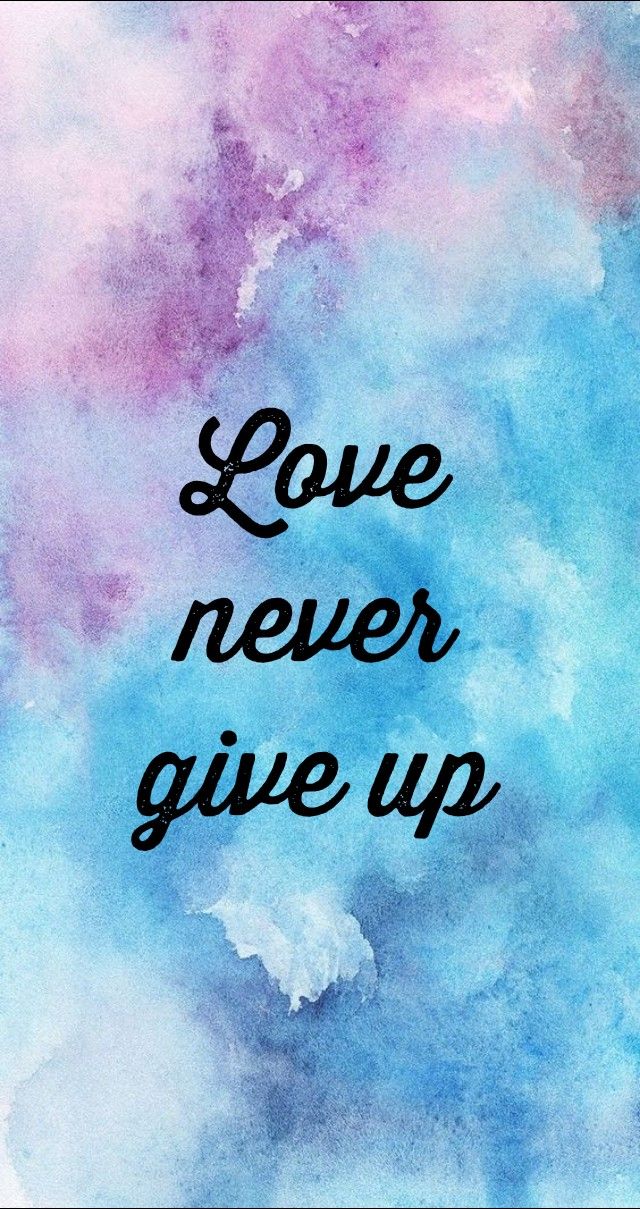 Love Never Give Up
-
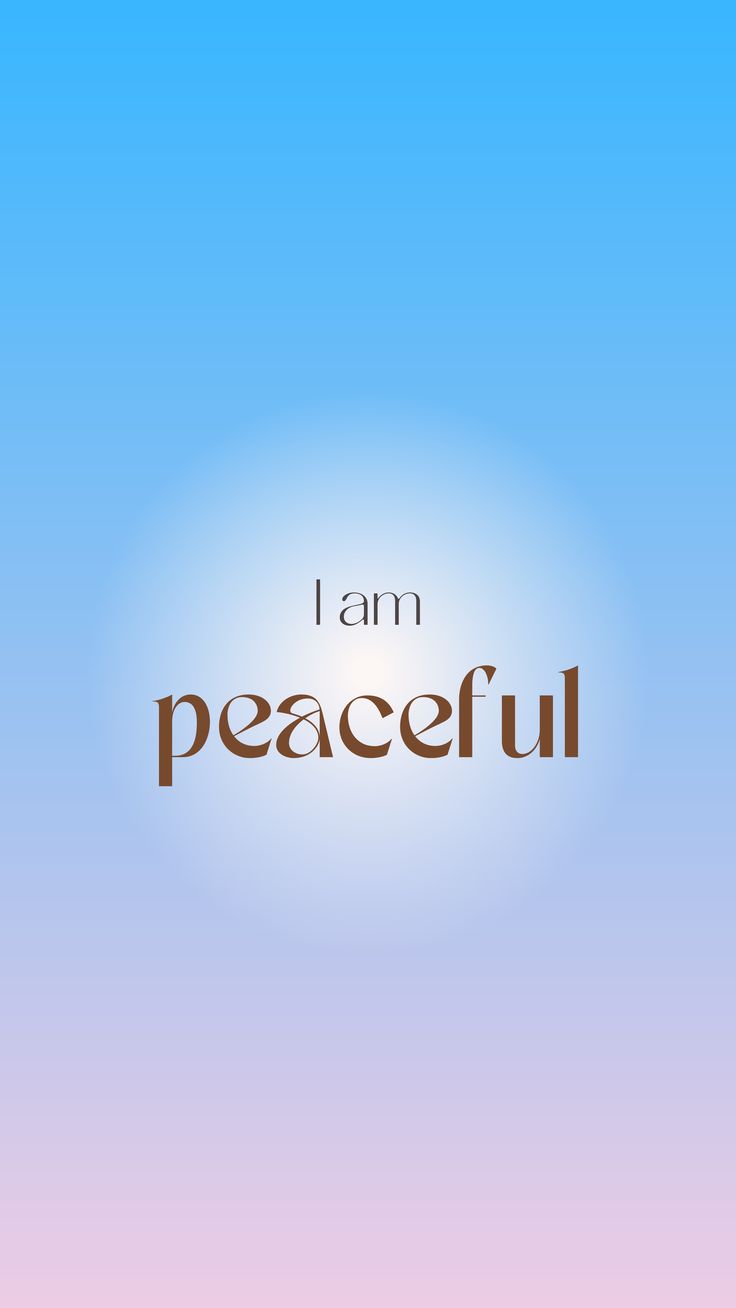 I Am Peaceful
-
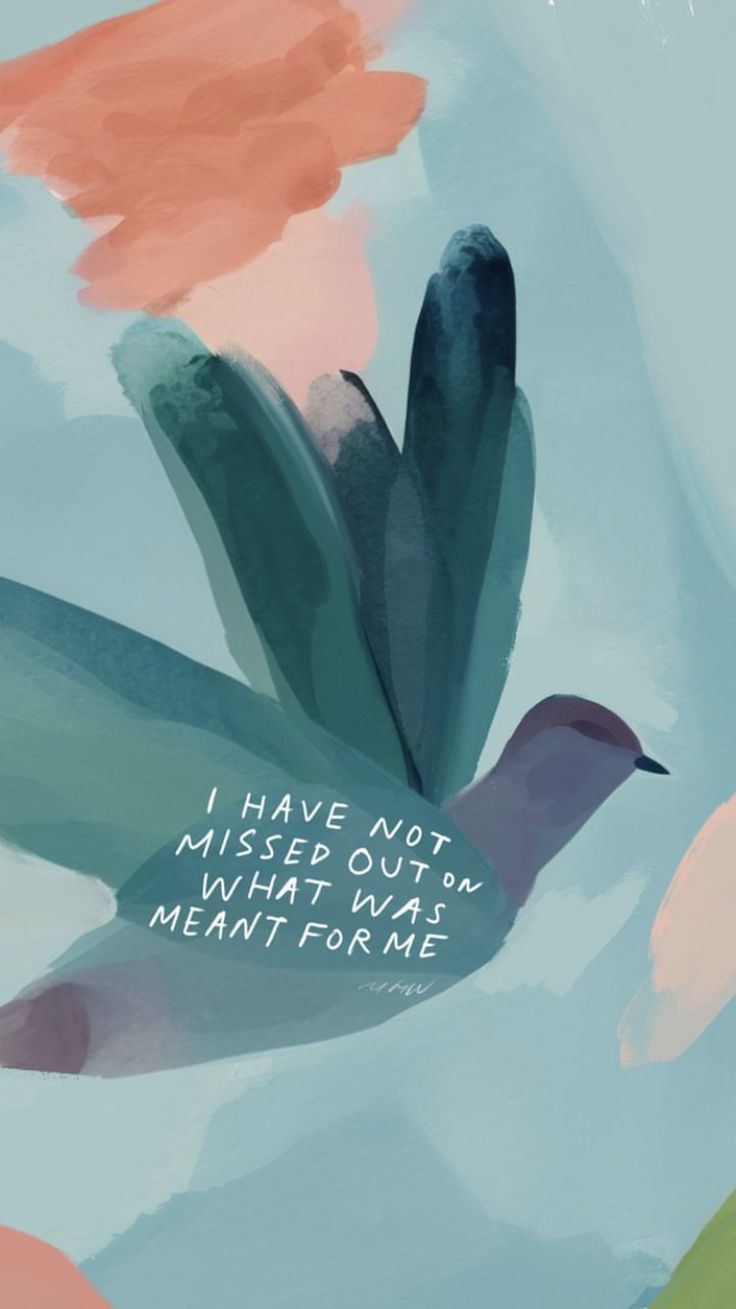 What Was Meant for Me
-
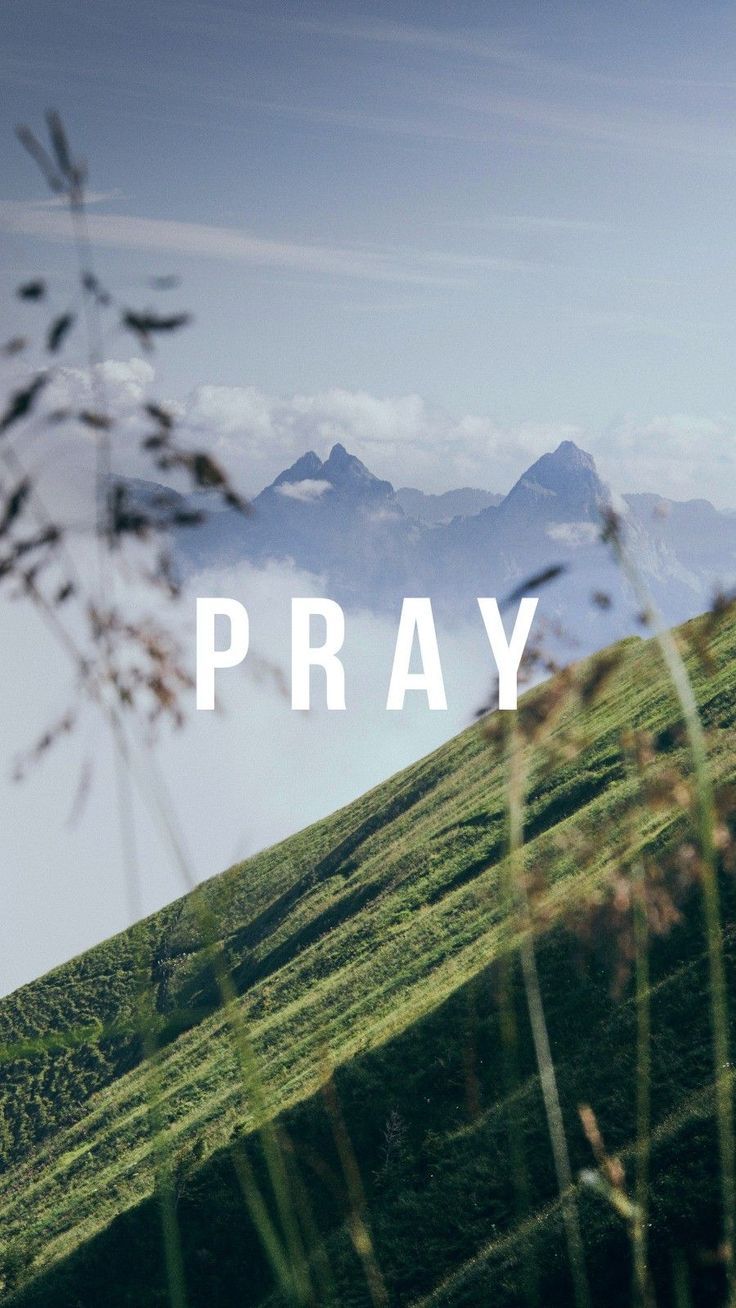 Pray
Pray
-
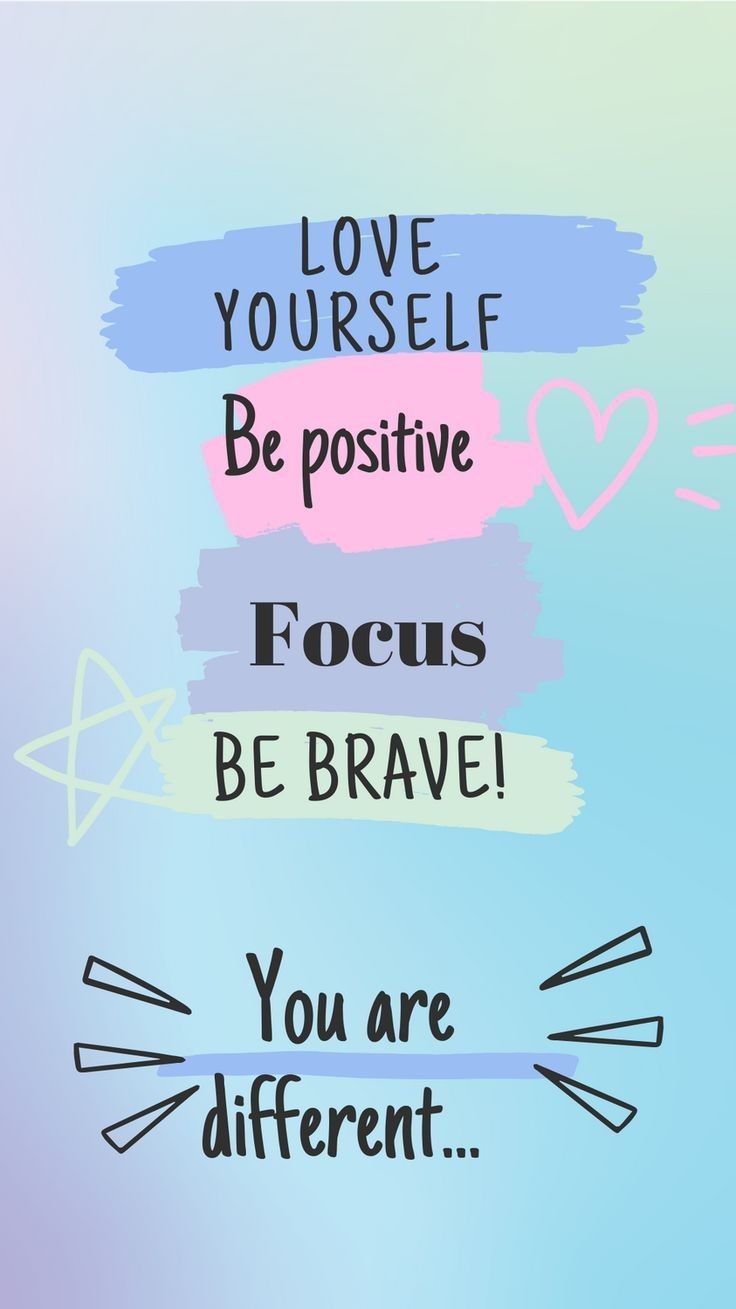 Love Yourself, Be Brave
-
 You Can
-
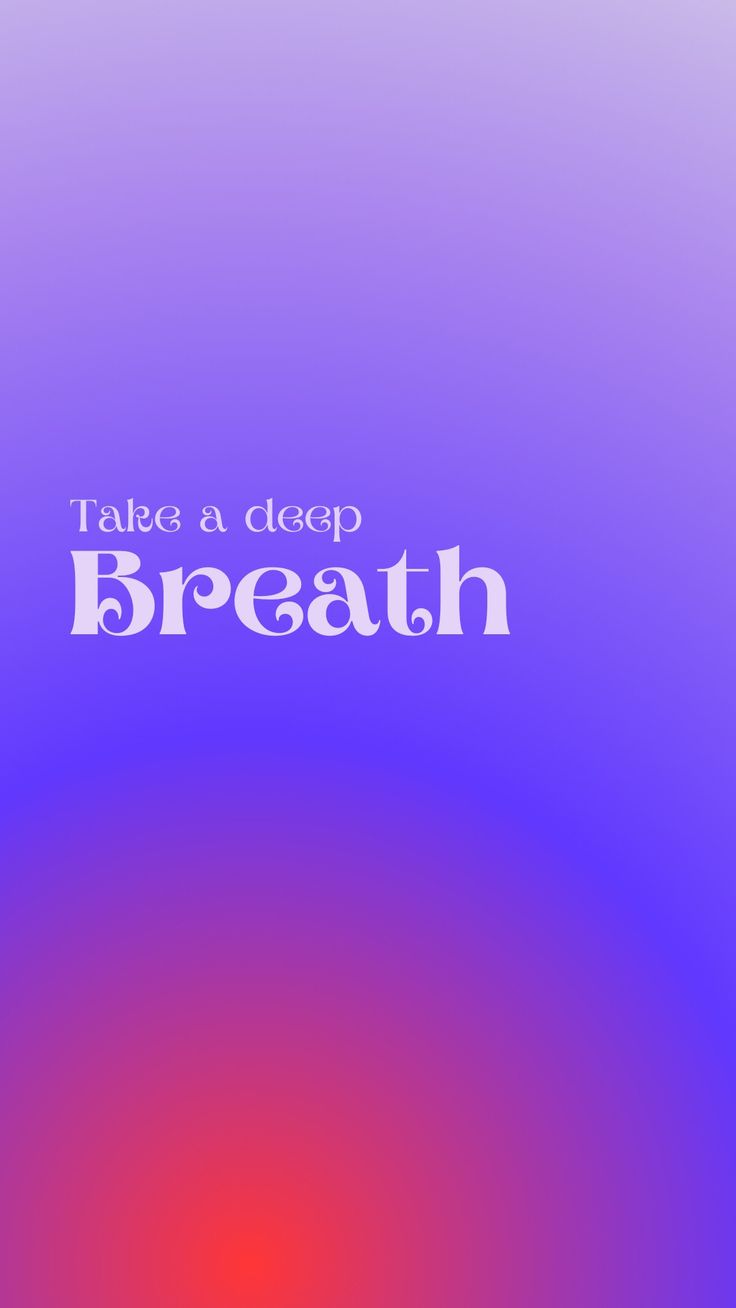 Take a Deep Breath
-
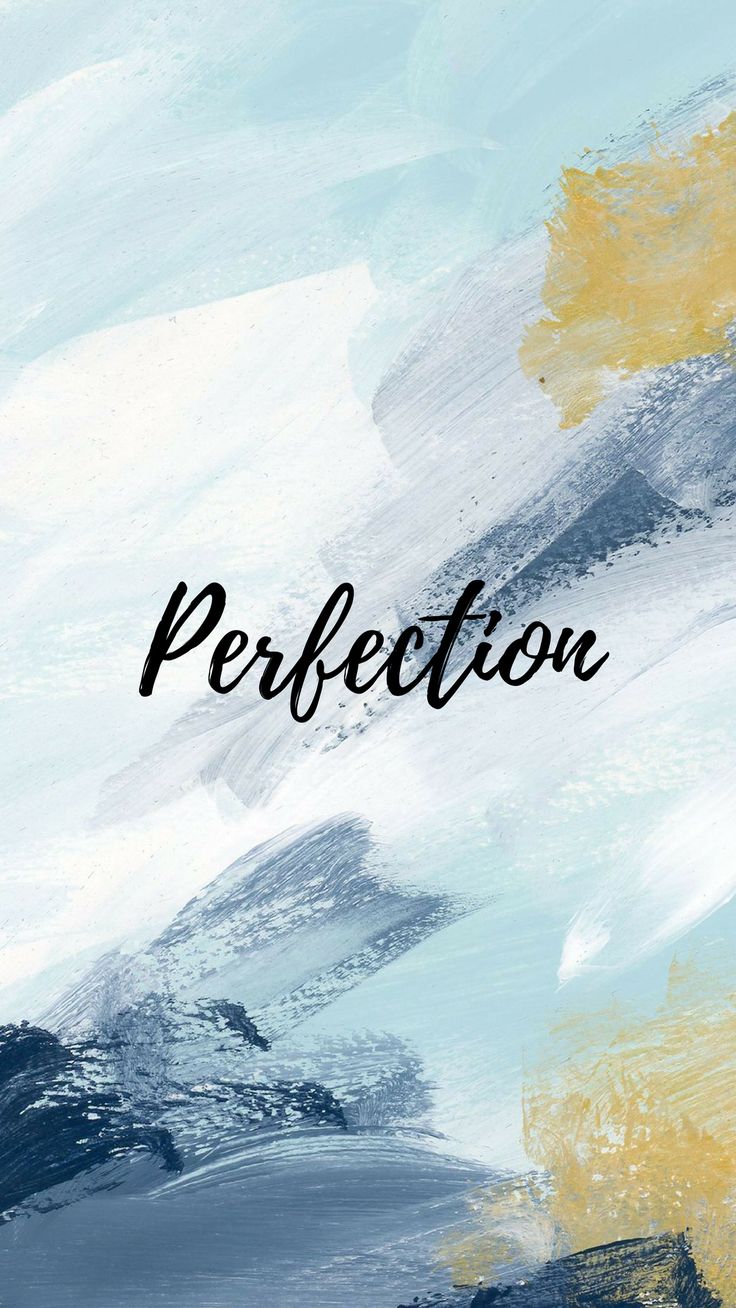 Perfection
-
 Golden Buddha Halo
-
 Prove Them Wrong Babe
What you will find here
A quote wallpaper puts a line you care about where you will see it dozens of times a day. This category has three kinds. There are motivational lines, like “Dream Plan Do”, “Start Where You Are” and “Don’t Stop Until You’re Proud”. There are affirmations written in the first person, like “I Am Enough” and “I Am Strong”. And there are devotional wallpapers from several faiths, including Christian artwork, Lord Hanuman and Lord Ram, and the Kaaba in Mecca.
Making the words readable
A quote only works if you can read it. Some things to check before you set one:
- The clock. On the lock screen, the time sits in the top third. Quotes set in the middle or lower half stay clear of it. If the words are near the top, try the wallpaper on the Home screen instead.
- Icons and widgets. On the Home screen, rows of apps can cover a line of text. The lock screen is usually the better home for a quote.
- The crop. Phones trim the sides of most wallpapers to fit taller screens. Long lines of text near the edges can lose a letter or two. When framing, zoom out as far as your phone allows and check both ends of the line.
- Sharpness. Text shows blur more than anything else. If the letters look soft, pick a larger size if one is offered.
Why change them often
The more often you see something, the less you notice it. Many people find a quote wallpaper helps most in its first few weeks, then fades into the background. Swapping it for a new one every month keeps the words fresh. Save a few to your favourites so the next one is ready.
Not sure how to set it once it is downloaded? There is a step-by-step guide for your phone.